Ballot PowerPoint Template is a presentation template with some useful slides for ballot presentations.
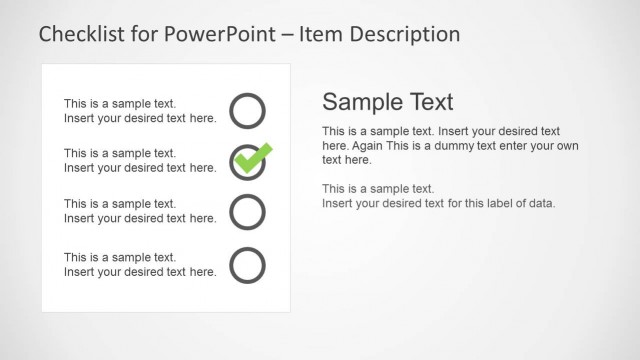
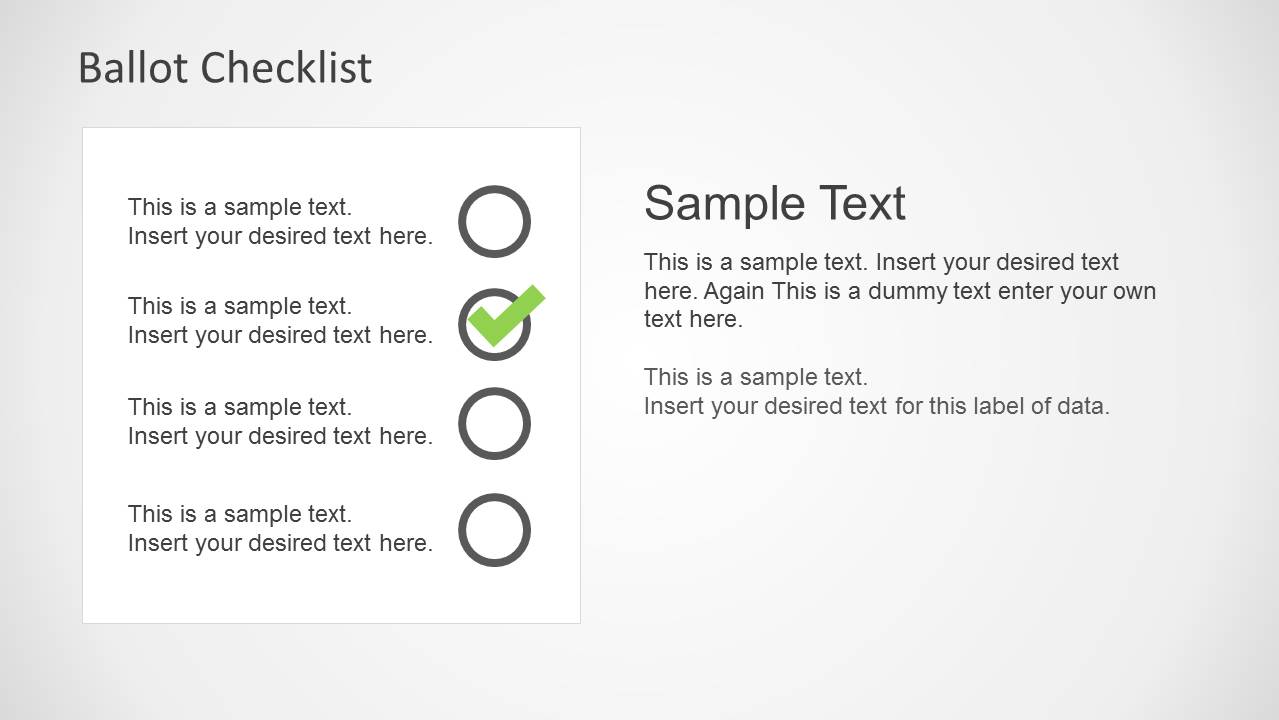
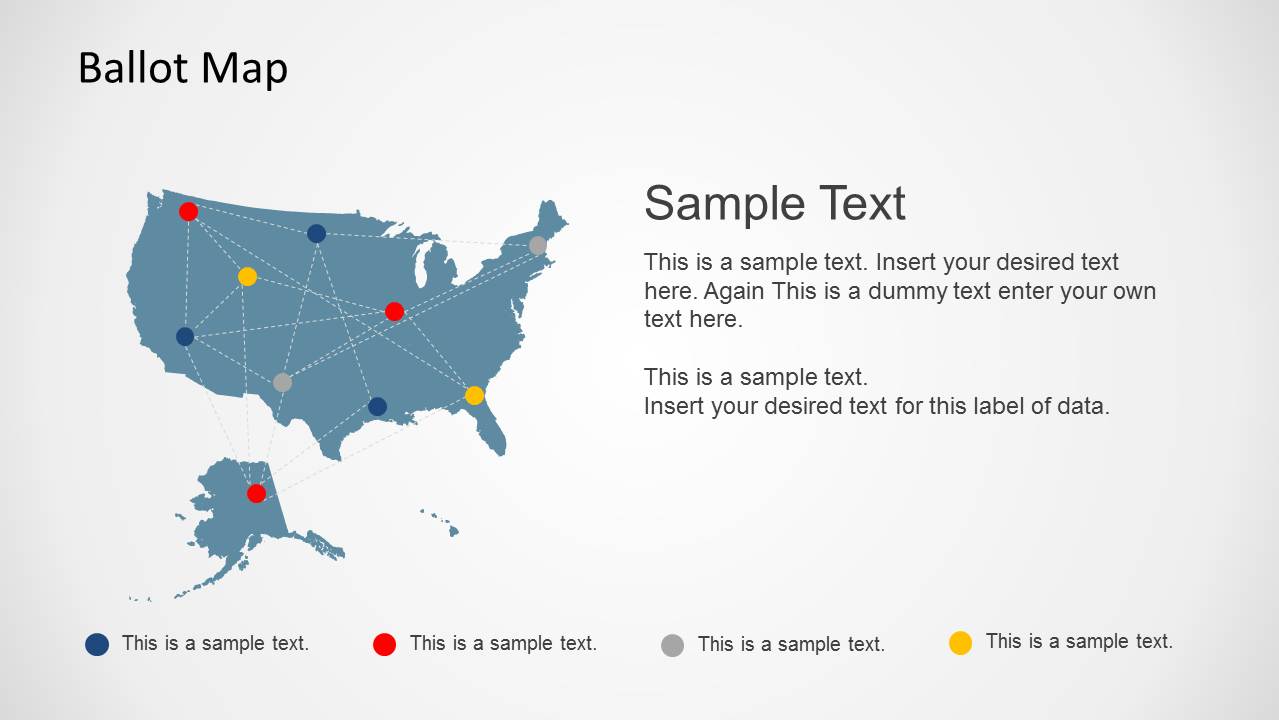
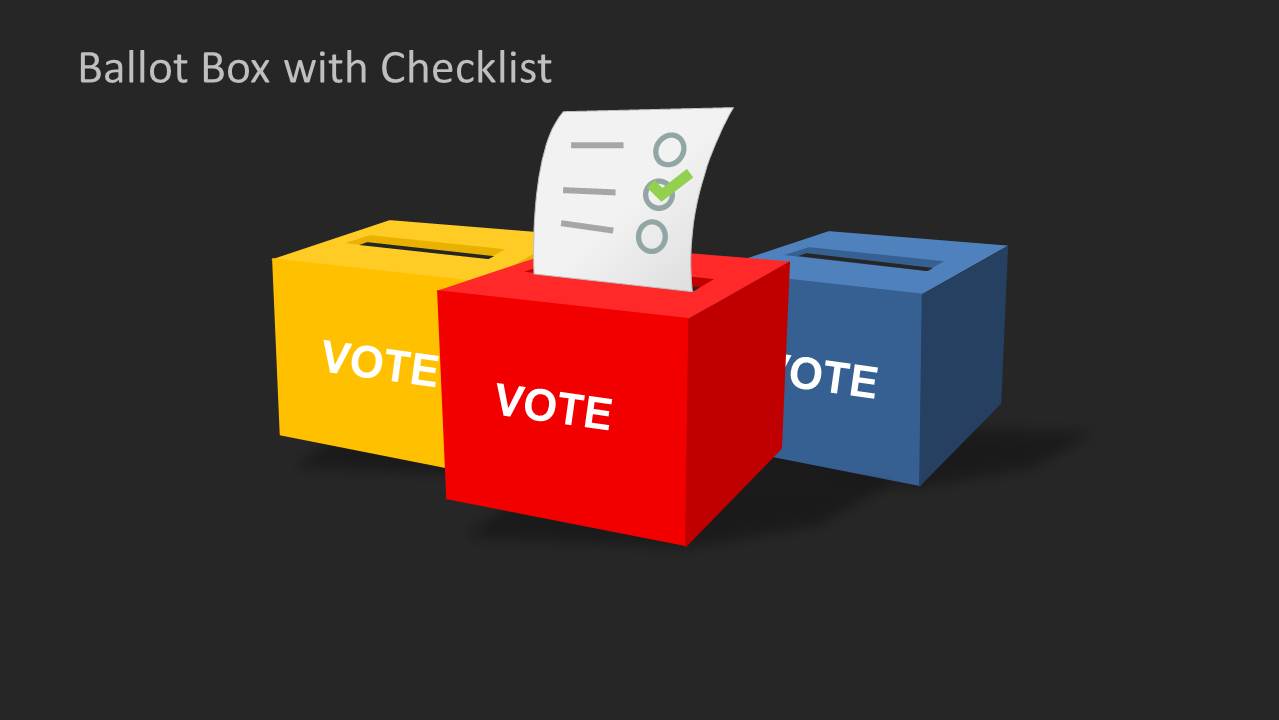
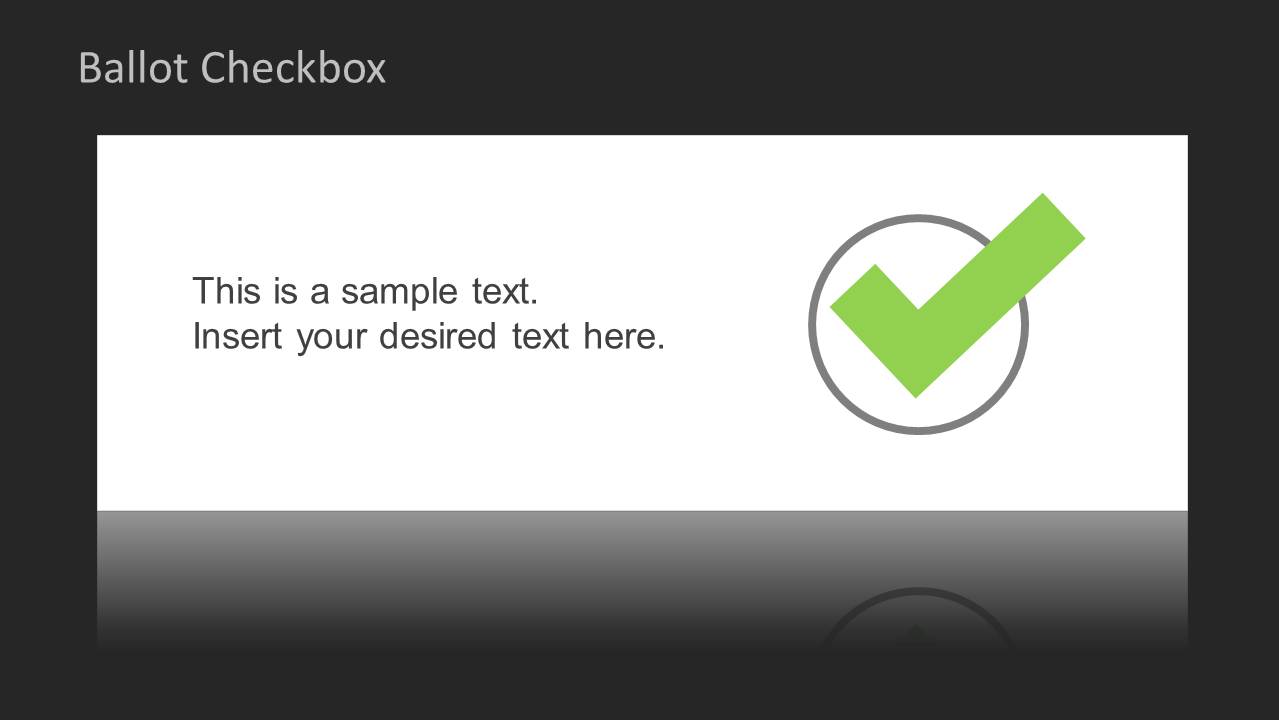
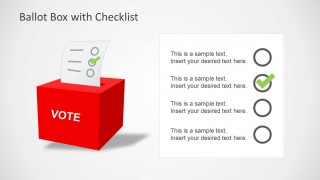
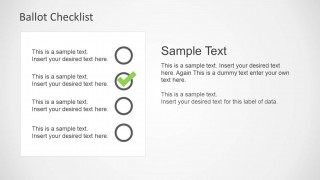
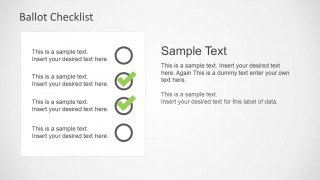
Whether you require making a presentation on elections, voting, civil rights, global politics or other related topics, this template can help you craft appropriate slides with the aid of flexible layouts where virtually each slide element is made editable for the convenience of end users. The slides in this template provide checklists, ballot box images and sample maps, with a white and black background.
To create professional looking slides you can either simply add text to sample layouts or comprehensively edit the given designs by changing the look of slide elements using options from the PowerPoint Ribbon Menu.
Alternatively, you can download other editable presentation templates for PowerPoint & Google Slides, with presentation shapes and diagrams for PowerPoint.
What’s inside this template
Example presentation scenarios
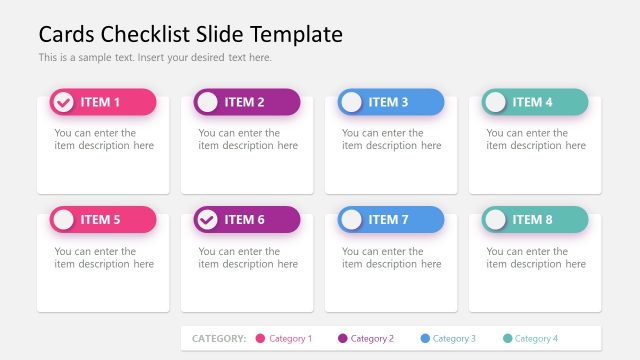
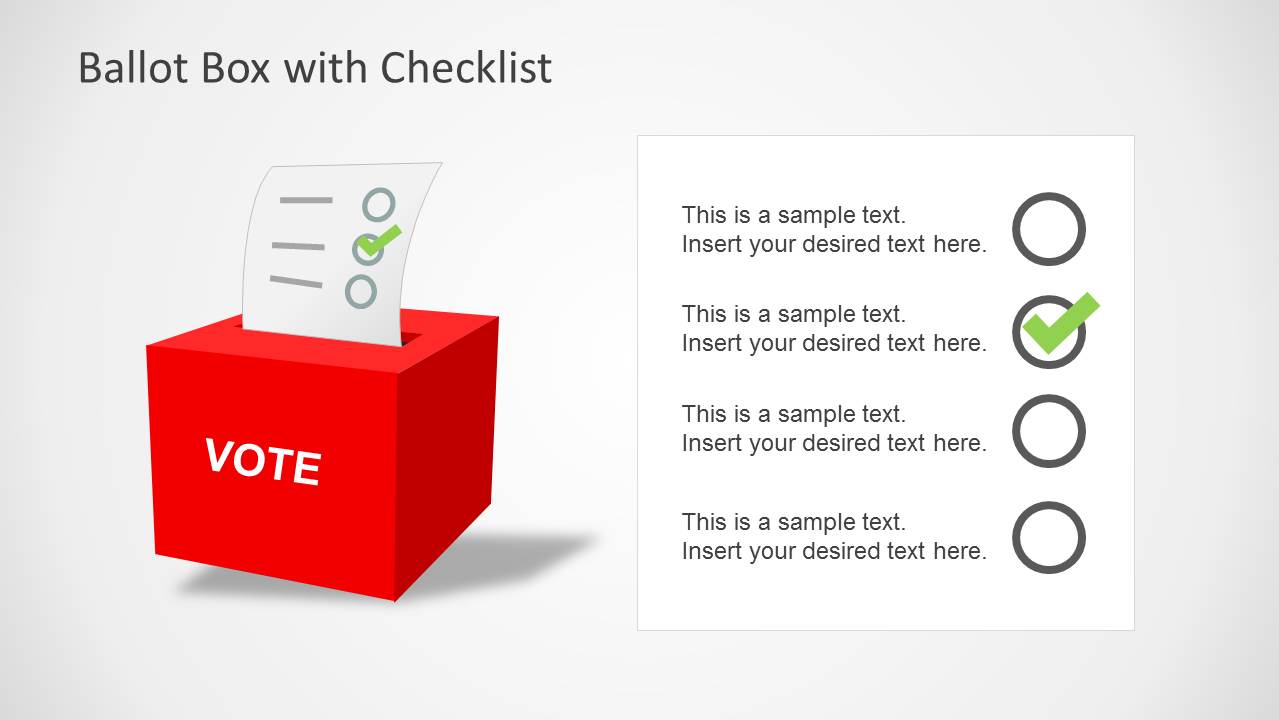
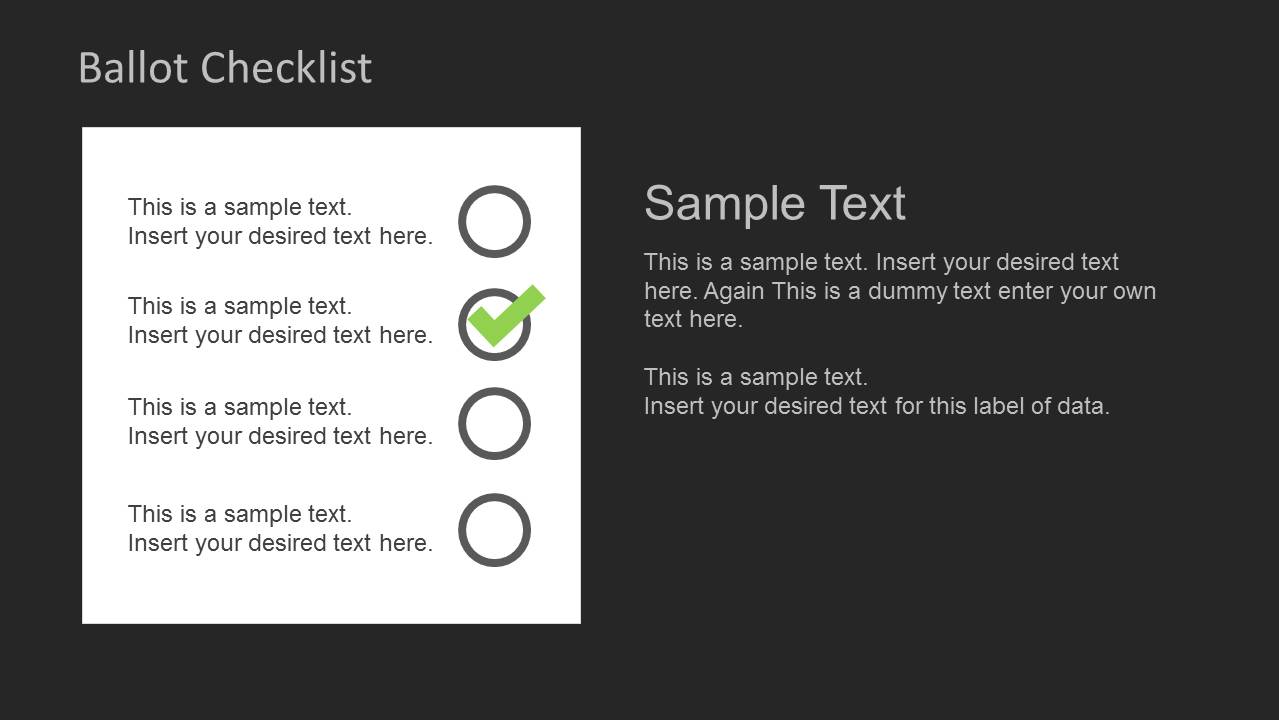
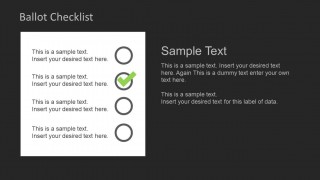
- An election administrator can explain voting steps to staff or the public by using the ballot checklist slides to show completed and pending actions.
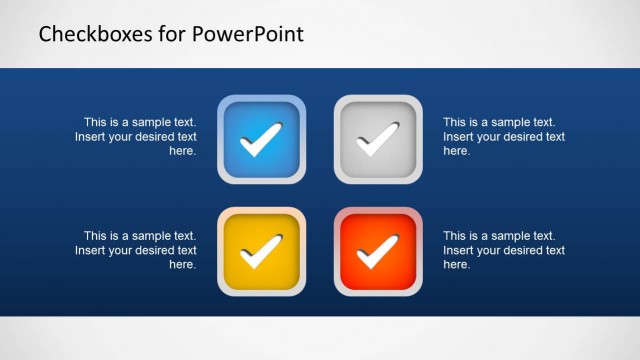
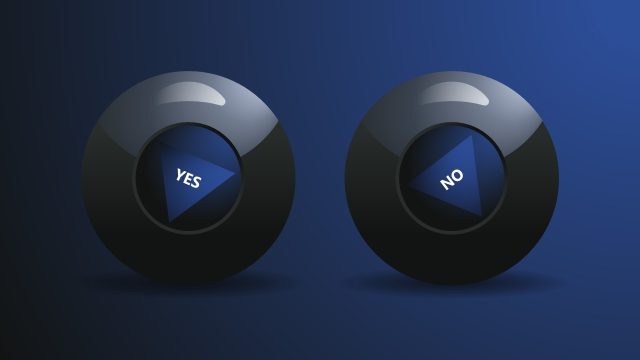
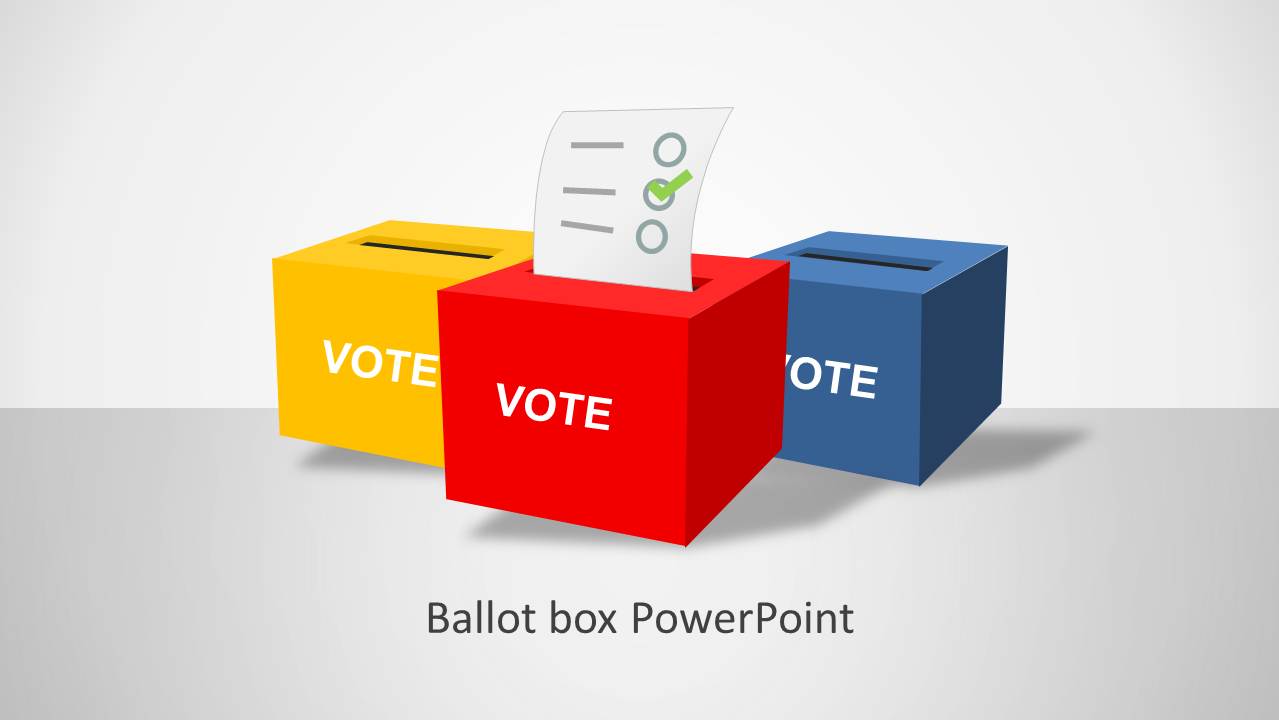
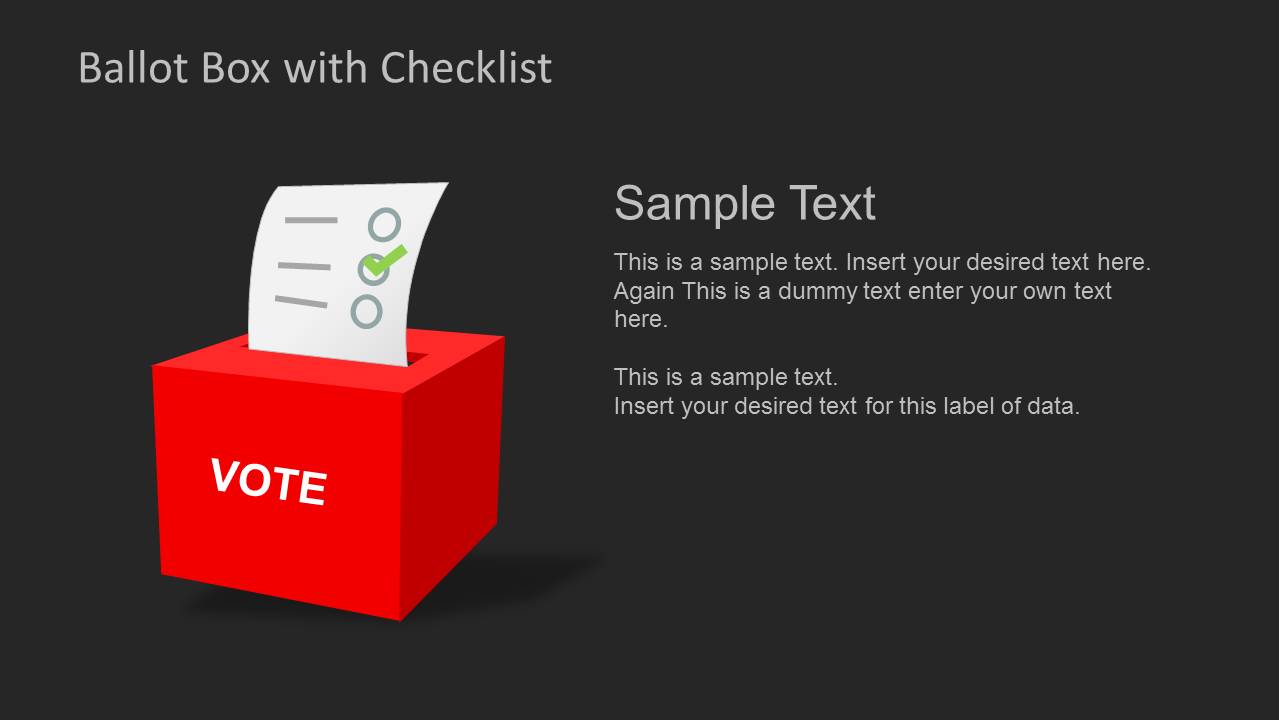
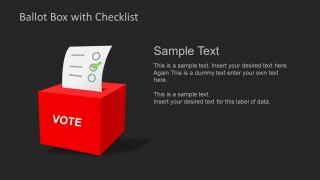
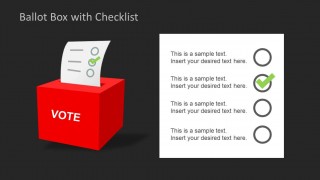
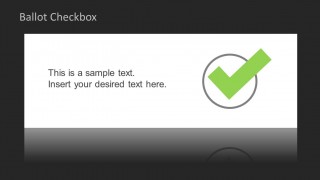
- A civic educator can introduce ballot participation concepts in a classroom session by combining the ballot box cover with the large checkbox slide for key takeaways.
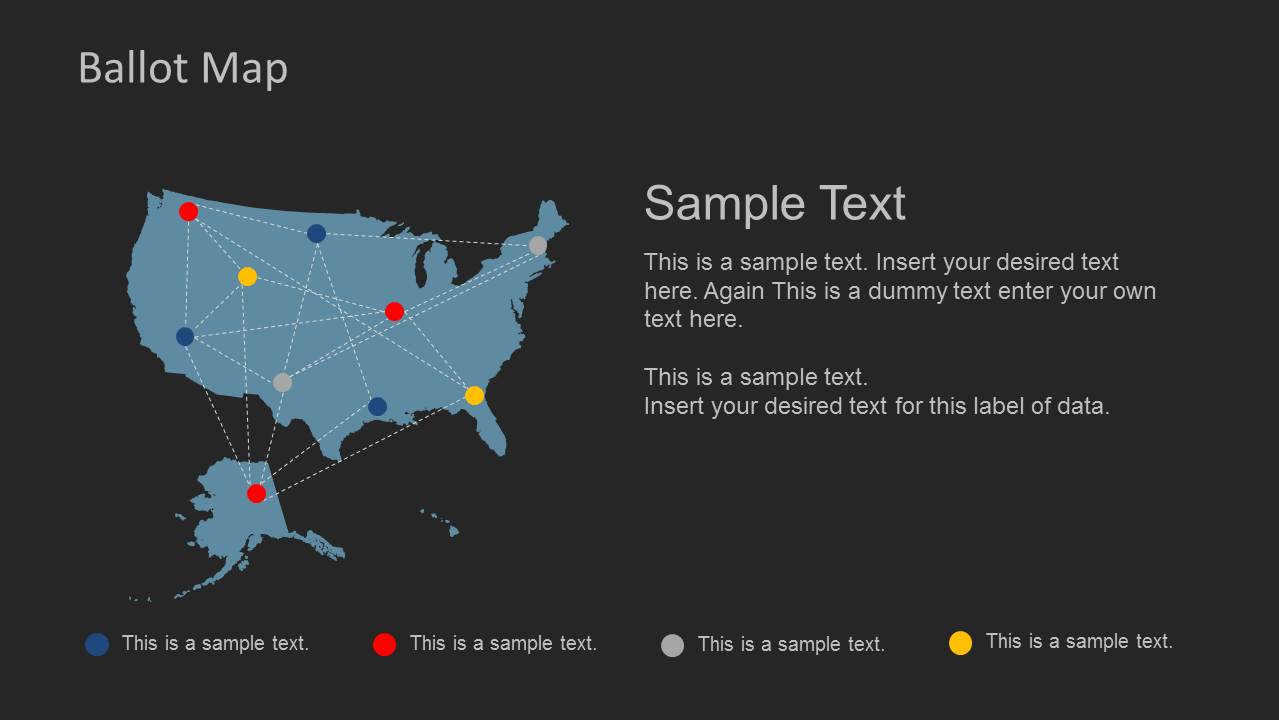
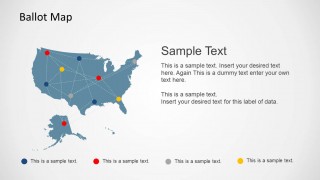
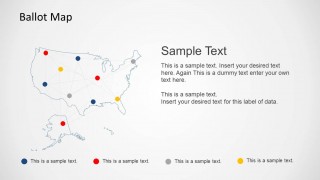
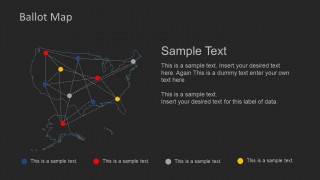
- A public policy analyst can brief stakeholders on geographic election coverage by using the US ballot map layouts with colored pins, connectors, and legend labels.
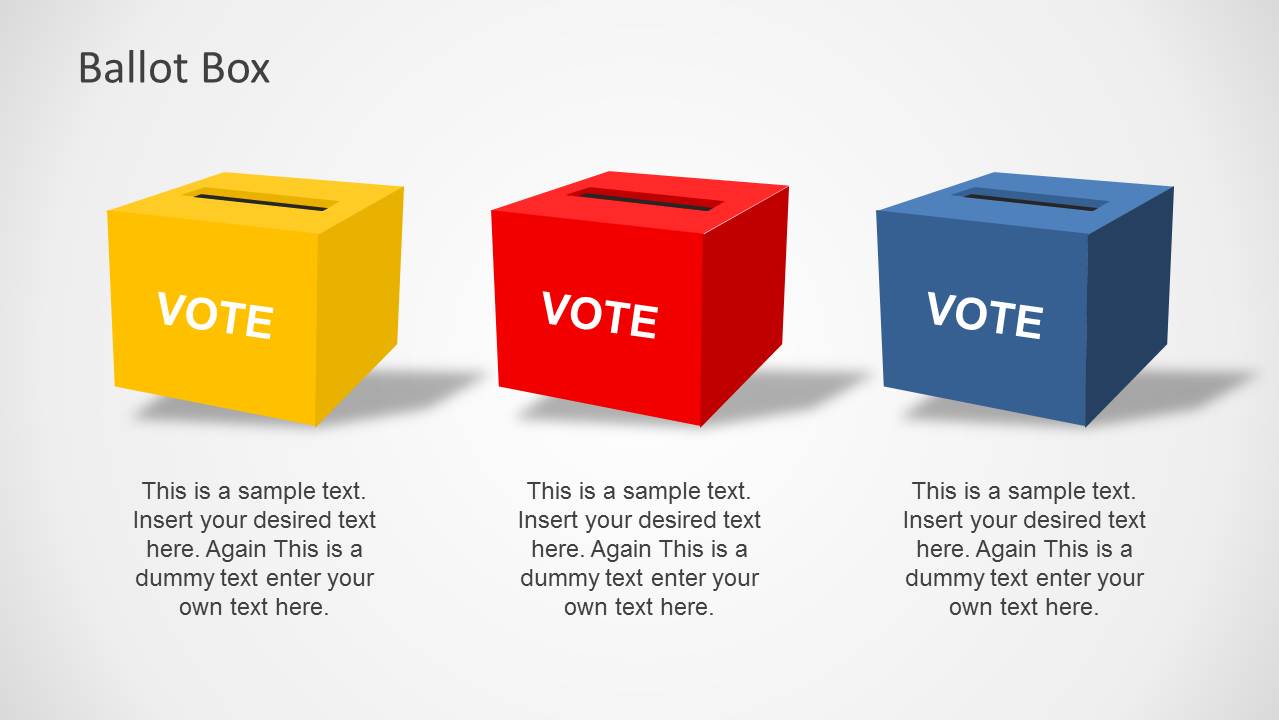
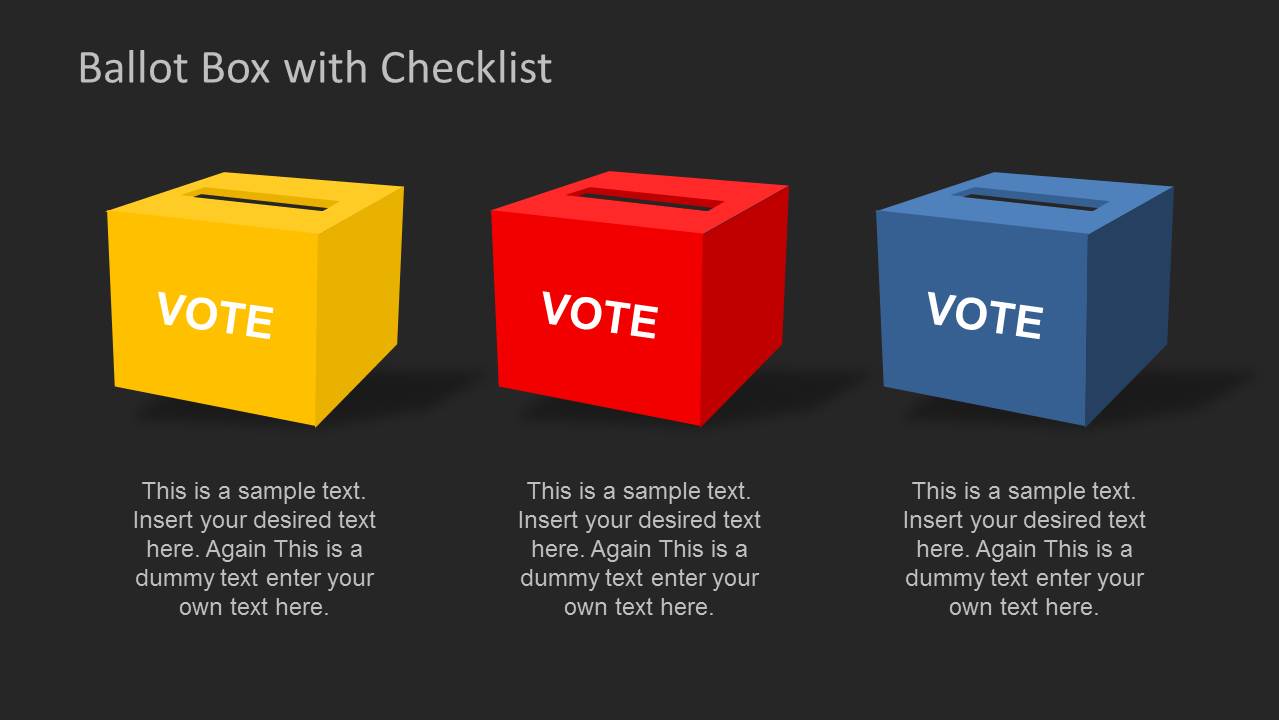
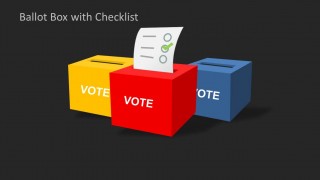
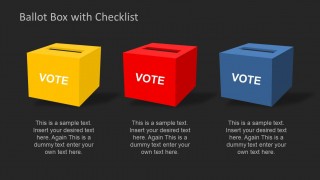
- A campaign communications lead can compare voting options or outreach categories with the three-ballot-box comparison slide and supporting caption areas.
Features
- 100% editable presentation template
- Compatible with Microsoft PowerPoint
- 16:9 aspect ratio slides
- Scalable vector shapes, icons and illustrations
- AI-Ready for Microsoft Copilot and Claude
- Instant access and download
Frequently asked questions
Q: How should a presenter structure an election process message with this template?
A: Start with the ballot box cover to establish the voting topic, then move to checklist slides for the required steps or decisions. Use the three-box comparison when choices must be separated clearly, and reserve the US map slide for geographic scope. This keeps the message organized around action, choice, and location.
Q: Who is this template best suited for in a voting or civic presentation?
A: It fits presenters who need to explain a voting process rather than debate a political position. Election offices, civic education teams, advocacy nonprofits, and campaign operations staff can use the ballot boxes, checklists, and map layouts to make procedural information easy to follow for public or internal audiences.
Q: Why do the ballot box and checklist metaphors help this topic?
A: The ballot box signals civic participation immediately, while check marks translate the message into completed actions or decision points. The repeated visual metaphor reduces explanation time because audiences already understand voting and checklists. The light and dark versions also let the presenter adapt emphasis without changing the core story.





Ballot PowerPoint Template
17-slide ballot presentation template with voting boxes, checklists, and US election map layouts
Ballot PowerPoint Template is a 17-slide presentation template for election, voting, and civic process topics. It includes ballot box illustrations, checklist slides, checkbox layouts, and US ballot map designs in light and dark versions. The deck is built for Microsoft PowerPoint in 16:9 format.
- Category
- Shapes
- Rating


 Loading...
- Aspect ratio
- 16:9
- Item ID
- 6201-01
 Microsoft PowerPoint
  Microsoft Copilot
  Claude for PowerPoint
 Other formats supported
Subscribe today and get immediate
access to download our PowerPoint templates.