Slide 2 of 17 from Ballot PowerPoint Template
6201-01-ballot-box-2
Ballot Box Slide for Voting Presentation
- Media Layout
- Other
- Context Slide
- 16:9
- 100% Editable
The Ballot Box with Text slide from the Ballot PowerPoint Template offers a clear visual for explaining voting processes within business presentations or civic engagement contexts. Featuring editable shapes and text placeholders alongside a distinctive ballot box graphic, this slide supports effective communication in corporate presentations and pitch deck templates focused on election information.
What’s on This Slide
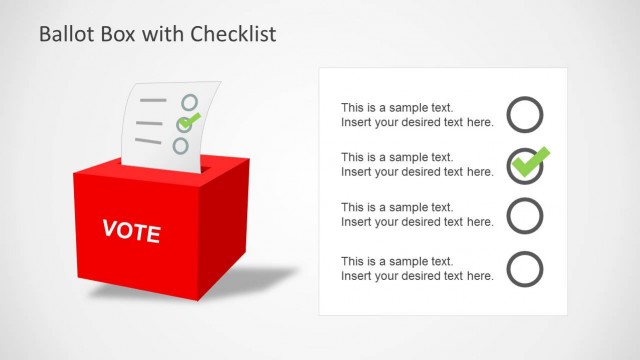
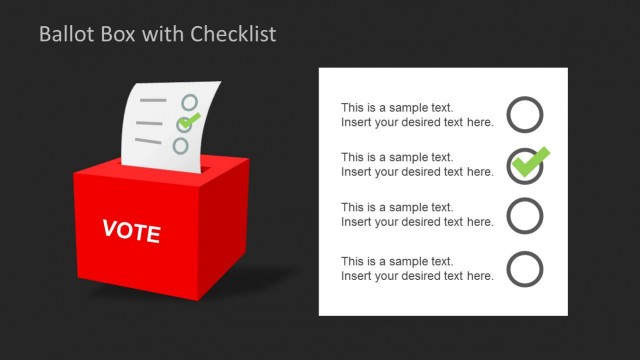
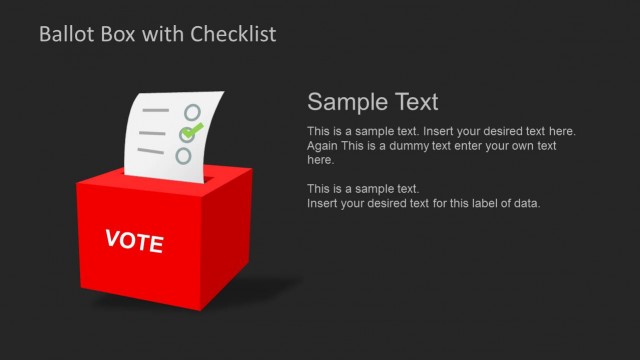
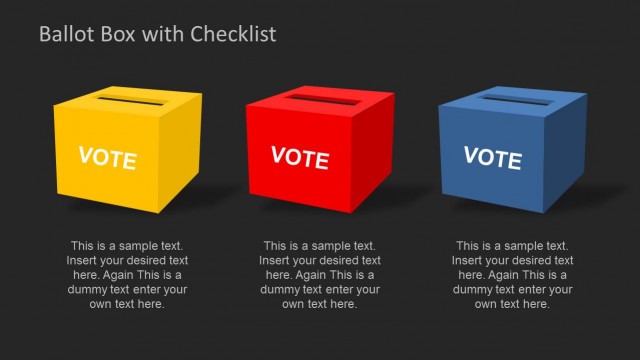
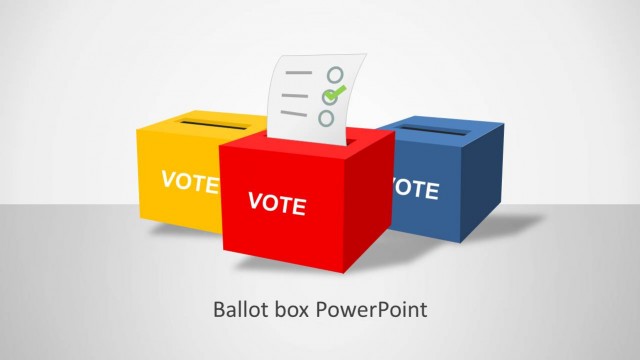
The slide features a prominent red ballot box positioned at the bottom left, with a paper ballot partially inserted. The ballot displays checkboxes and a checkmark icon. To the right, there are three text placeholders aligned vertically, with the first placeholder labeled 'Sample Text' at the top. The overall background is light, enhancing the visibility of the red box. The visual hierarchy emphasizes the ballot box as the main element, while the text placeholders provide space for additional information. The layout is clean and organized.
How to Use It
This layout serves as a visual representation of a voting process, suitable for presentations discussing elections or civic engagement. It fits well after introductory slides that outline voting systems or procedures. This slide can be used to highlight key points or instructions related to voting, making it effective for educational or informational contexts. It is ideal for scenarios where visual emphasis on the ballot box is necessary, such as during discussions on voter participation or election integrity.
Text Placeholders & Capacity
Keep your copy within these limits so it fits without resizing. Body slots can accommodate roughly 15-20 words each.
| Placeholder | Count | Max characters (approx.) |
|---|---|---|
| Slide title | 1 | 20 |
| Body paragraph | 3 | 100 |
Slide Keywords
Download unlimited PowerPoint templates, charts and graphics for your presentations with our annual plan.
DOWNLOADReturn to Ballot PowerPoint Template.