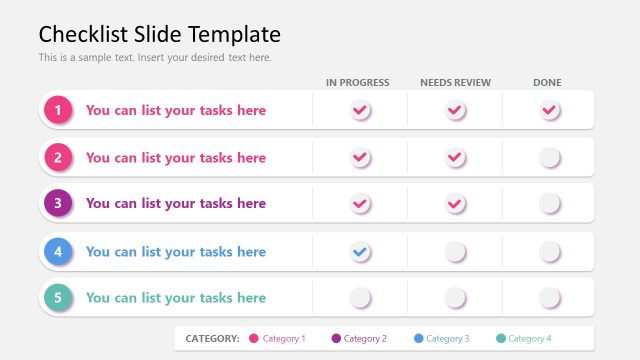
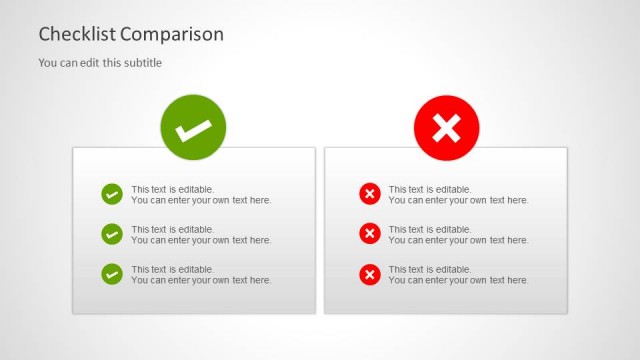
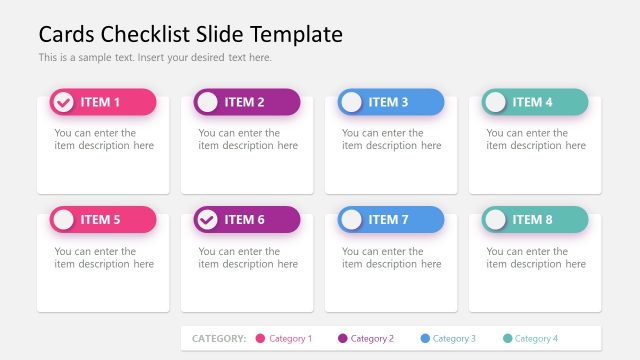
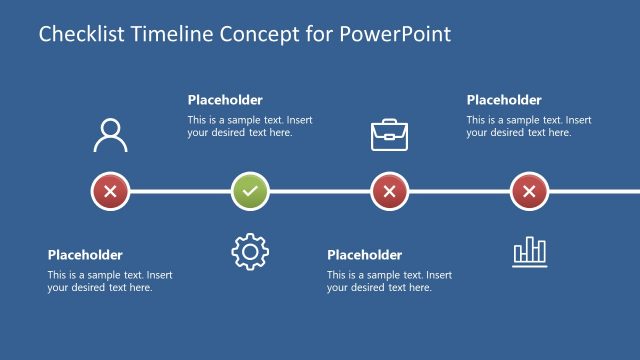
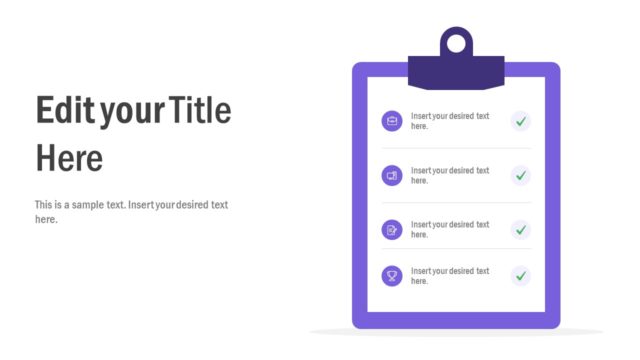
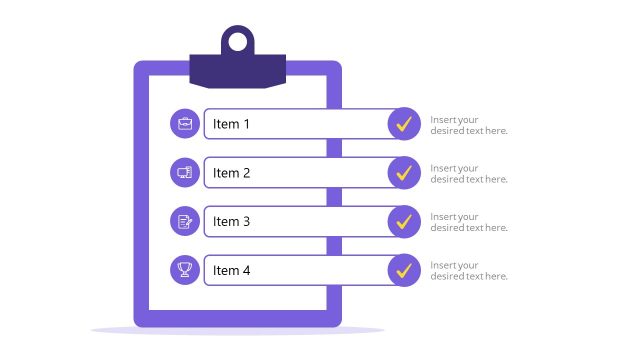
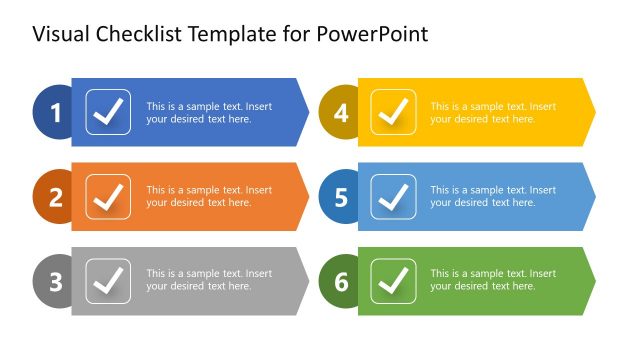
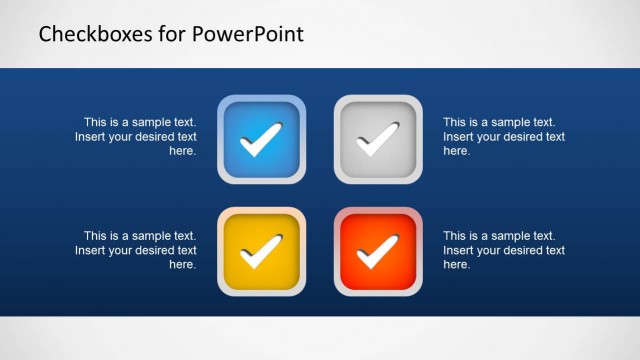
Checklist Layout Design for PowerPoint is a presentation template containing some useful slide designs that you can use to present a checklist in PowerPoint. This simple template for PowerPoint with checklist slide designs and layouts can be useful for presentations on task management as well as other presentations requiring to show an agenda or list items using an alternative design to PowerPoint bullet points.
Alternatively, you can download other checklist templates for PowerPoint and Google Slides.
What’s inside this template
Example presentation scenarios
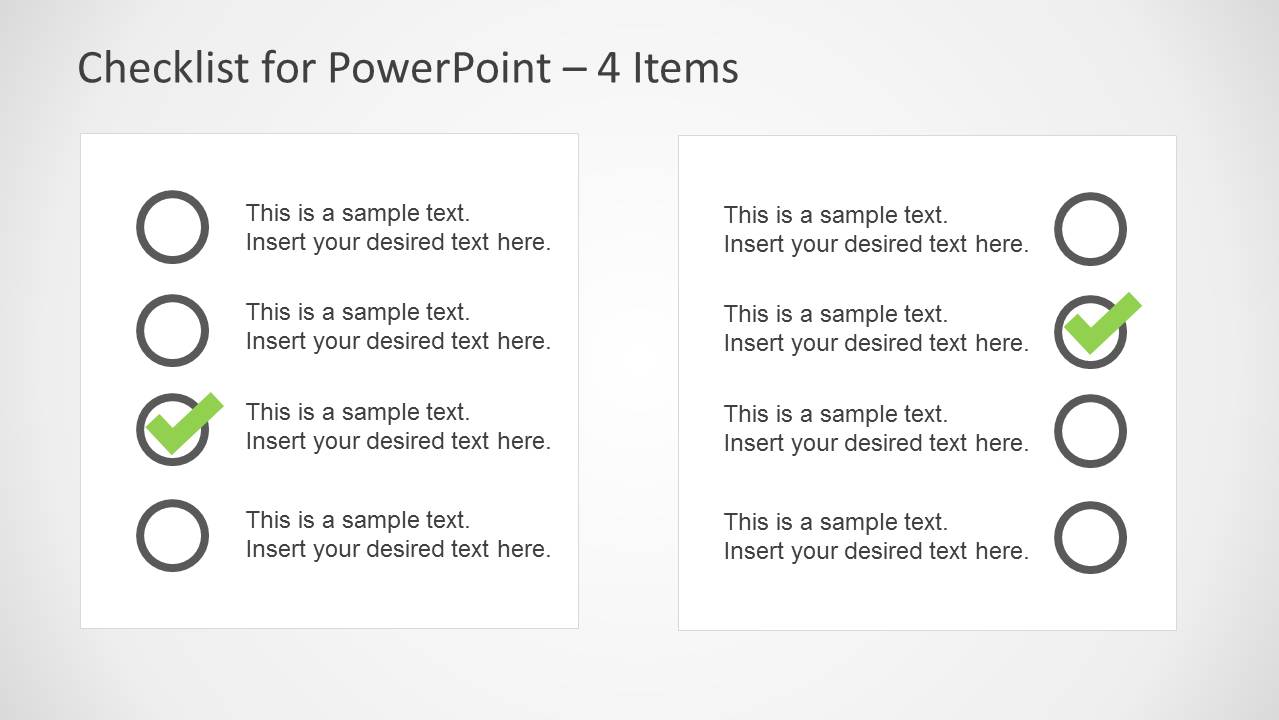
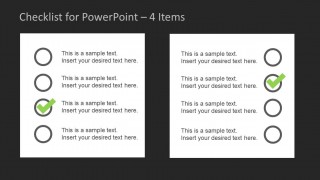
- A project manager can use the four-item checklist cards to compare completed and pending workstreams during a weekly team status meeting.
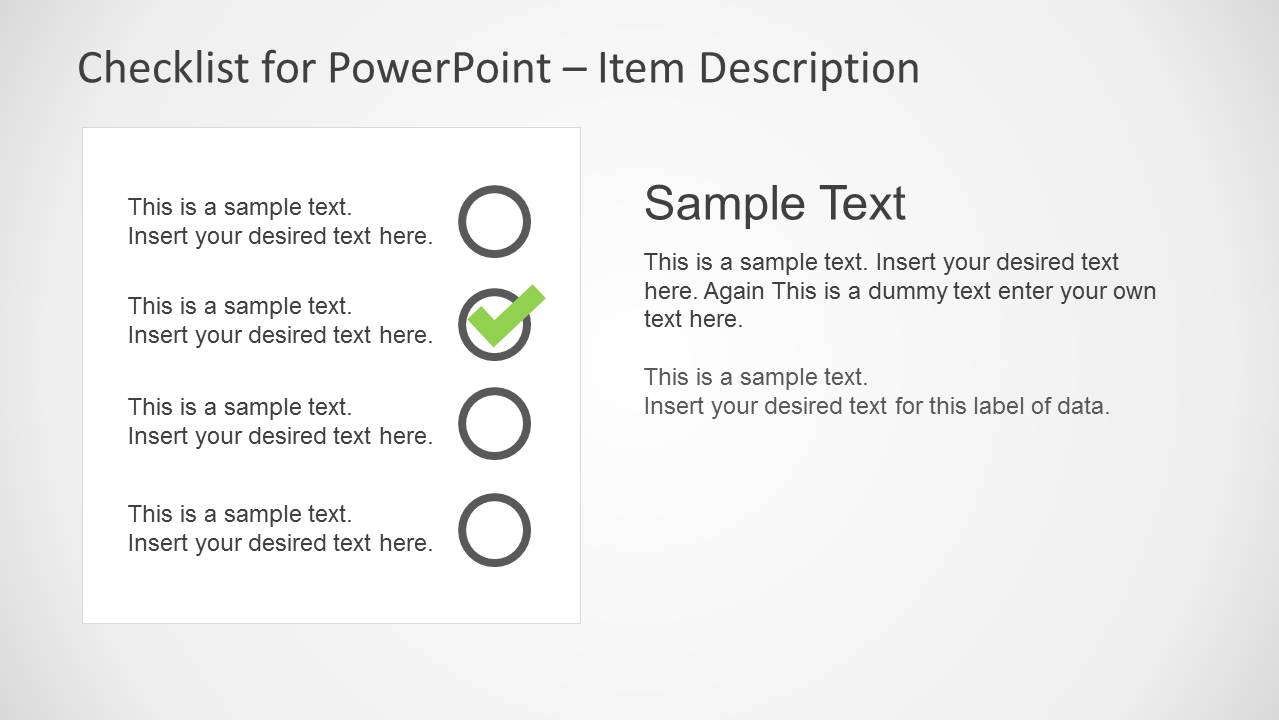
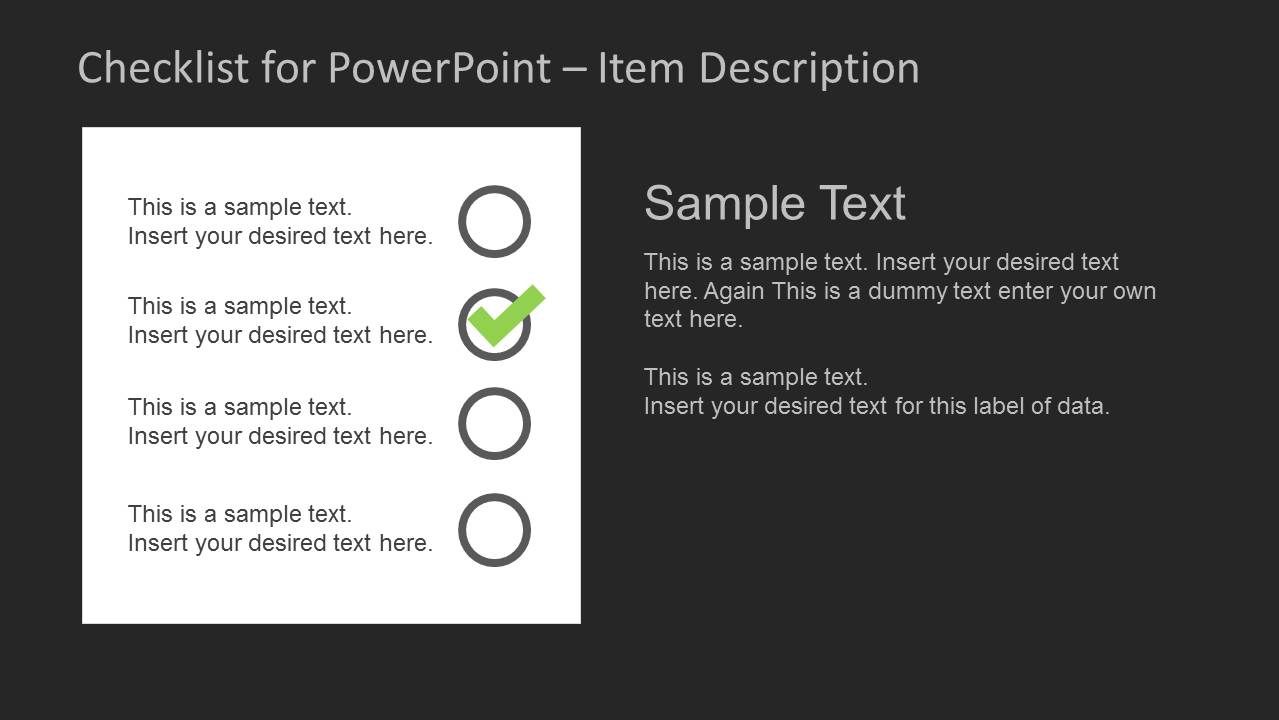
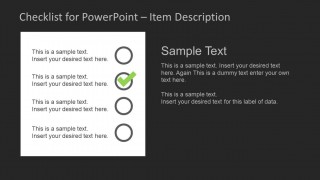
- An operations lead can use the item description checklist to explain each procedure step while marking the current or completed item with the check icon.
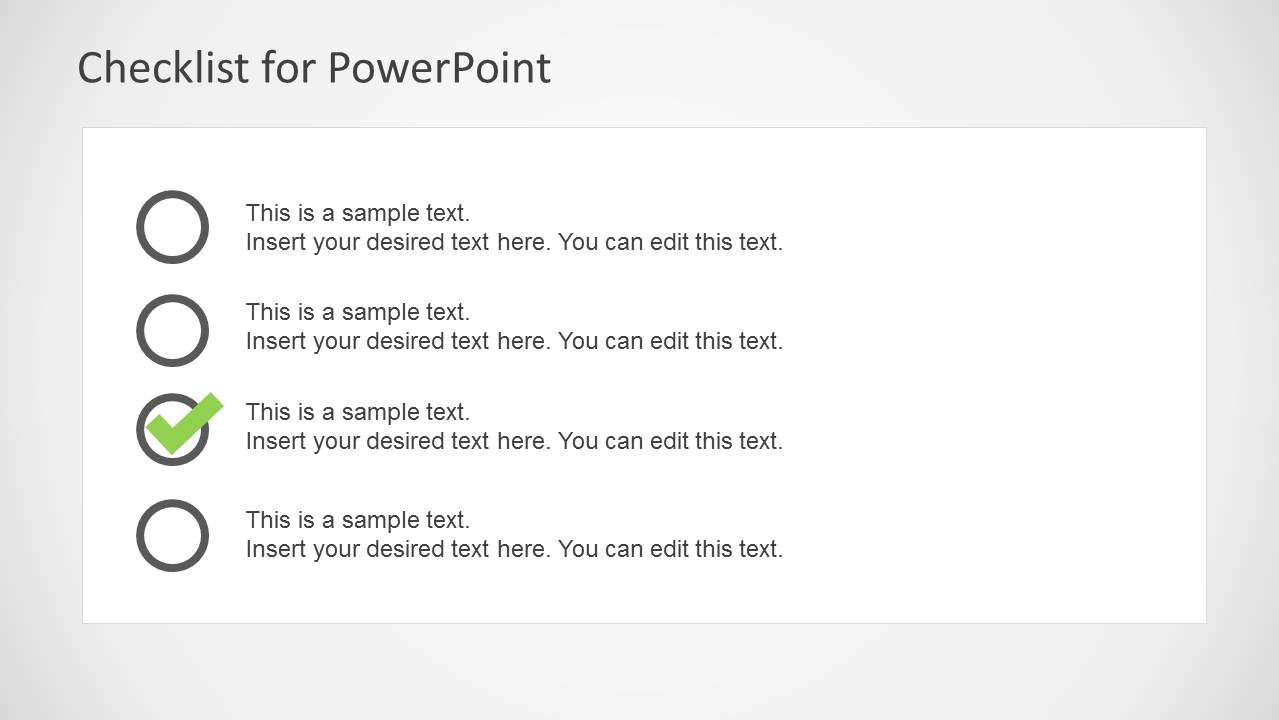
- A trainer can use the single check-item slide to pause on an important action, rule, or requirement before moving into a practice activity.
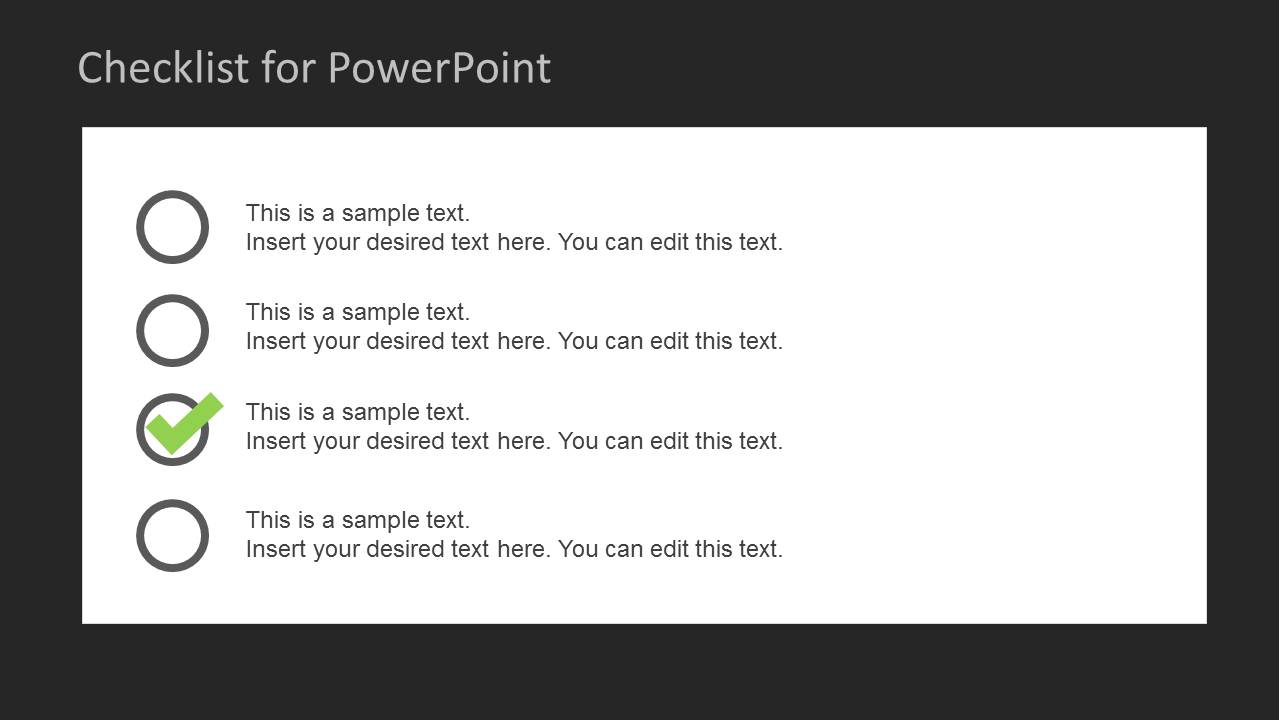
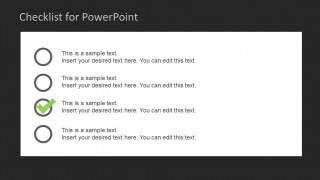
- A business analyst can use the horizontal checklist layout to turn an agenda into a scannable decision list for stakeholders.
Features
- 100% editable presentation template
- Compatible with Microsoft PowerPoint and Google Slides
- 16:9 aspect ratio slides
- Scalable vector shapes, icons and illustrations
- AI-Ready for Microsoft Copilot and Claude
- Instant access and download
Frequently asked questions
Q: How should a presenter communicate progress with this checklist template?
A: Start with the checklist as the audience's map, then use the green checkmark to call attention to the completed, current, or approved item. Keep each row short so the status marker carries the meaning quickly. Use the item description slide when one checklist point needs explanation, evidence, or next-step details.
Q: Who is this template best suited for in a business presentation?
A: This template fits project managers, team leads, trainers, and operations presenters who need to turn tasks into a clear visual sequence. It works best for agenda reviews, action-item follow-ups, onboarding steps, and compliance checks where the audience must see what is done, what remains, and what needs attention.
Q: Why do the circle and checkmark visuals work better than standard bullets?
A: The empty circles and green checkmarks create a familiar task-completion metaphor that viewers understand without explanation. The design separates status from wording, so the audience can scan progress before reading details. The light and dark variants also let the presenter shift emphasis while keeping the same checklist logic.

Checklist Layout Design for PowerPoint
8-slide checklist presentation template with task lists, item descriptions, and checkmark layouts
Checklist Layout Design for PowerPoint is an 8-slide checklist presentation template for Microsoft PowerPoint and Google Slides. It includes item description panels, four-item checklist cards, horizontal task lists, and single check-item slides in light and dark themes. It is built for task updates, agendas, project checklists, and status discussions.
- Category
- Text & Tables
- Rating


 Loading...
- Aspect ratio
- 16:9
- Item ID
- 6201-02
- Colors
 Microsoft PowerPoint
  Microsoft Copilot
  Claude for PowerPoint
 Other formats supported
Subscribe today and get immediate
access to download our PowerPoint templates.