Slide 1 of 17 from Ballot PowerPoint Template
6201-01-ballot-box-1
Ballot Box PowerPoint Slide
- Media Layout
- Other
- Context Slide
- 16:9
- 100% Editable
The Ballot Box Illustration slide from the Ballot PowerPoint Template offers a clear visual introduction to voting systems and election processes. This slide layout is ideal for business presentations or educational slide decks focused on civic engagement, featuring editable shapes and vector icons to enhance clarity. Its straightforward design supports discussions on democratic participation, making it a practical choice within professional slide templates and Google Slides templates.
What’s on This Slide
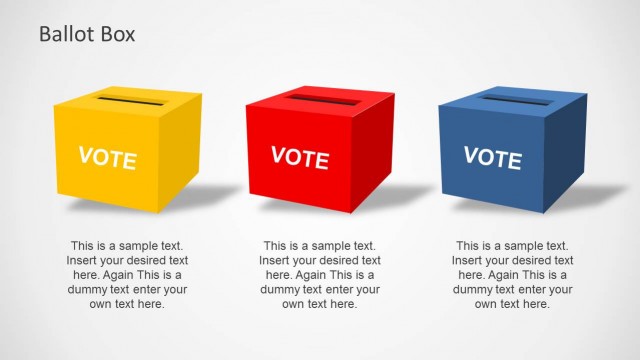
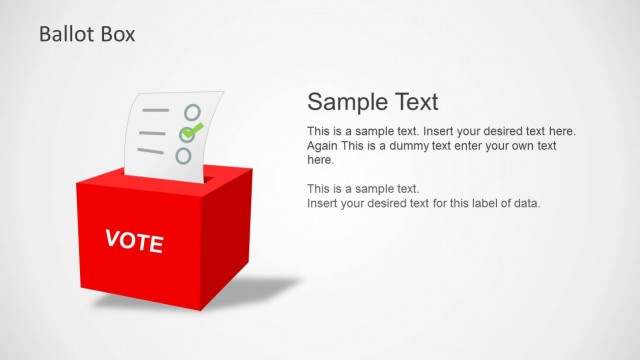
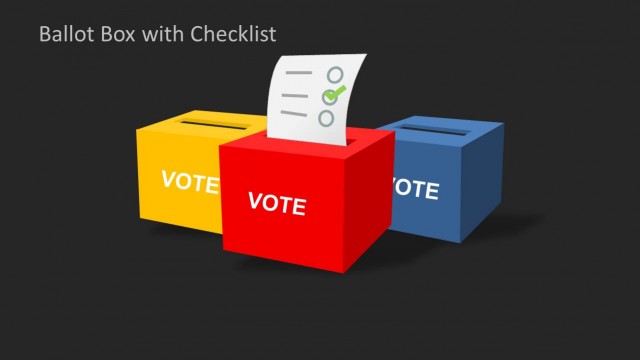
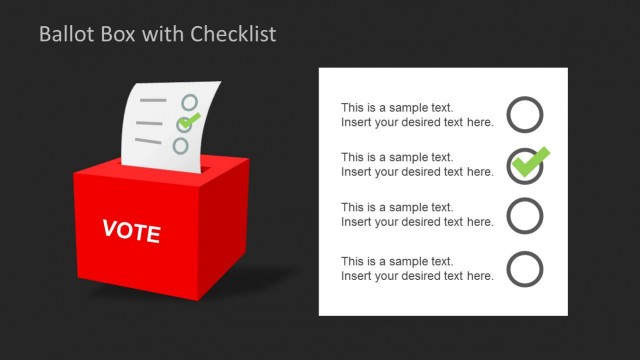
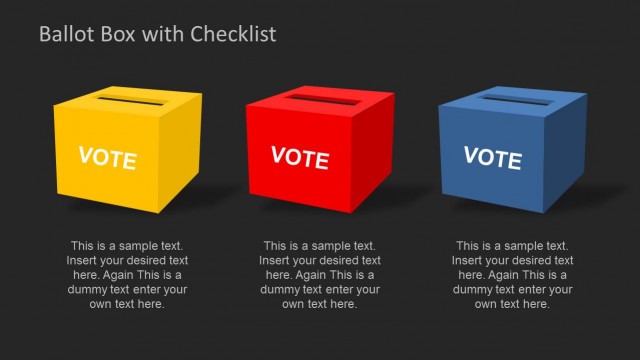
The slide features three ballot boxes positioned horizontally. The left box is yellow, the center box is red, and the right box is blue. Each box has the word 'VOTE' prominently displayed on its front. A piece of paper with checkmarks is inserted into the red box, indicating the voting process. The background is a light gradient, enhancing the visibility of the boxes. The text placeholder at the bottom center reads 'Ballot box PowerPoint,' aligning with the visual elements. The overall layout is clean and straightforward, emphasizing the voting theme.
How to Use It
This layout serves as an introductory visual for presentations on voting systems or election processes. It effectively captures attention and sets the context for discussions on ballots and civic engagement. This slide is suitable for use at the beginning of a presentation to establish the topic. It can also be used in educational settings to explain the voting process. The clear imagery and text allow for easy integration into various presentations focused on democratic participation and electoral systems.
Text Placeholders & Capacity
Keep your copy within these limits so it fits without resizing. Text slots can accommodate limited content, roughly 5-7 words each.
| Placeholder | Count | Max characters (approx.) |
|---|---|---|
| Slide title | 1 | 30 |
| Body paragraph | 1 | 50 |
Slide Keywords
Download unlimited PowerPoint templates, charts and graphics for your presentations with our annual plan.
DOWNLOADReturn to Ballot PowerPoint Template.