Slide 17 of 17 from Ballot PowerPoint Template
6201-01-ballot-box-17
Ballot Checkbox Slide for Presentations
- Text Layout
- Other
- Evaluation Slide
- 16:9
- 100% Editable
The Ballot Checkbox slide layout from the Ballot PowerPoint Template offers a clear and structured design ideal for checklist presentations and voting summaries. Featuring editable shapes and a prominent checkmark, this slide supports effective confirmation slides within business presentations or civic engagement discussions. It integrates seamlessly into slide decks requiring concise evaluation and final action points, making it a practical choice for corporate presentations and pitch deck templates.
What’s on This Slide
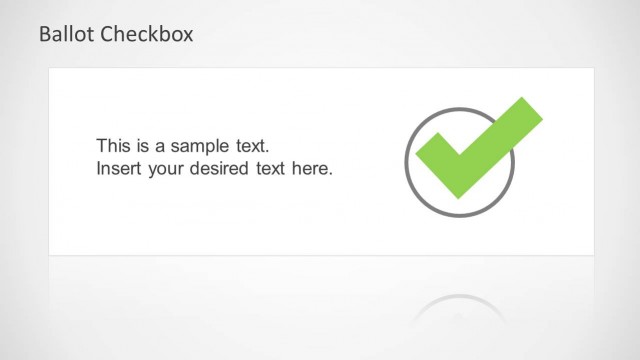
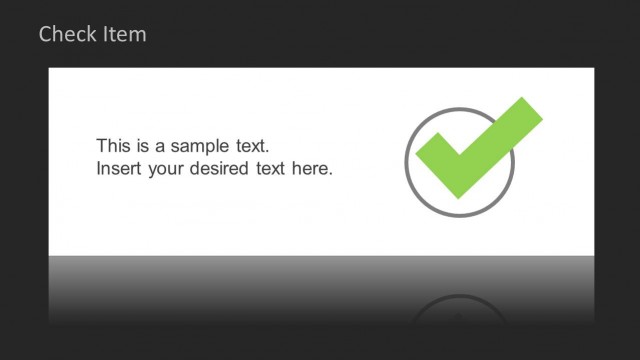
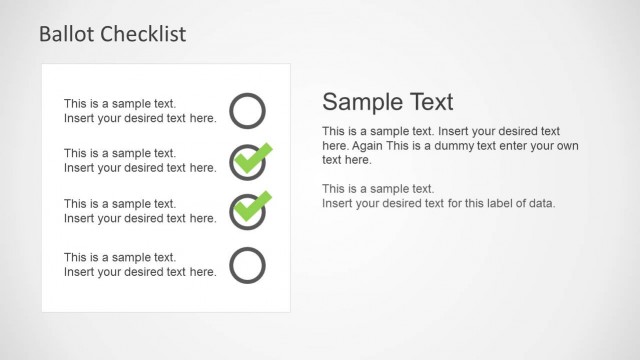
The slide features a dark background with a prominent title at the top left labeled 'Ballot Checkbox.' Below the title, a white rectangular area contains two text placeholders aligned to the left. The first placeholder reads 'This is a sample text.' and the second reads 'Insert your desired text here.' To the right of the text area, there is a large green checkmark inside a circular outline. The overall layout emphasizes the checkbox concept, with a clear visual hierarchy between the title, text placeholders, and the checkmark.
How to Use It
This layout serves as a checklist or confirmation slide, suitable for summarizing key points or actions in a voting context. It fits well at the end of a presentation to reinforce decisions or actions taken. This structure can be used in scenarios such as summarizing voting options, confirming selections, or presenting final thoughts in civic engagement discussions. It is effective for emphasizing important points in a straightforward manner.
Text Placeholders & Capacity
Keep your copy within these limits so it fits without resizing. Text slots can accommodate roughly 5-10 words each.
| Placeholder | Count | Max characters (approx.) |
|---|---|---|
| Slide title | 1 | 25 |
| Body paragraph | 2 | 50 |
Slide Keywords
Download unlimited PowerPoint templates, charts and graphics for your presentations with our annual plan.
DOWNLOADReturn to Ballot PowerPoint Template.