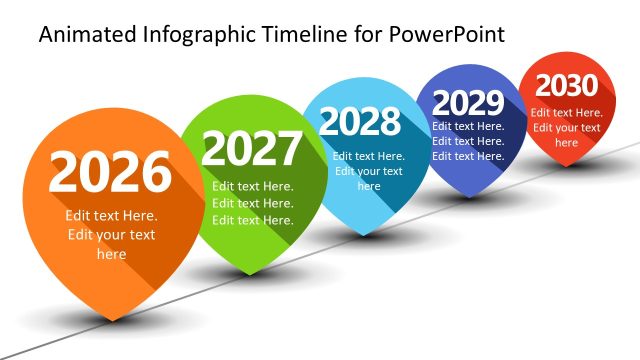
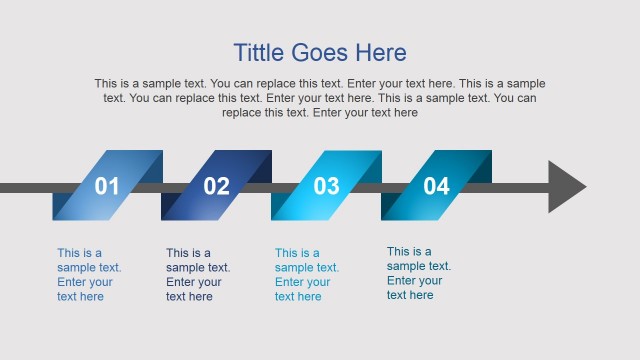
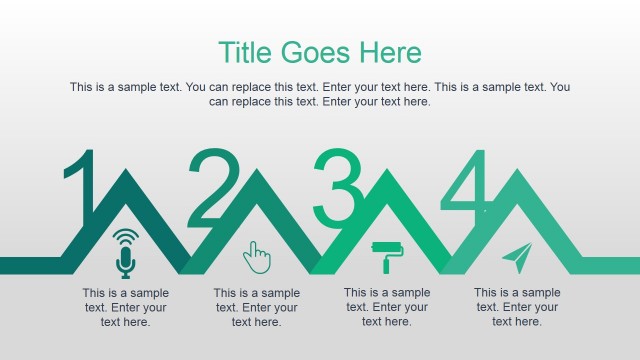
Animated Landscape PowerPoint Timeline – Freshen up the usual business presentation by deviating from the common industrial designs in PowerPoint. This presentation template features a lush horizon accentuated with green landscapes, trees, hills and a blue sky. It’s the perfect template for a fresh new beginning. The color green as well as plants signifies growth in the Chinese Metaphysics art, Feng Shui. This element in the design makes it all the more perfect for plotting project timeline, milestones and goals. It’s also a great tool for announcing project achievements across the board. The quality of the PowerPoint shapes used in this design makes it possible to resize and print while maintaining its image integrity. It’s perfect for posting a printed copy of the project milestone to be displayed in the company bulletin board for everyone to see. It’s also great for emailed announcements instead of the conventional purely worded emails.
Another particular feature of this PowerPoint template is its animated effects. This exciting feature makes the presentation more interesting and engaging to the audience. Animation in PowerPoint templates takes the presentations in a new level of interaction between its concepts and the audience. Although there is no direct interactive engagement between the two, the animation communicates to the audience by inducing interest. This PowerPoint template combined with our Creative Cartoons design will surely enable the presenter to deliver the presentation’s ideas and aspirations.
Presenting goals and milestones are one of the most important business presentations in a company. The importance and value of the company projects and its goals needs to reflect in the organization’s daily work activities. Hence, a great presentation that captures attention is used in this type of presentation. An engaging and interesting presentation helps in reaching out to the concerned parties. The presentation should make the audience fully grasp the value of the company or project goals and take it as an inspiration to their daily work.
What’s inside this template
Example presentation scenarios
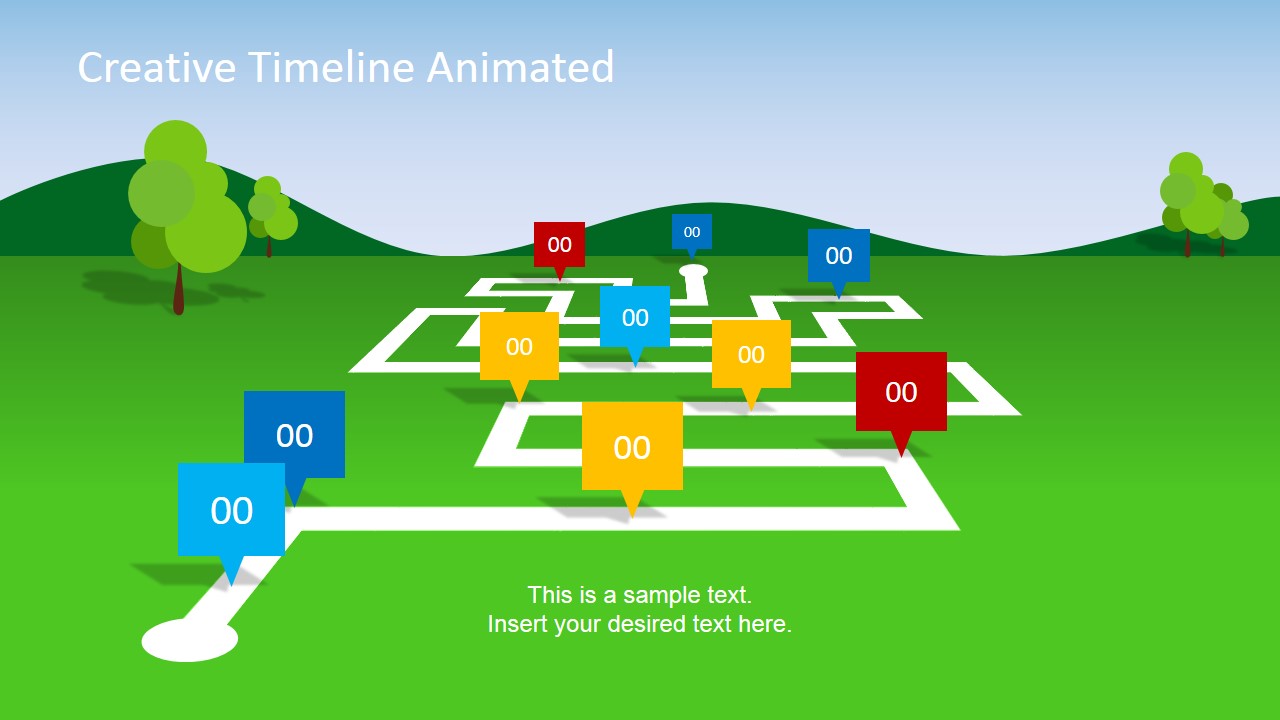
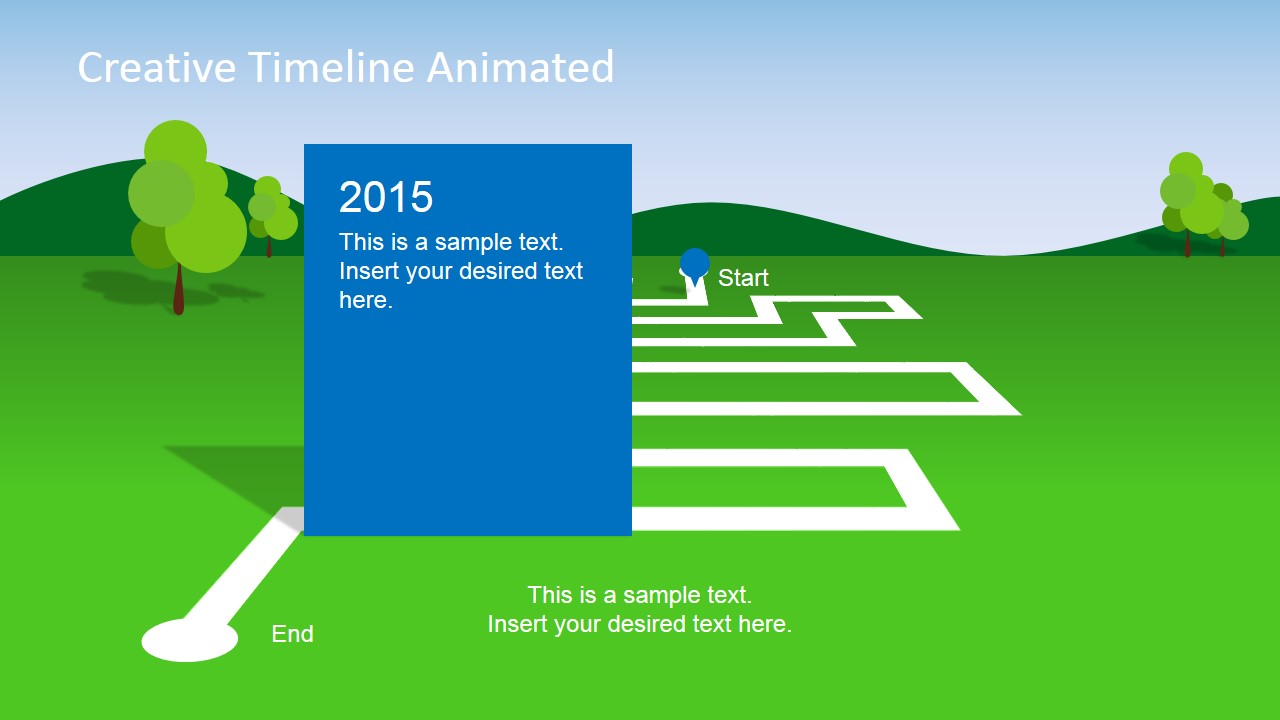
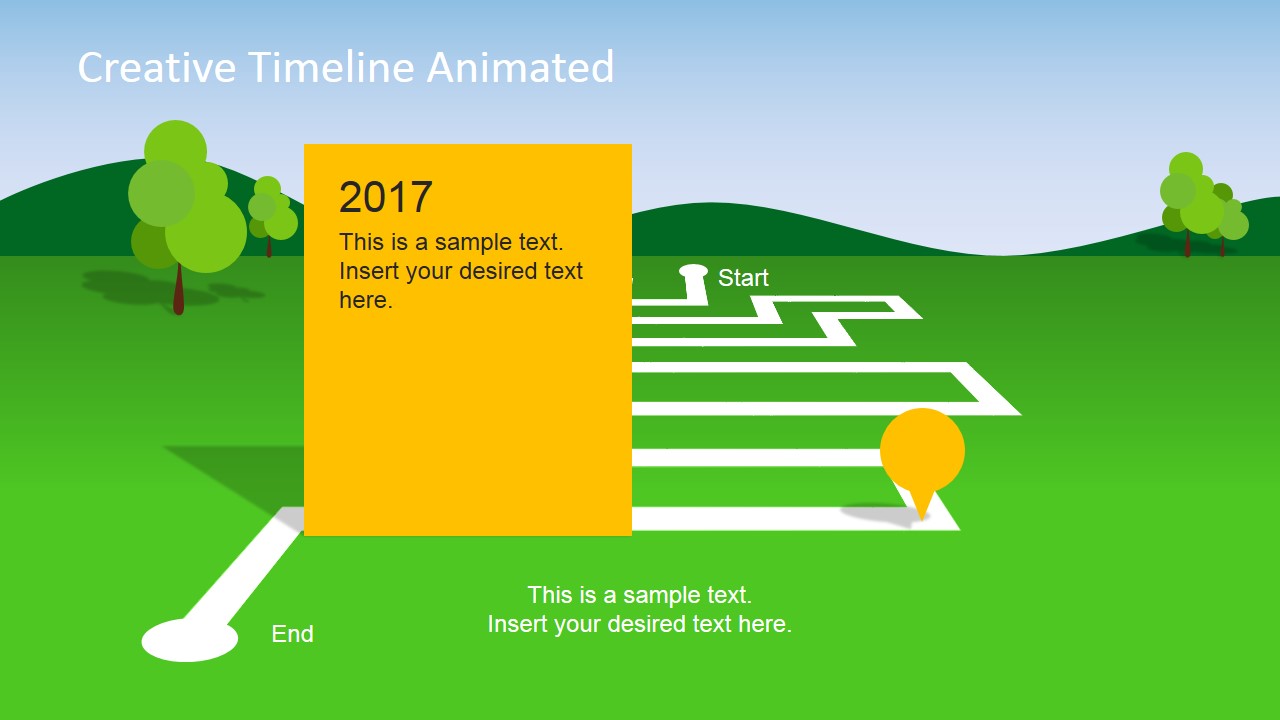
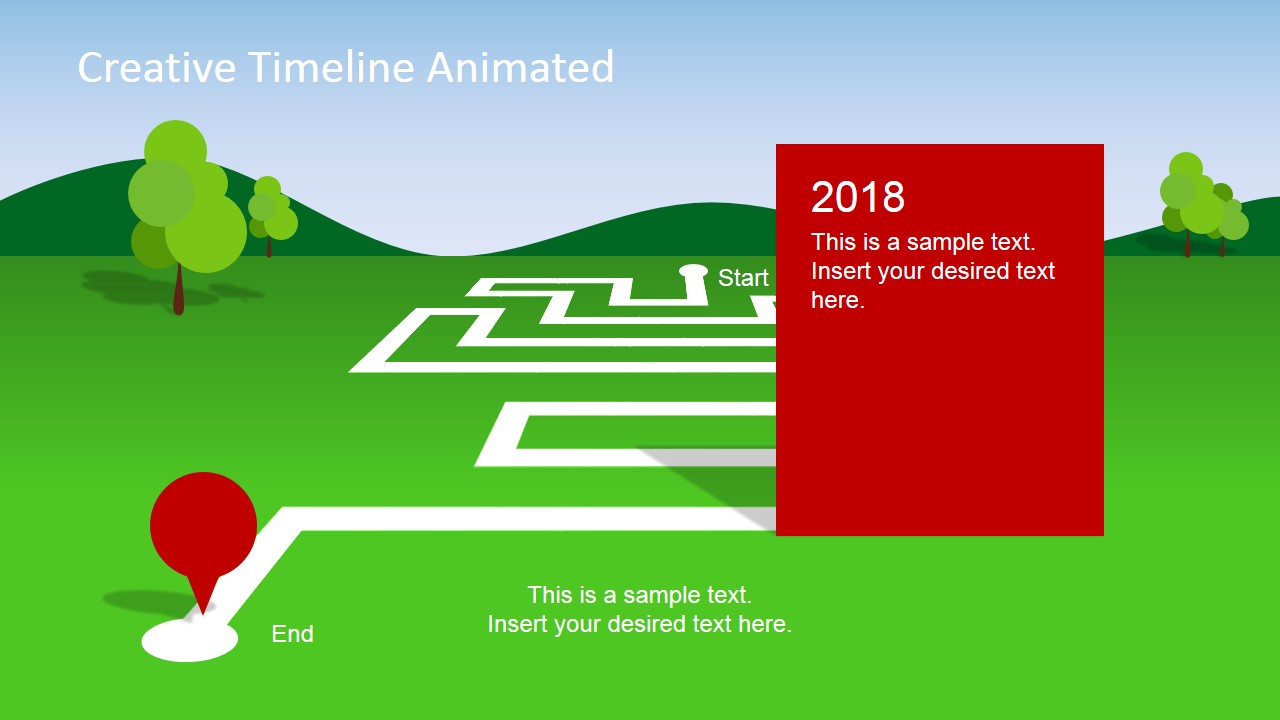
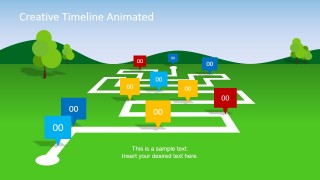
- A project manager can use the roadmap overview to brief stakeholders on the complete milestone path before moving into the 2015 through 2018 detail cards.
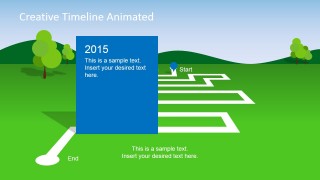
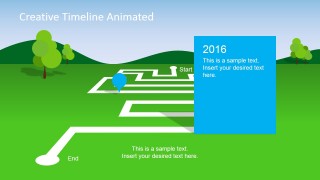
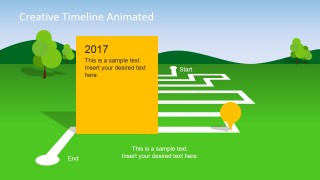
- A program lead can use the yearly milestone cards to explain completed work, upcoming checkpoints, and ownership in a status meeting.
- An operations manager can use the landscape route and colored pins to announce goal progress to an internal team in a less text-heavy format.
- A team lead can use the final red 2018 milestone card to close a planning session with the next destination, decision point, or delivery target.
Features
- 100% editable presentation template
- Compatible with Microsoft PowerPoint and Google Slides
- 16:9 aspect ratio slides
- Scalable vector shapes, icons and illustrations
- Ready with Animations & Transitions in PowerPoint
- AI-Ready for Microsoft Copilot and Claude
- Instant access and download
Frequently asked questions
Q: How should a presenter structure a project update with this timeline?
A: Open with the full roadmap overview so the audience understands the whole path. Then use each dated card as one checkpoint, keeping the text limited to the milestone name, outcome, and next action. The route background should carry the sequence, while the colored card highlights the single point the audience needs to remember.
Q: Who is this timeline best suited for?
A: This template fits project managers, program leads, and internal communications teams who need to make milestones feel visible and easy to follow. It works best for kickoff plans, progress updates, and achievement announcements where the audience benefits from seeing movement across a path instead of reading a task list.
Q: Why use a landscape roadmap metaphor for milestone communication?
A: The landscape, maze route, and map pins turn time into a journey, which helps audiences interpret progress spatially. The metaphor is useful when the presenter wants to show that milestones are connected and directional. Large year cards separate each checkpoint, reducing confusion between the path, the date, and the message.

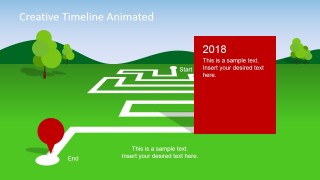
Animated Landscape PowerPoint Timeline
5-slide animated timeline presentation template with landscape roadmap, milestone markers, and project planning cards
The Animated Landscape PowerPoint Timeline is a 5-slide timeline diagram template for project plans and milestone updates. It uses a green landscape scene, maze-style roadmap, colored map pins, and large year milestone cards. Built for Microsoft PowerPoint and Google Slides, it supports planning, reporting, and goal communication in 16:9 and 4:3 formats.
- Category
- Timelines & Planning
- Rating


 Loading...
- Aspect ratio
- 16:9, 4:3
- Item ID
- 6696-02
- Colors
 Microsoft PowerPoint
  Microsoft Copilot
  Claude for PowerPoint
 Other formats supported
Subscribe today and get immediate
access to download our PowerPoint templates.