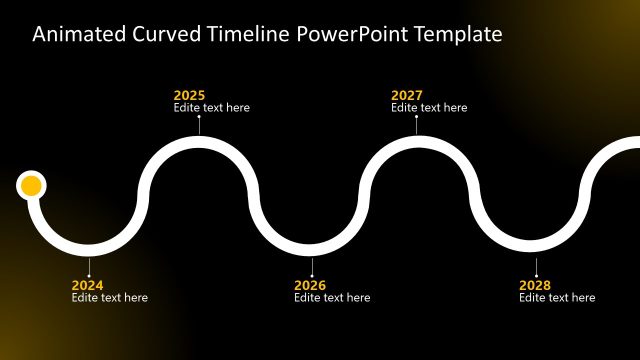
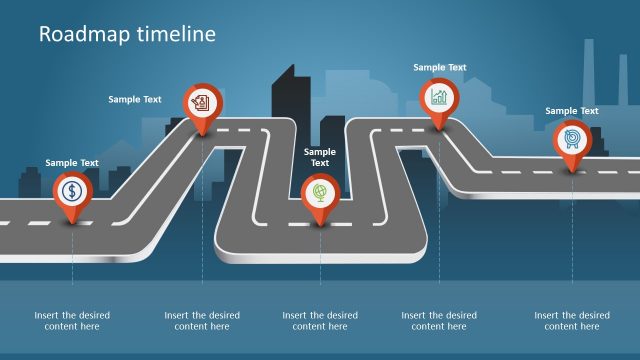
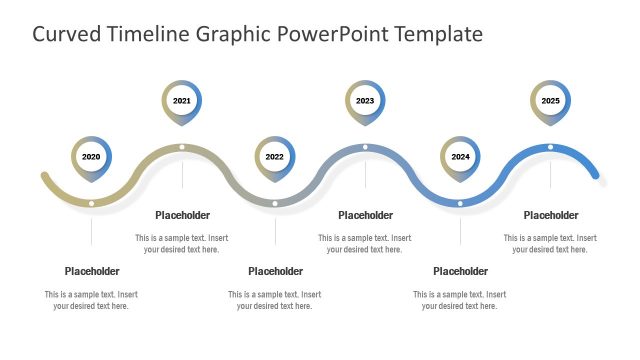
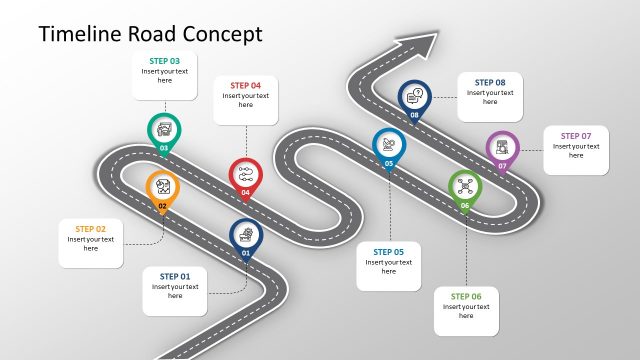
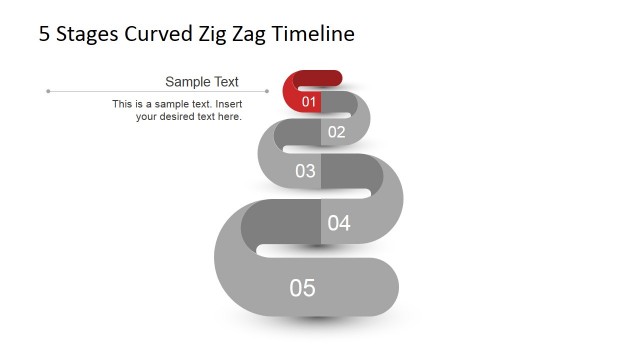
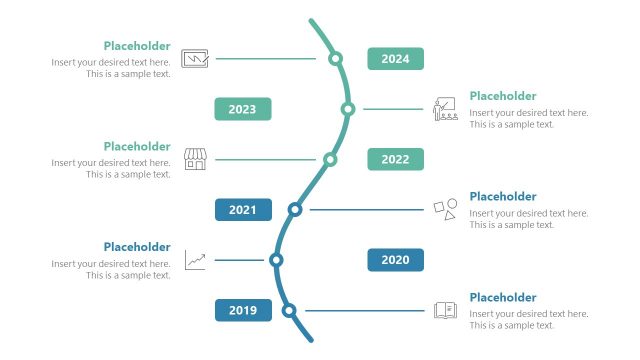
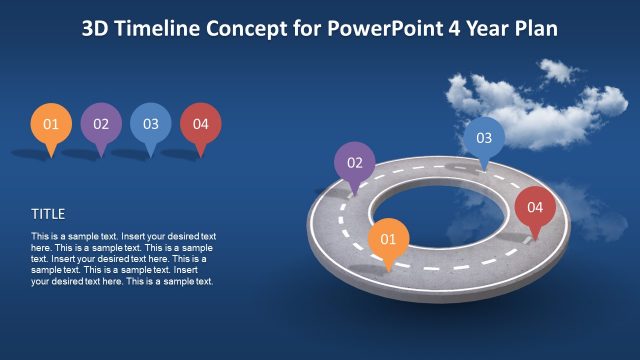
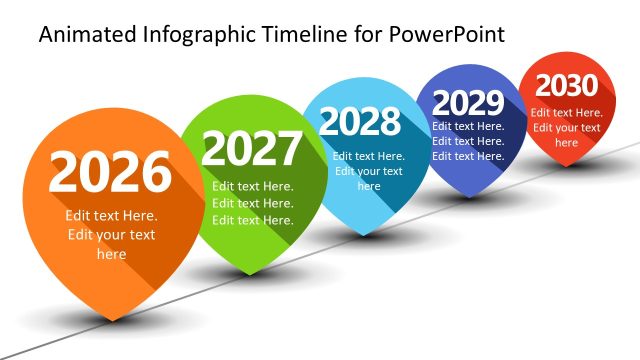
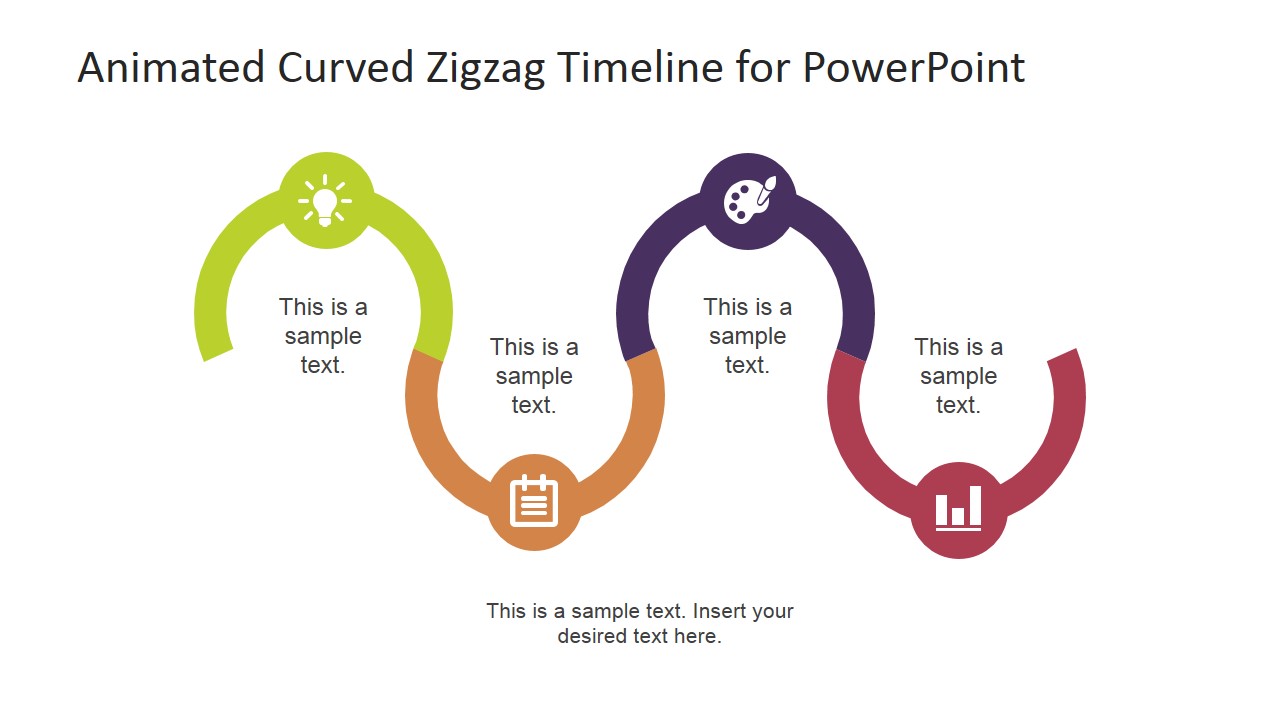
Animated Curved ZigZag Timeline for PowerPoint is a professional template that can be used to create quality presentations aimed at demonstrating a time-lined project forecast for your business or marketing strategy. Each slide features crisp and clear graphics created with fully customisable clipart icons that the user can adapt.
This timeline template boasts an easily understandable and conservative style that is perfect for any professional presenter who is looking to communicate achievable results. The modern animation used by this roadmap design template package features a selection of timeline charts and diagrams in a corporate look and theme, focused on presenting past, present and projected events and processes. The Animated Curved ZigZag Timeline for PowerPoint is ideal for presenting proposals for:
- Brand new business initiatives
- Event marketing strategies
- Rebranding aims
- Business histories
- Marketing histories
- Corporate mergers
- Project management
This milestone themed template – including all of its properties – is easily customised. Users can rearrange colours of relevant segments along the roadmap, resizing and editing colours in PowerPoint to suit their intended purpose and design. This modern and flexible PowerPoint template is a great way to impress your audience and to create exciting presentations that appeal on a global scale.
Roadmap Timelines are generally used under Project Management contexts, where expectations of delivery are set, and communication of actual progress must be escalated. Keep the stakeholders informed throughout the organization with this simple Animated Curved ZigZag Timeline for PowerPoint. Impress your audience with graphics that appeals to executive audiences.
What’s inside this template
Example presentation scenarios
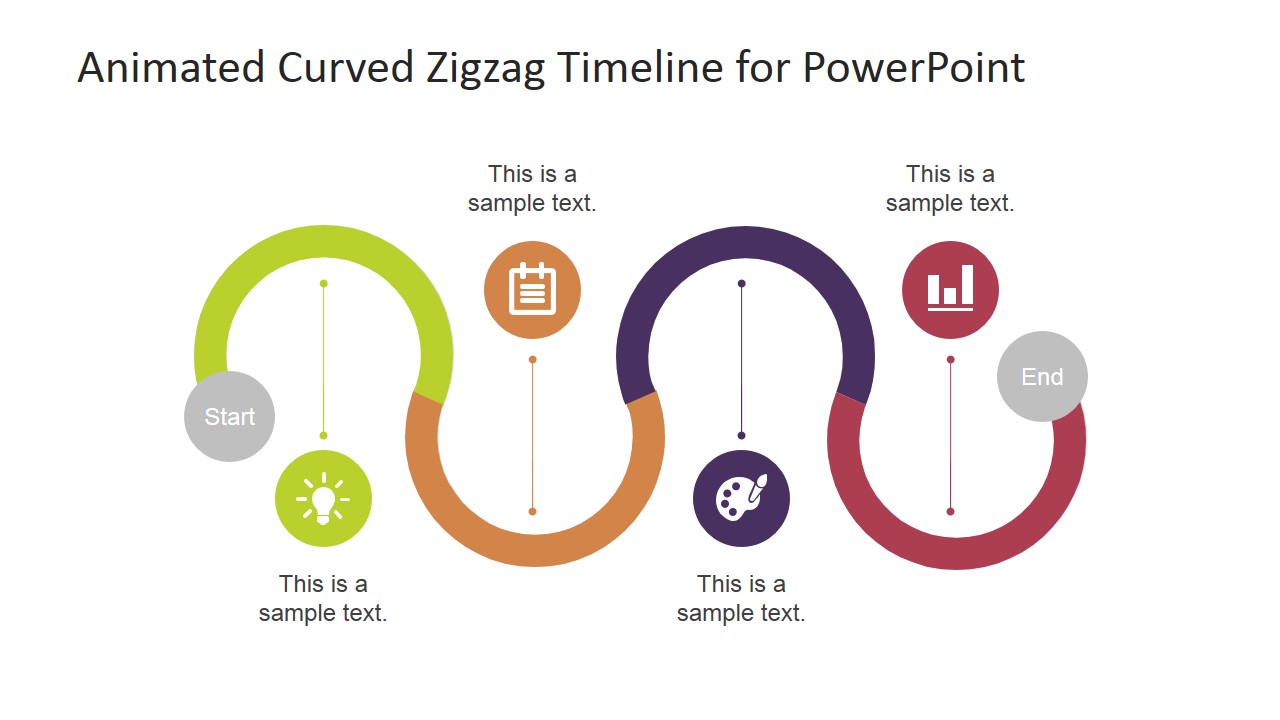
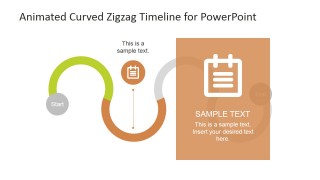
- A project manager can use the full curved roadmap to brief stakeholders on completed, current, and upcoming milestones in a delivery plan.
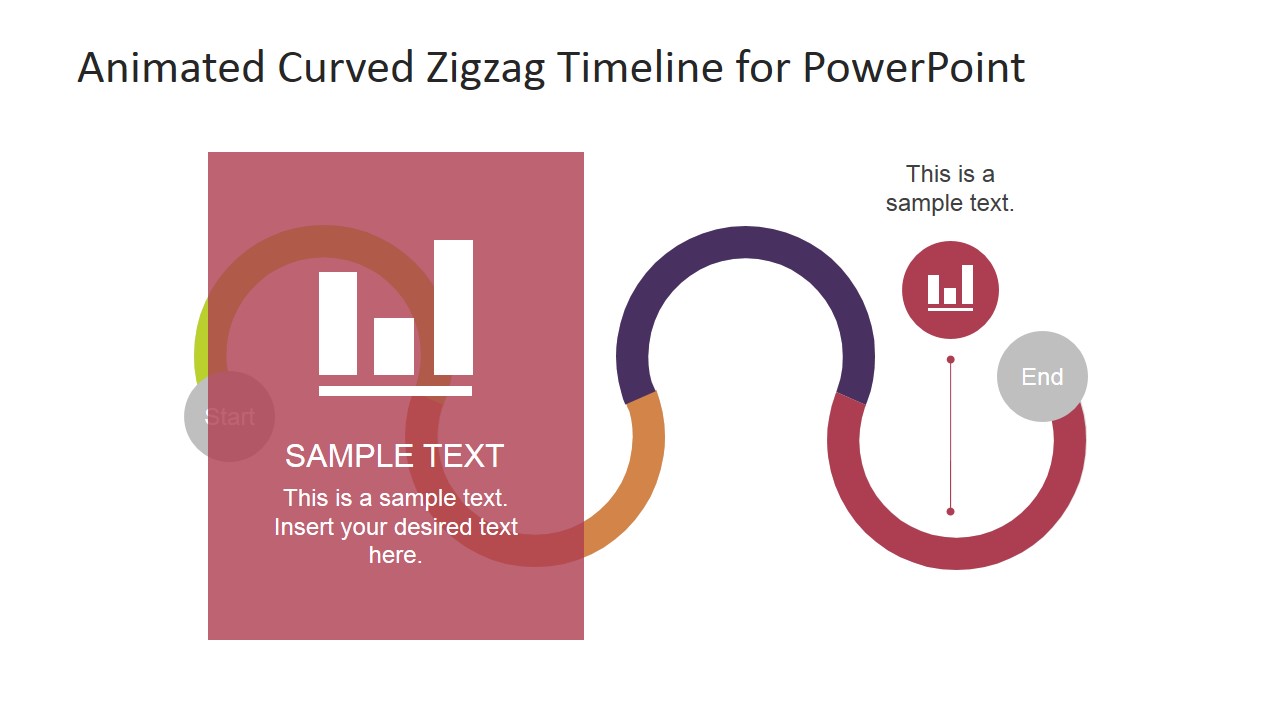
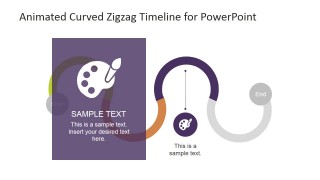
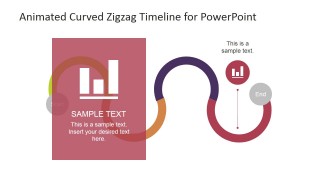
- A marketing manager can use the colored milestone spotlight panels to explain campaign phases, launch dates, and decision points during a planning meeting.
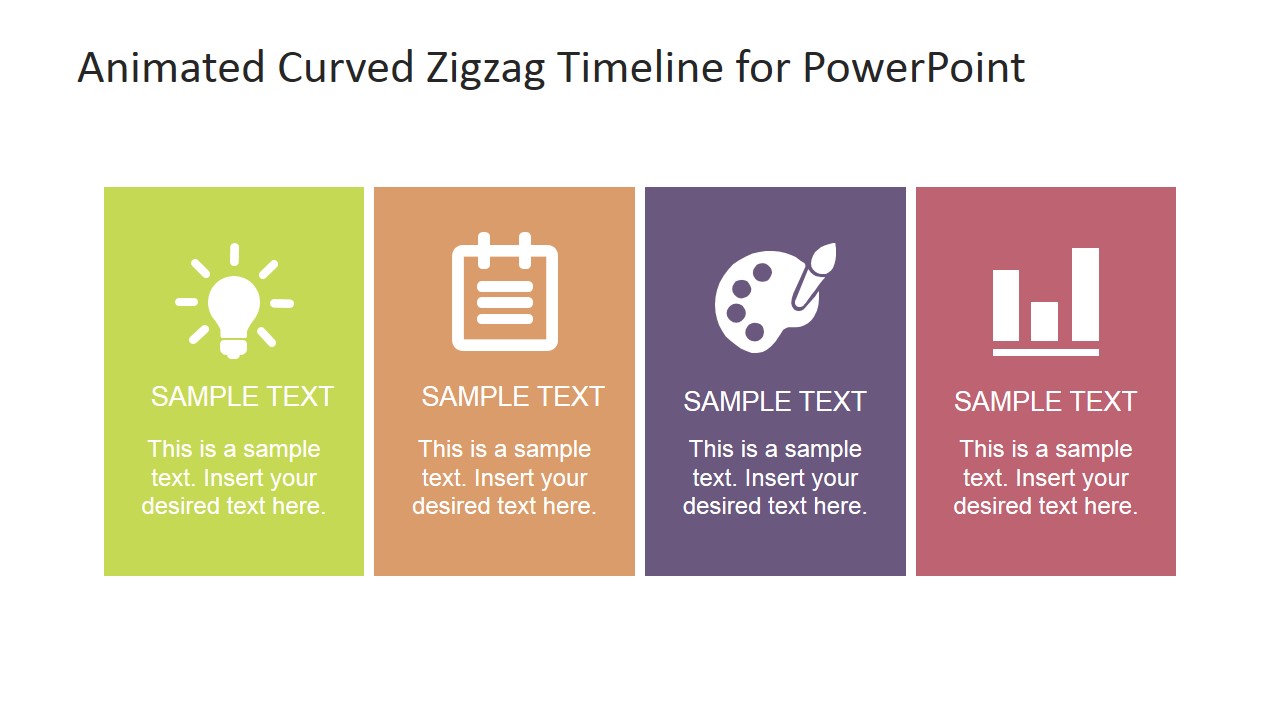
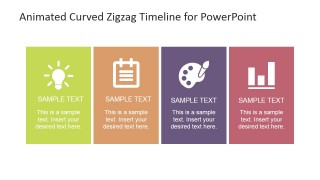
- A strategy consultant can use the four-card summary layout to compare four workstreams or planning themes after walking through the roadmap.
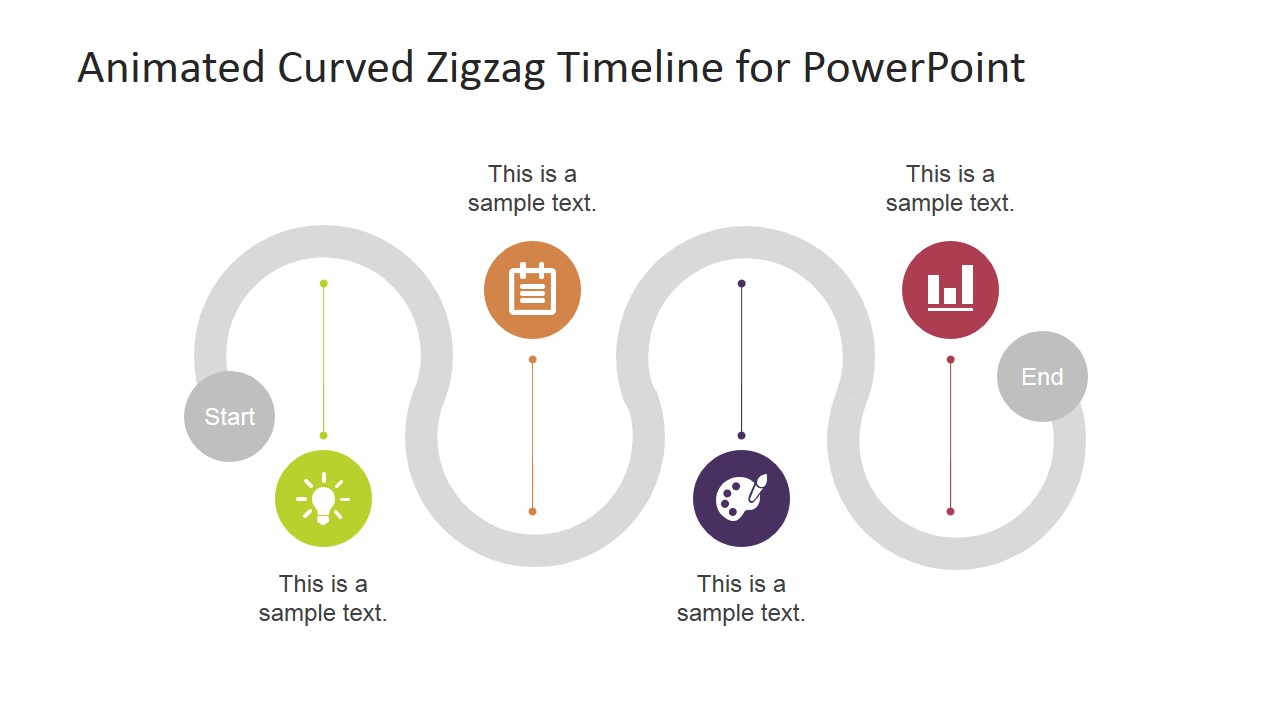
- An executive presenter can use the grayscale roadmap variant to show progress status while keeping attention on a few highlighted milestone icons.
Features
- 100% editable presentation template
- Compatible with Microsoft PowerPoint and Google Slides
- 16:9 aspect ratio slides
- Scalable vector shapes, icons and illustrations
- Ready with Animations & Transitions in PowerPoint
- AI-Ready for Microsoft Copilot and Claude
- Instant access and download
Frequently asked questions
Q: How should a presenter explain the timeline without making the curved path feel decorative?
A: Treat each curve segment as a chapter in the plan. Start with the full roadmap to orient the audience, then move to the milestone spotlight slides for the moments that need explanation. Keep each icon tied to a decision, deliverable, or checkpoint so the visual path reinforces sequence rather than acting as background art.
Q: Who is this template best suited for, and what kind of message does it support?
A: It fits project managers, marketing leads, and business planners who need to show movement over time without a dense schedule. The curved roadmap is best for milestone narratives, initiative rollouts, business histories, and high-level project forecasts where the audience needs to understand order, priority, and progress.
Q: Why use a curved zigzag roadmap instead of a straight timeline?
A: The curved zigzag shape creates a journey metaphor, which makes milestones feel connected rather than isolated. The start and end markers frame the scope, while the icon nodes help the audience remember key points. The spotlight panels then let the presenter pause on one milestone without losing the overall roadmap context.


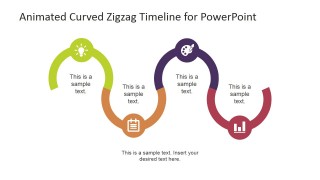
Animated Curved Zigzag Timeline for PowerPoint
8-slide animated timeline presentation template with curved roadmap milestones and project planning cards
Animated Curved Zigzag Timeline for PowerPoint is an 8-slide timeline diagram template for project planning, annual planning, and roadmap presentations. It includes a full curved roadmap, grayscale progress variant, milestone spotlight panels, a four-card summary, and a simplified curved path for Microsoft PowerPoint and Google Slides.
- Category
- Timelines & Planning
- Rating


 Loading...
- Aspect ratio
- 16:9, 4:3
- Item ID
- 6716-01
- Colors
 Microsoft PowerPoint
  Microsoft Copilot
  Claude for PowerPoint
 Other formats supported
Subscribe today and get immediate
access to download our PowerPoint templates.