Animated Circular Timeline PowerPoint Template
Present the sixteen stages of an extensive business project or process with our Animated Circular Timeline PowerPoint Template. The timeline templates are helpful to outline the sequence of events in a process with clarity. We have a collection of vertical, horizontal, and circular timeline templates so users can choose the most suitable layout for their business sessions.
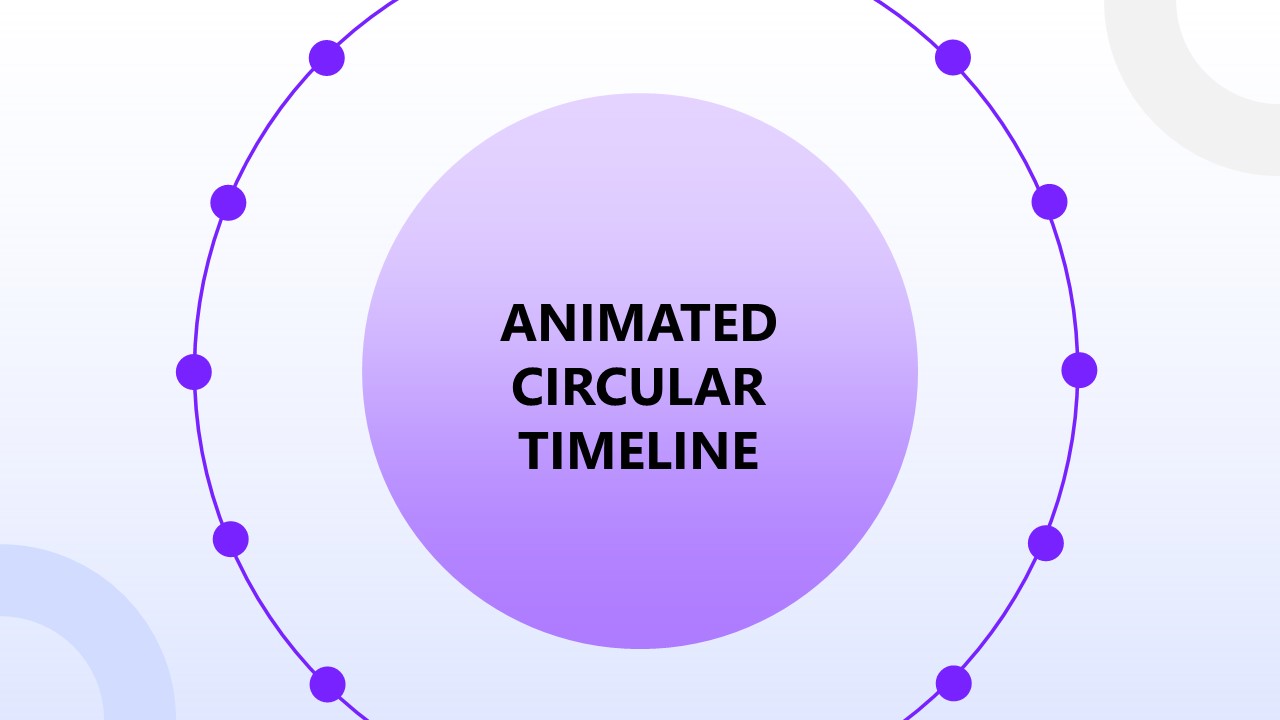
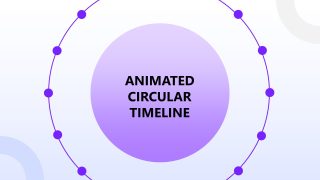
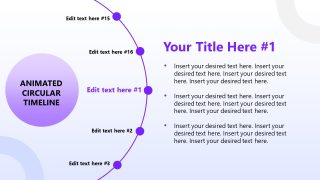
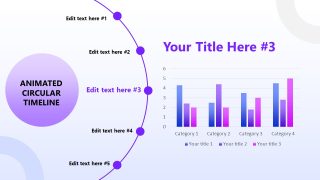
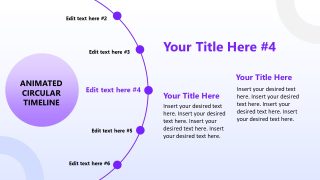
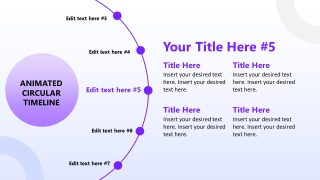
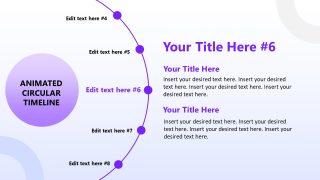
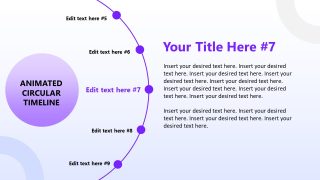
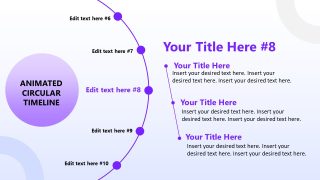
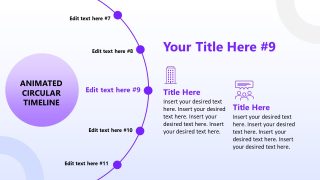
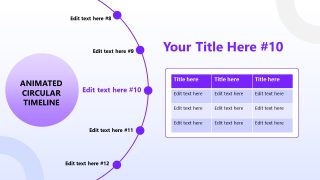
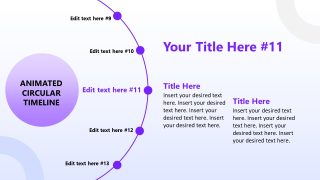
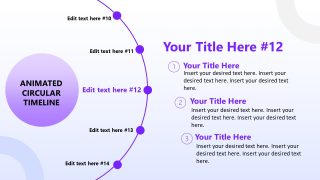
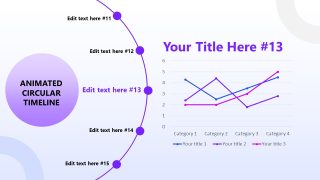
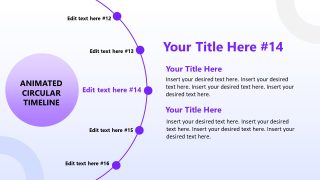
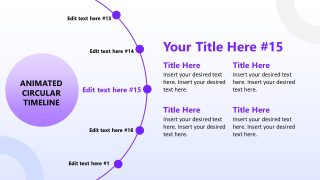
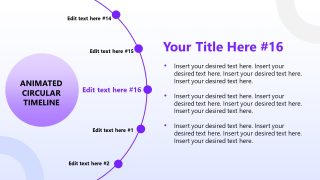
This Animated Circular Timeline PowerPoint Template features a dotted circular diagram. There is an inner circular shape displaying the presentation title. The outer circle has dots. There are small circular shapes in the corners, with a purple gradient in the background. Each dot on the circle represents one stage of the process or one point in the business proposal. The second slide is the focus slide for point number 1. On the left, a portion of the circular wheel shows the titles to be presented. The inner circle appears on the left and displays the presentation title. On the right, users can edit the placeholder text sections in this animated PPT template to include complete details in bullet points, paragraphs, or other formats. Moreover, on some slides, we have used infographics and charts, enabling the presenters to convey the information in a visually appealing way. You can add custom elements or texts in these sections to match your specific presentation needs.
During the slideshow, when the presenter clicks to the next slide, the wheel rotates with a subtle animated effect, shifting the titles to the next part and changing the segment on the right accordingly. This style appeals to the audience and keeps them engaged. You can change the template’s color scheme to suit your needs better. Download the animated circular timeline PPT template and use it in your stakeholder meetings!


You must be logged in to download this file.
DOWNLOAD- Category
- Timelines & Planning
- Rating

 Loading...
- Size
- 16x9
- Item ID
- 65079-01
- Colors
Subscribe today and get immediate
access to download our PowerPoint templates.