Slide 5 of 17 from Animated Circular Timeline PowerPoint Template
Animated Circular Timeline PPT Diagram
Animated Circular Timeline Slide
- Diagram
- Circular Cycle
- Timeline Slide
- 16:9
- 100% Editable
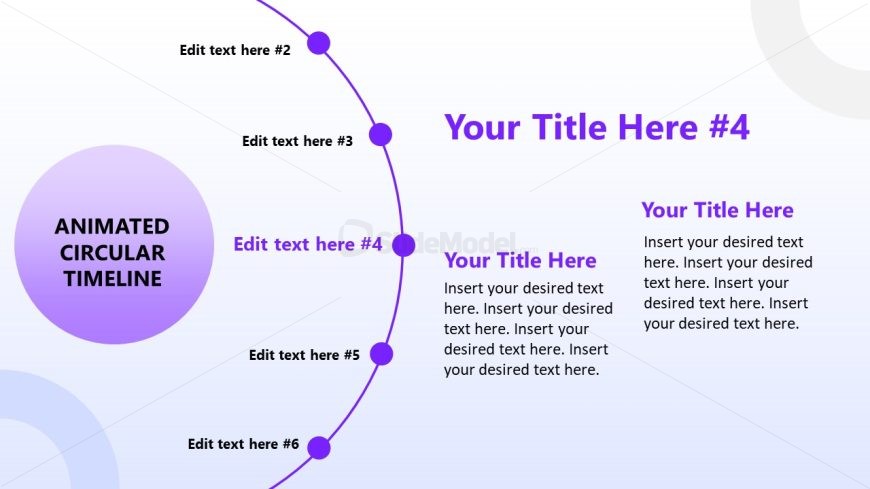
The Animated Circular Timeline slide from the Animated Circular Timeline PowerPoint Template offers a clear visual format for project timelines and planning phases. This slide layout uses editable shapes and vector icons arranged in a circular cycle to depict sequential events effectively. It is suitable for business presentations or educational slide decks requiring an intuitive chronological flow and can be integrated seamlessly within professional slide templates.
What’s on This Slide
The layout features a circular timeline with nodes positioned around its perimeter. Each node is represented as a circle, with text placeholders aligned to the left and right of the circle. A large central circle contains the title 'ANIMATED CIRCULAR TIMELINE.' The nodes are evenly spaced, with six total, and connected by a curved line. Text placeholders are present for titles and descriptions, with varying font sizes to establish hierarchy. The background is a gradient transitioning from light to dark, enhancing the visual appeal.
How to Use It
This layout serves as a visual representation of a timeline, ideal for illustrating sequential events or milestones. It fits well in presentations discussing project timelines, historical events, or planning phases. This structure can be used to highlight key stages in a process, making it suitable for business meetings or educational contexts. It is particularly effective when presenting information that requires a clear chronological flow.
Text Placeholders & Capacity
Keep your copy within these limits so it fits without resizing. Node body slots can accommodate roughly 15-20 words each.
| Placeholder | Count | Max characters (approx.) |
|---|---|---|
| Slide title | 1 | 30 |
| Item heading | 6 | 25 |
| Item body | 6 | 100 |
Slide Keywords
Download unlimited PowerPoint templates, charts and graphics for your presentations with our annual plan.
DOWNLOAD