Slide 15 of 17 from Animated Circular Timeline PowerPoint Template
Circular Shape for Title & Text Segments – Animated Circular Timeline Slide
Animated Circular Timeline Slide
- Diagram
- Circular Cycle
- Timeline Slide
- 16:9
- 100% Editable
The Circular Timeline with Annotations slide from the Animated Circular Timeline PowerPoint Template offers a clear visual format for presenting project timelines and strategic roadmaps. This slide layout uses editable shapes and vector icons arranged in a circular flow, making it suitable for business presentations that require chronological event planning. Its design supports effective communication of milestones within a corporate presentation or pitch deck template.
What’s on This Slide
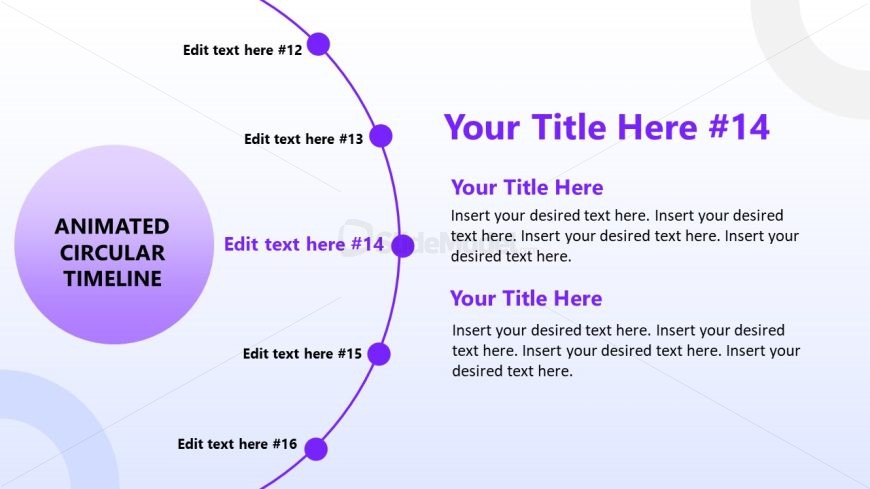
The layout features a circular timeline with nodes positioned along the circumference. A large central circle contains the title 'ANIMATED CIRCULAR TIMELINE.' Surrounding nodes are labeled with placeholders for text, positioned at various points along the circle. The nodes are connected by curved lines, indicating a sequential flow. Text placeholders are aligned to the right of the central circle, with titles and additional text sections. The background has a gradient transitioning from light to darker shades, enhancing the visual hierarchy.
How to Use It
This layout serves as a chronological representation of events or milestones. It fits well in a presentation sequence that discusses project timelines or historical progressions. This structure is suitable for business scenarios such as project planning, product launches, or strategic roadmaps, where visualizing time-based information is essential. It can be used individually to highlight key phases in a process.
Text Placeholders & Capacity
Keep your copy within these limits so it fits without resizing. Node body slots can hold roughly 20 words each.
| Placeholder | Count | Max characters (approx.) |
|---|---|---|
| Slide title | 1 | 30 |
| Item heading | 6 | 20 |
| Item body | 6 | 100 |
Slide Keywords
Download unlimited PowerPoint templates, charts and graphics for your presentations with our annual plan.
DOWNLOAD