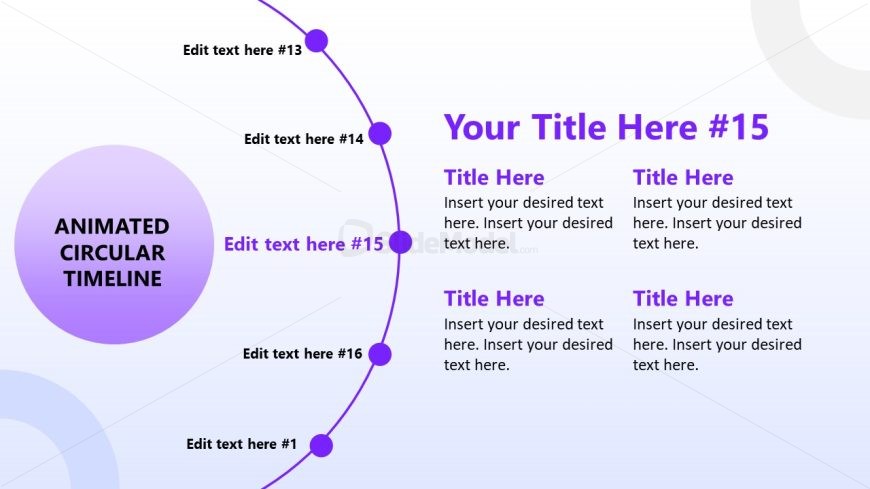
Slide 16 of 17 from Animated Circular Timeline PowerPoint Template
Four Points Presentation Slide – Animated Circular Timeline Template
Animated Circular Timeline Slide for Presentations
- Diagram
- Circular Cycle
- Timeline Slide
- 16:9
- 100% Editable
The Animated Circular Timeline slide from the Animated Circular Timeline PowerPoint Template offers a clear visual for project timelines and monthly updates. This slide layout uses editable shapes and vector icons arranged in a circular flow, making it suitable for business presentations and event planning. Its design supports easy customization within a corporate presentation or pitch deck template, enhancing communication of sequential processes and milestones.
What’s on This Slide
The layout features a circular timeline with a large central node labeled 'ANIMATED CIRCULAR TIMELINE.' Surrounding this are smaller nodes positioned along the circular path, each containing text placeholders. The nodes are evenly spaced, with connecting lines to indicate flow. To the right, there are additional text placeholders arranged in two columns, each with a title area above. The background is a gradient from light to darker shades, enhancing visual separation. The overall structure emphasizes the timeline's sequential nature while maintaining clarity in content placement.
How to Use It
This layout serves as a circular timeline, ideal for illustrating chronological processes or project milestones. It fits well in a presentation sequence after introducing a topic and before diving into detailed phases or steps. Suitable for business scenarios such as project planning, product launches, or monthly progress updates, this layout effectively communicates timelines and key events. It allows for easy customization of text to fit specific content needs while maintaining a cohesive visual structure throughout the presentation.
Text Placeholders & Capacity
Keep your copy within these limits so it fits without resizing. Body slots can hold roughly 15-20 words each.
| Placeholder | Count | Max characters (approx.) |
|---|---|---|
| Slide title | 1 | 30 |
| Item heading | 16 | 20 |
| Item body | 16 | 50 |
| Body paragraph | 4 | 100 |
Slide Keywords
Download unlimited PowerPoint templates, charts and graphics for your presentations with our annual plan.
DOWNLOAD