Slide 9 of 11 from Animated 3D Bridge PowerPoint Template
Business and Management Bridge Concept PPT
3D Bridge Perspective Slide for Presentations
- Media Layout
- Other
- Concept Explanation Slide
- 16:9
- 100% Editable
What’s on This Slide
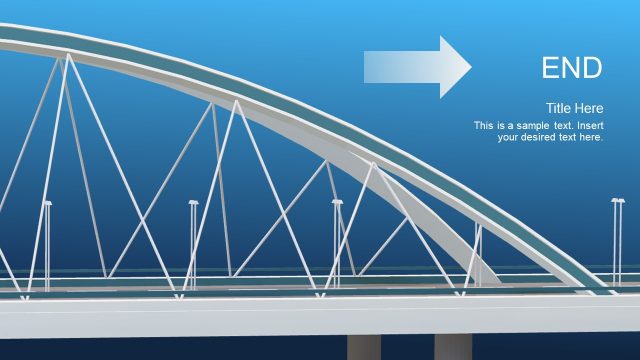
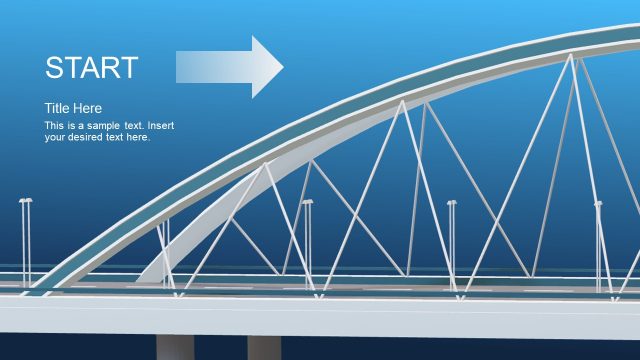
The slide features a 3D perspective view of a bridge, with a wide roadway at the bottom center. Vertical light poles are positioned along the right side, creating a sense of depth. The background transitions from light blue at the top to darker blue at the bottom, enhancing the 3D effect. There are two text placeholders: one at the top for the title and another at the bottom left for additional text. The title placeholder is larger and bold, while the body text placeholder is smaller and less emphasized. The overall composition is balanced with a focus on the bridge structure.
How to Use It
This layout serves as a visual metaphor for bridging gaps in business contexts, suitable for presentations on risk assessment or gap analysis. It can be positioned after problem identification slides to illustrate solutions or pathways forward. This slide is effective for conveying strategic initiatives, project plans, or any content requiring a visual representation of overcoming obstacles. It fits well in a sequence that discusses challenges followed by proposed solutions or strategies.
Text Placeholders & Capacity
Keep your copy within these limits so it fits without resizing. Body slot can hold about 15-20 words comfortably.
| Placeholder | Count | Max characters (approx.) |
|---|---|---|
| Slide title | 1 | 30 |
| Body paragraph | 1 | 100 |
Slide Keywords
Download unlimited PowerPoint templates, charts and graphics for your presentations with our annual plan.
DOWNLOADReturn to Animated 3D Bridge PowerPoint Template.