Slide 2 of 8 from Animated 3D 4 Steps & Core PowerPoint Template
PowerPoint 4 Step 3D Diagram
4 Steps Core Diagram for Presentations
- Diagram
- Matrix Quadrant
- Process Slide
- 16:9
- 100% Editable
What’s on This Slide
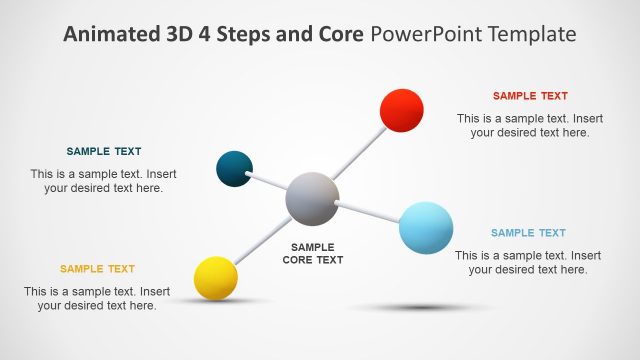
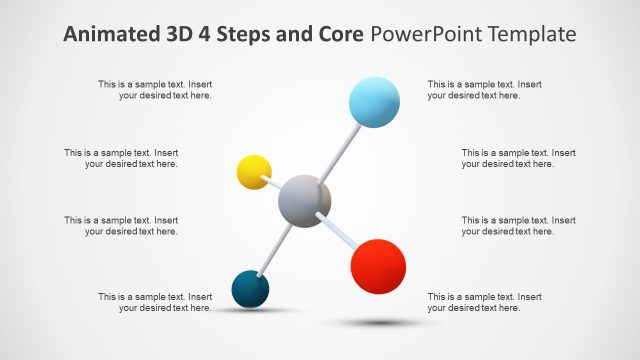
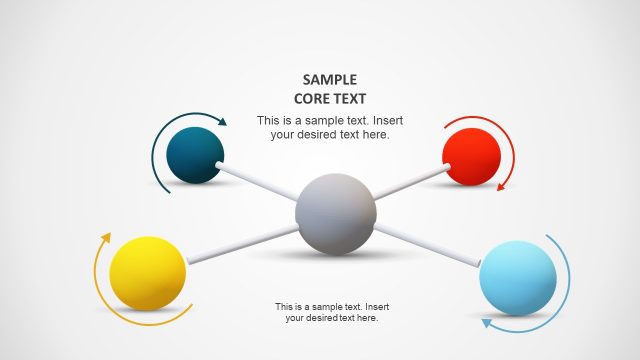
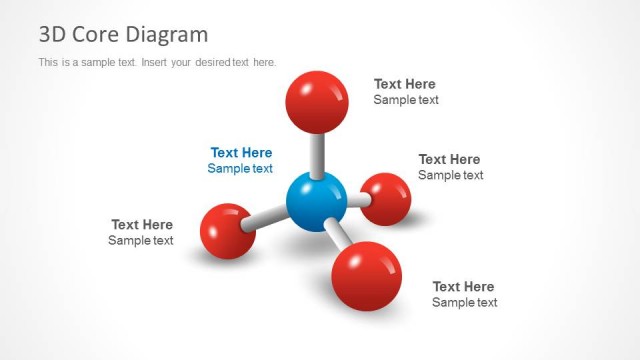
The layout features a central gray sphere labeled 'SAMPLE CORE TEXT' surrounded by four colored spheres: blue, red, yellow, and turquoise. Each sphere is connected to the central sphere by white lines. The spheres are positioned at the top, bottom, left, and right of the central sphere, creating a balanced visual arrangement. Text placeholders are present near each colored sphere, aligned to the left or right, indicating where to insert content. The background is light, enhancing the visibility of the spheres and text.
How to Use It
This layout serves as a visual representation of a four-step process or core concepts in a presentation. It is suitable for explaining frameworks, methodologies, or key components in business contexts. This slide fits well after a problem statement and before detailing specific steps or solutions. It can be used to highlight the main ideas that connect to a central theme, making it effective for strategic planning or project overviews.
Text Placeholders & Capacity
Keep your copy within these limits so it fits without resizing. Node body slots can accommodate roughly 15-20 words each.
| Placeholder | Count | Max characters (approx.) |
|---|---|---|
| Item heading | 4 | 30 |
| Item body | 4 | 100 |
| Item heading | 1 | 30 |
| Item body | 1 | 100 |
Slide Keywords
Download unlimited PowerPoint templates, charts and graphics for your presentations with our annual plan.
DOWNLOAD