Slide 5 of 10 from AI Training PowerPoint Template
Understanding AI Fundamentals with Icons & Infographics – AI Training Template
Understanding AI Fundamentals Slide
- Text Layout
- List Blocks
- Concept Explanation Slide
- 16:9
- 100% Editable
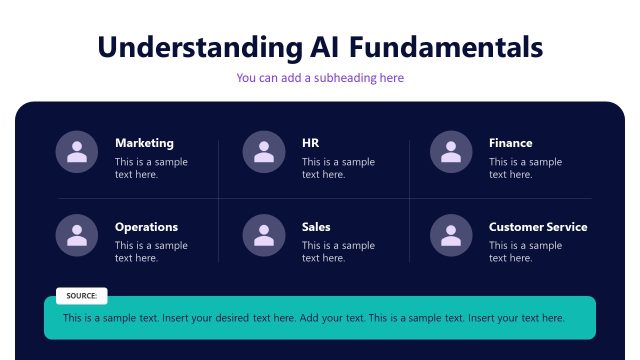
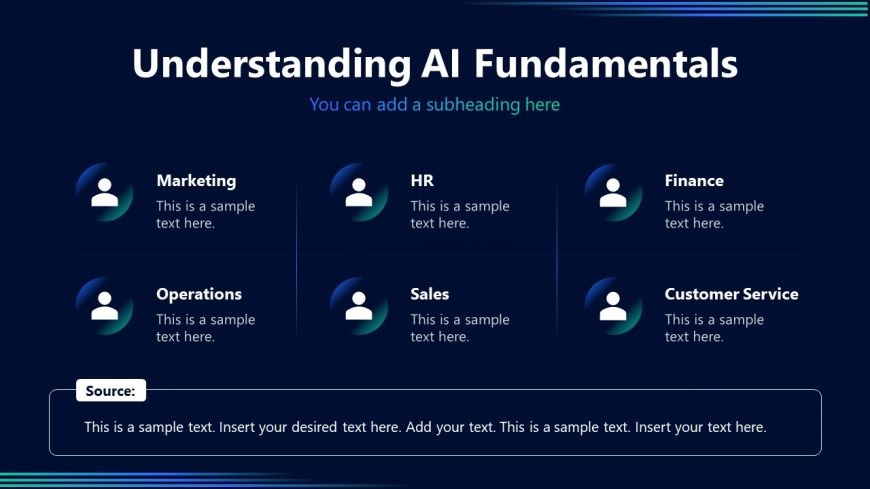
The Understanding AI Fundamentals slide from the AI Training PowerPoint Template offers a clear layout to explain AI's role across business functions. This slide template includes editable shapes and vector icons arranged in a grid to illustrate AI applications in Marketing, HR, Finance, Operations, Sales, and Customer Service. Designed for corporate presentations and workshops, it supports effective communication of AI concepts within departmental strategy meetings and training sessions.
What’s on This Slide
The layout features a dark background with a prominent title at the top center. Below the title, there are two rows of three circular icons representing different business functions: Marketing, HR, Finance, Operations, Sales, and Customer Service. Each icon is accompanied by a label and a text placeholder for descriptions. The icons are evenly spaced and aligned in a grid format. At the bottom, there is a source text placeholder aligned left, indicating where to insert additional information. The overall composition is structured and organized, emphasizing clarity and accessibility.
How to Use It
This layout serves as a structured overview of AI applications across various business functions. It fits well after introductory slides, providing a clear breakdown of how AI can be integrated into different departments. This slide is useful for training sessions, workshops, or presentations aimed at educating teams on AI fundamentals. It can also be employed in discussions about departmental strategies for AI implementation, making it suitable for business leaders and trainers.
Text Placeholders & Capacity
Keep your copy within these limits so it fits without resizing. Node body slots can accommodate about 10-12 words each.
| Placeholder | Count | Max characters (approx.) |
|---|---|---|
| Slide title | 1 | 40 |
| Subtitle | 1 | 60 |
| Item heading | 6 | 30 |
| Item body | 6 | 50 |
| Source note | 1 | 100 |
Slide Keywords
Download unlimited PowerPoint templates, charts and graphics for your presentations with our annual plan.
DOWNLOADReturn to AI Training PowerPoint Template.