Slide 10 of 10 from 9 Steps Arrows Bars PowerPoint Diagram
9 Steps Waterfall Chart Agenda Arrow 9
Arrow Options Diagram for PowerPoint
- Diagram
- Arrow Sequence
- Process Slide
- 16:9
- 100% Editable
What’s on This Slide
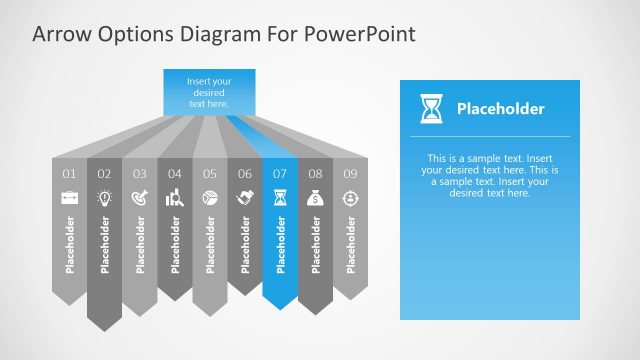
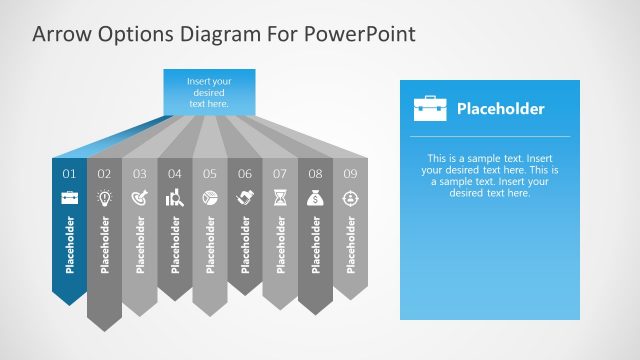
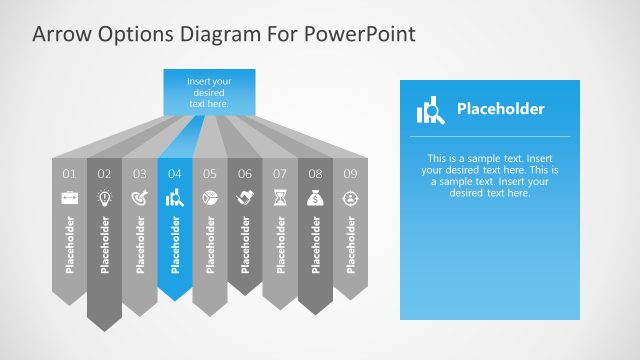
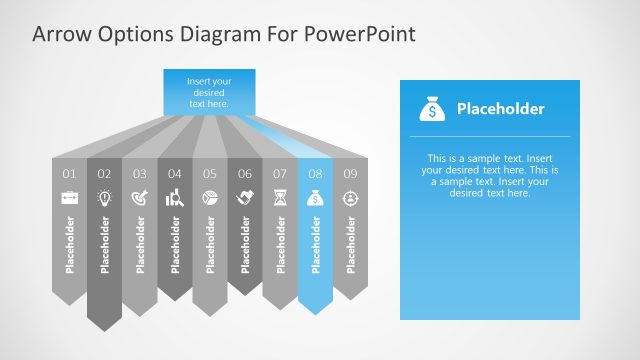
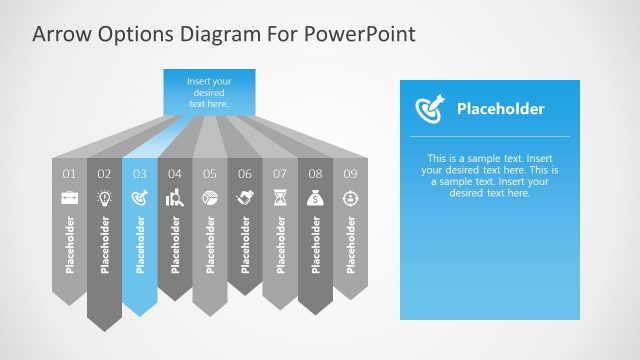
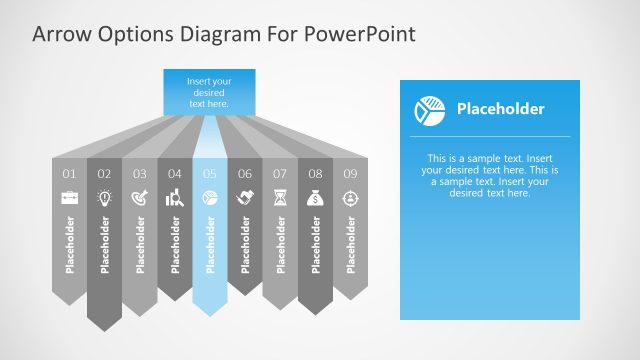
The slide features a structured arrow diagram with nine segments arranged in a downward flow. Each segment is represented by a gray bar with an icon on the left, indicating various options or steps. The first segment is labeled '01' and the last '09', with a blue box at the top center for a title placeholder. Below this, there are multiple text placeholders aligned to the right, allowing for detailed descriptions. The overall layout emphasizes a clear visual hierarchy, guiding the viewer through the steps sequentially.
How to Use It
This layout serves as a sequential process diagram, ideal for illustrating steps in a workflow or project. It fits well at the conclusion of a presentation, summarizing key points or actions. This structure is useful in business contexts, such as project management, product development, or strategic planning, where clarity in progression is essential. It allows for easy adaptation to various topics while maintaining a consistent visual format throughout the presentation.
Text Placeholders & Capacity
Keep your copy within these limits so it fits without resizing. Node body slots can hold approximately 20-30 words each.
| Placeholder | Count | Max characters (approx.) |
|---|---|---|
| Slide title | 1 | 40 |
| Item heading | 9 | 10 |
| Item body | 9 | 150 |
Slide Keywords
Download unlimited PowerPoint templates, charts and graphics for your presentations with our annual plan.
DOWNLOADReturn to 9 Steps Arrows Bars PowerPoint Diagram.