Slide 2 of 10 from 9 Steps Arrows Bars PowerPoint Diagram
9 Steps Waterfall Chart Agenda Arrow 1
Arrow Options Diagram for PowerPoint
- Diagram
- Arrow Sequence
- Process Slide
- 16:9
- 100% Editable
The Arrow Options Diagram slide from the 9 Steps Arrows Bars PowerPoint Diagram template offers a structured process layout with nine sequential arrow segments. This design supports project planning and workflow presentations by clearly illustrating stages or steps in a business presentation. Its editable shapes and numbered arrows enhance clarity, making it a practical choice for corporate presentations and pitch deck templates that require precise process mapping.
What’s on This Slide
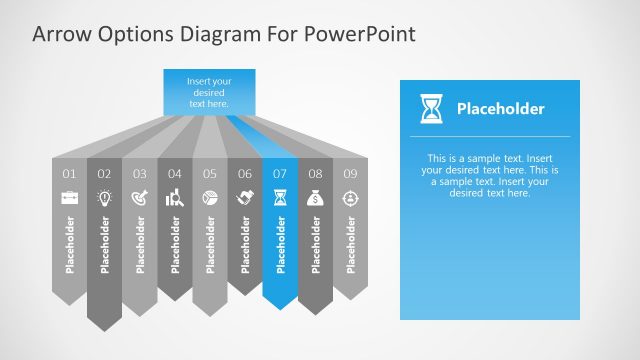
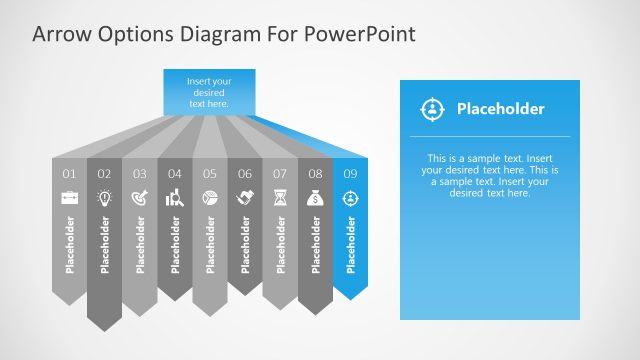
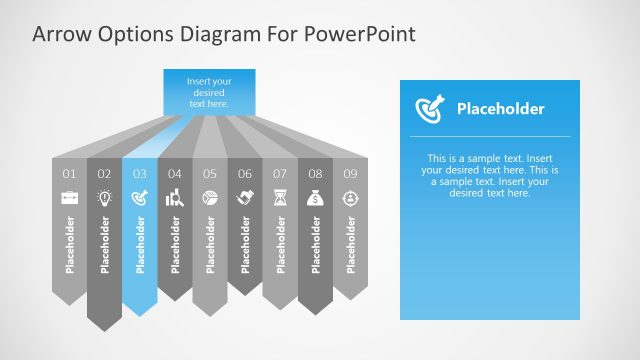
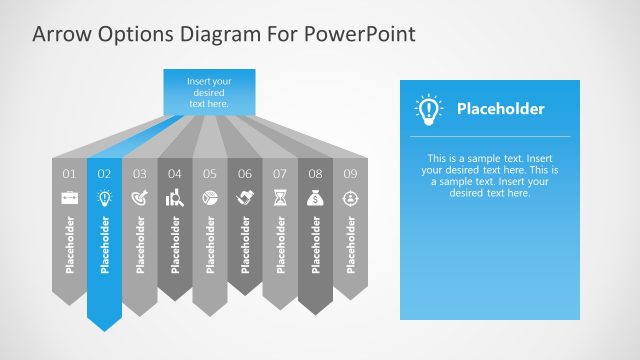
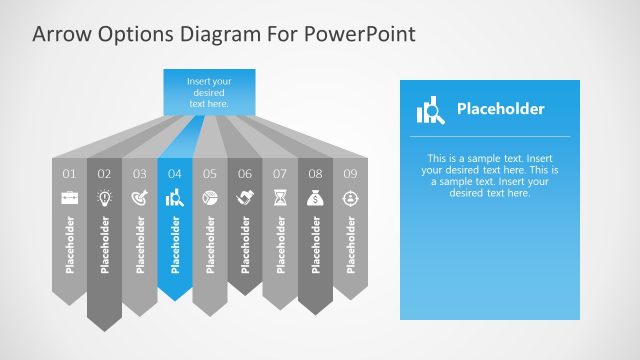
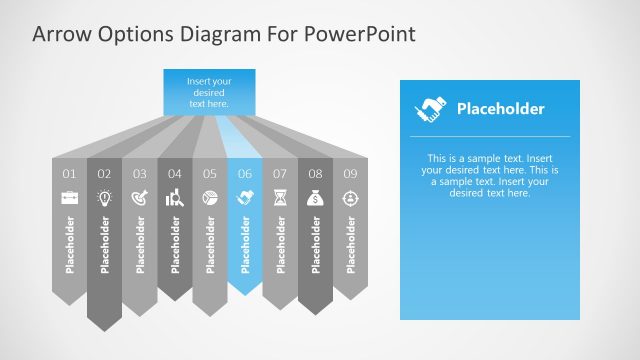
The layout features a series of nine arrow-shaped segments arranged horizontally across the bottom of the slide. Each segment contains a text placeholder aligned centrally, labeled with numbers from 01 to 09. Above the first segment, there is a larger rectangular placeholder for a title or main text. To the right, a separate rectangular placeholder is present for additional text, featuring a sample text description. The background is light, enhancing the visibility of the blue and gray elements, creating a clear visual hierarchy.
How to Use It
This layout serves as a sequential process diagram, ideal for illustrating steps or phases in a project. It fits well in a presentation sequence after introducing a problem or concept, providing a clear roadmap. Business scenarios include project planning, product development stages, or workflow presentations. The clear numbering and structured layout help audiences follow along easily, making it suitable for both team meetings and client presentations.
Text Placeholders & Capacity
Keep your copy within these limits so it fits without resizing. Node labels can hold roughly 3-4 words each, while body text can accommodate longer entries.
| Placeholder | Count | Max characters (approx.) |
|---|---|---|
| Item heading | 9 | 20 |
| Item body | 9 | 100 |
| Slide title | 1 | 50 |
| Body paragraph | 1 | 250 |
Slide Keywords
Download unlimited PowerPoint templates, charts and graphics for your presentations with our annual plan.
DOWNLOADReturn to 9 Steps Arrows Bars PowerPoint Diagram.