Slide 5 of 10 from 9 Steps Arrows Bars PowerPoint Diagram
9 Steps Waterfall Chart Agenda Arrow 4
Arrow Options Diagram for PowerPoint
- Diagram
- Arrow Sequence
- Process Slide
- 16:9
- 100% Editable
What’s on This Slide
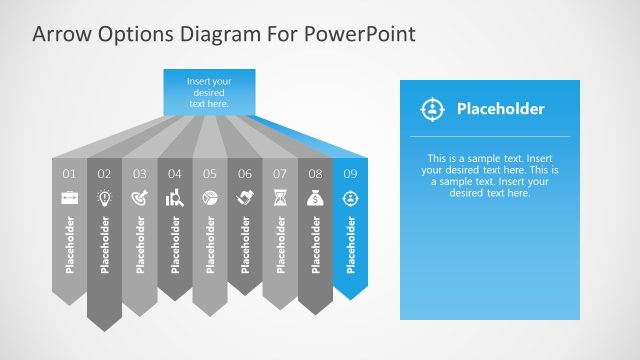
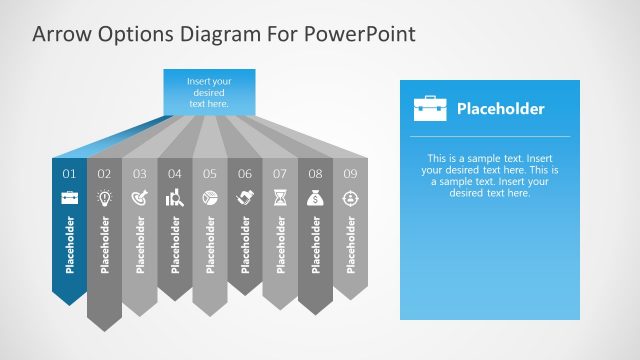
The layout features a central arrow diagram with nine segments extending from a central node. Each segment is a gray arrow pointing downward, with the fourth segment highlighted in blue. The top of the slide contains a title placeholder aligned to the center. Below the central node, there are placeholders for text, with the left side displaying numbered segments and the right side featuring a larger placeholder for additional content. The overall composition is structured to guide the viewer's focus toward the highlighted segment and accompanying text.
How to Use It
This layout serves as a process flow diagram, illustrating a sequence of steps or options in a structured manner. It fits well in presentations that outline processes, project phases, or decision-making paths. This diagram can be effectively used in business contexts such as project management, strategic planning, or product development discussions, where clarity in progression is essential. Its sequential nature aids in guiding audiences through complex information.
Text Placeholders & Capacity
Keep your copy within these limits so it fits without resizing. Node body slots can hold roughly 15-20 words each.
| Placeholder | Count | Max characters (approx.) |
|---|---|---|
| Slide title | 1 | 30 |
| Item heading | 9 | 15 |
| Item body | 9 | 100 |
| Body paragraph | 1 | 200 |
Slide Keywords
Download unlimited PowerPoint templates, charts and graphics for your presentations with our annual plan.
DOWNLOADReturn to 9 Steps Arrows Bars PowerPoint Diagram.