Slide 9 of 10 from 9 Steps Arrows Bars PowerPoint Diagram
9 Steps Waterfall Chart Agenda Arrow 8
Arrow Options Diagram for PowerPoint
- Diagram
- Arrow Sequence
- Process Slide
- 16:9
- 100% Editable
The Arrow Options Diagram slide from the 9 Steps Arrows Bars PowerPoint Diagram template visually represents sequential processes using editable shapes and vector icons. This slide layout is designed for business presentations and pitch decks that require clear depiction of project phases or workflows. Its horizontal arrow sequence with highlighted steps suits corporate presentations aiming to communicate progress or strategy effectively through professional slide templates.
What’s on This Slide
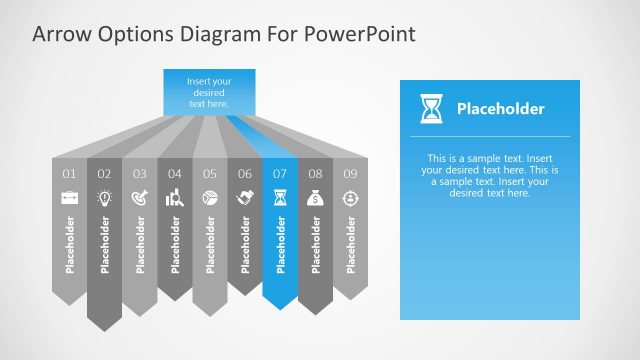
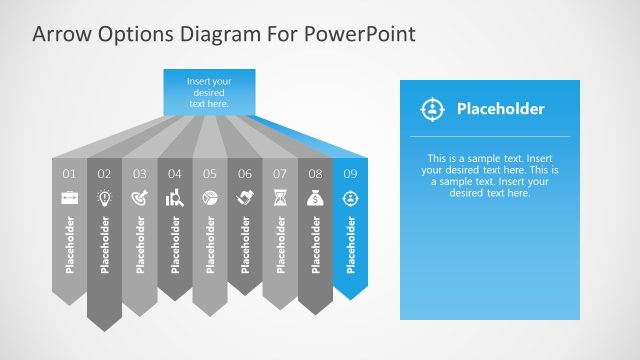
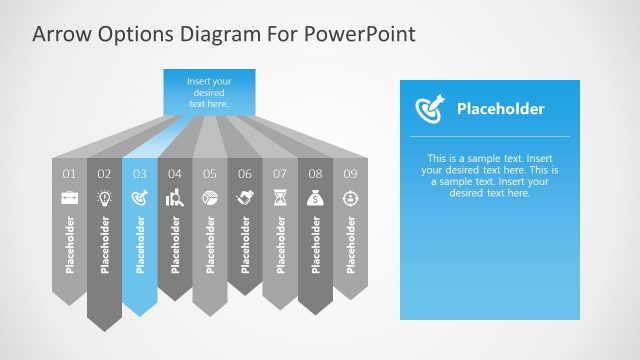
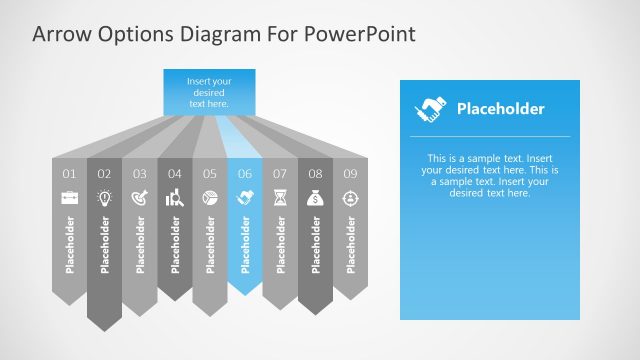
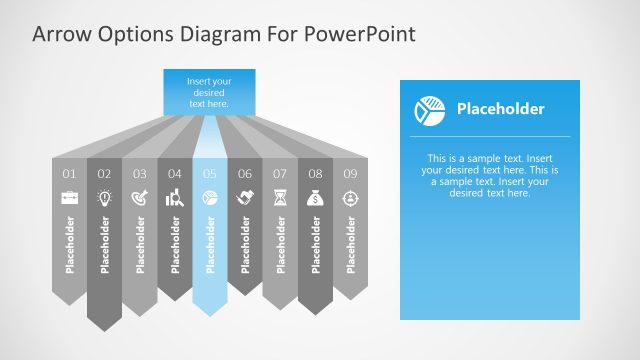
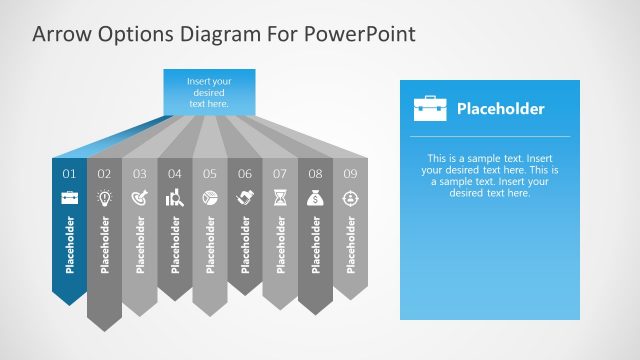
The layout features a series of nine arrow shapes arranged horizontally, with the eighth arrow highlighted in blue. Each arrow has an icon above it, representing various concepts, and includes a placeholder for text. To the right, a rectangular container holds a larger placeholder for additional text, with a dollar sign icon above it. The overall color scheme includes shades of gray for the arrows and blue for the highlighted arrow and text box. The background is light gray, providing contrast to the elements.
How to Use It
This layout serves as a sequential diagram, illustrating a process or series of steps. It fits well in presentations that outline project phases, strategies, or workflows. Ideal scenarios include business proposals, project updates, or educational content where a clear progression is needed. It effectively communicates the flow of ideas or tasks, making it suitable for both team meetings and client presentations.
Text Placeholders & Capacity
Keep your copy within these limits so it fits without resizing. Node body slots can hold about 30 words each.
| Placeholder | Count | Max characters (approx.) |
|---|---|---|
| Item heading | 9 | 20 |
| Item body | 1 | 150 |
| Slide title | 1 | 50 |
Slide Keywords
Download unlimited PowerPoint templates, charts and graphics for your presentations with our annual plan.
DOWNLOADReturn to 9 Steps Arrows Bars PowerPoint Diagram.