Slide 8 of 10 from 9 Steps Arrows Bars PowerPoint Diagram
9 Steps Waterfall Chart Agenda Arrow 7
Arrow Options Diagram for PowerPoint
- Diagram
- Arrow Sequence
- Process Slide
- 16:9
- 100% Editable
The Arrow Options Diagram from the 9 Steps Arrows Bars PowerPoint Diagram template offers a clear process illustration using nine sequential arrows, ideal for business presentations and strategic planning. This slide layout supports effective communication of project steps with editable shapes and a highlighted arrow to emphasize key milestones, making it a practical choice for corporate slide decks and pitch deck templates.
What’s on This Slide
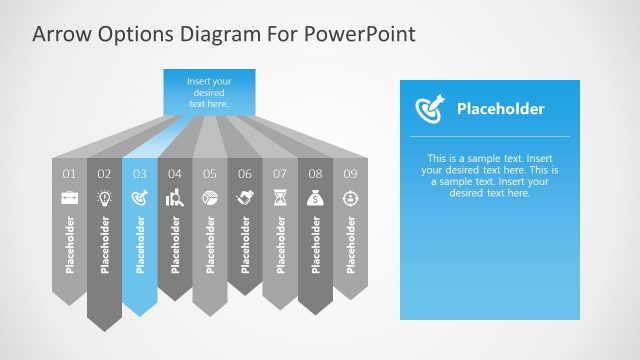
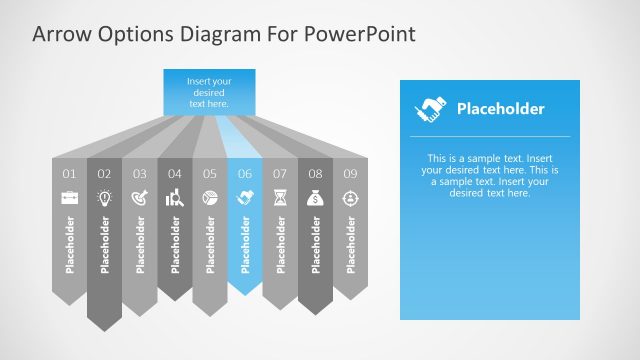
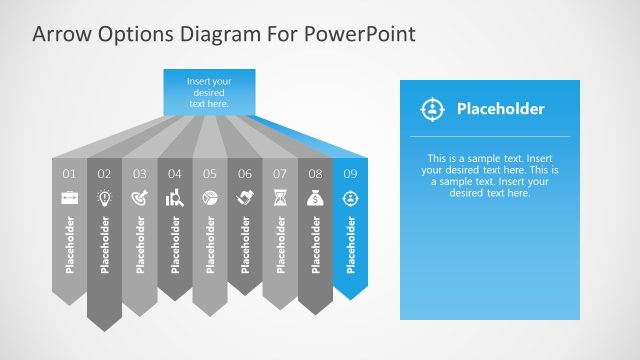
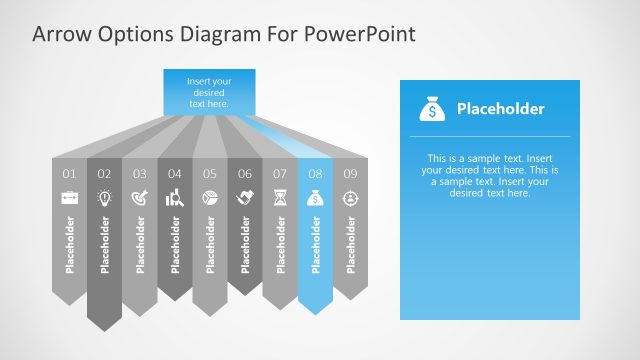
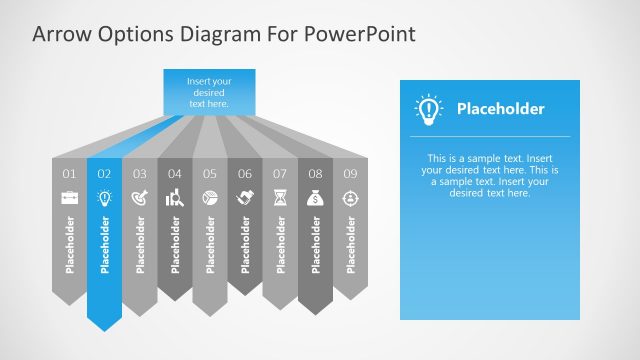
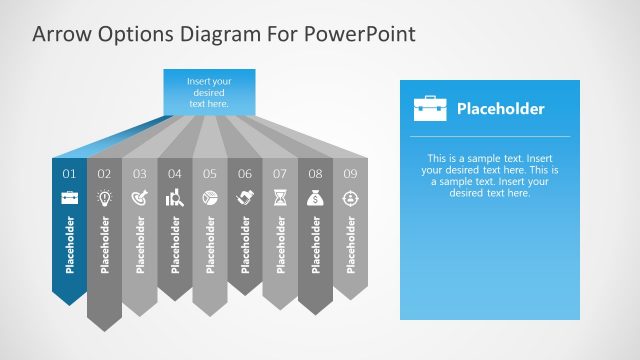
The layout features a series of nine arrow shapes arranged in a downward flow from left to right. Each arrow contains a text placeholder aligned centrally within it, labeled from 01 to 09. The seventh arrow is highlighted in blue, indicating its significance. To the right, a large rectangular placeholder contains additional text, with a smaller icon above it. The background is light gray, enhancing the visibility of the blue and gray elements. The overall composition emphasizes a clear flow and hierarchy among the arrows and text areas.
How to Use It
This layout serves as a sequential diagram, ideal for illustrating processes or steps in a project. It fits well in a presentation that outlines a series of actions or phases, particularly in business contexts such as project management or strategic planning. The highlighted arrow allows for emphasis on a specific step, making it suitable for discussions on progress or milestones. It can be effectively used in both formal and informal settings to convey structured information.
Text Placeholders & Capacity
Keep your copy within these limits so it fits without resizing. Node body slots can hold about 30-40 words each.
| Placeholder | Count | Max characters (approx.) |
|---|---|---|
| Item heading | 9 | 2 |
| Item body | 1 | 150 |
| Callout | 1 | 150 |
Slide Keywords
Download unlimited PowerPoint templates, charts and graphics for your presentations with our annual plan.
DOWNLOADReturn to 9 Steps Arrows Bars PowerPoint Diagram.