Slide 8 of 8 from 7 Steps Arrows Bars PowerPoint Diagram
7 Steps Waterfall Diagram 7 Segment
Arrow Options Diagram for PowerPoint
- Diagram
- Arrow Sequence
- Process Slide
- 16:9
- 100% Editable
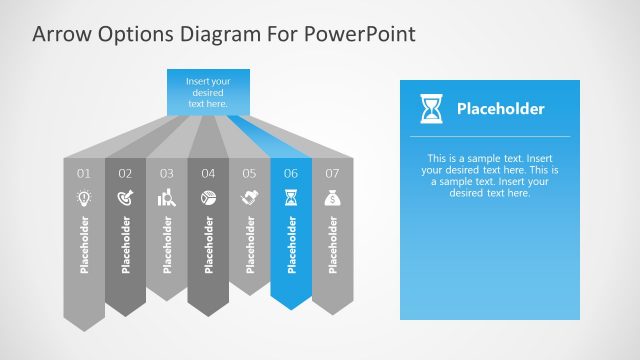
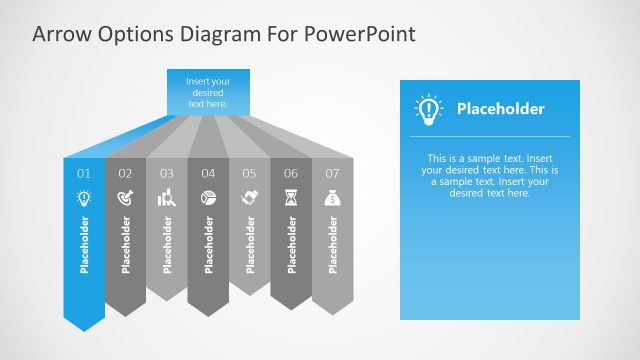
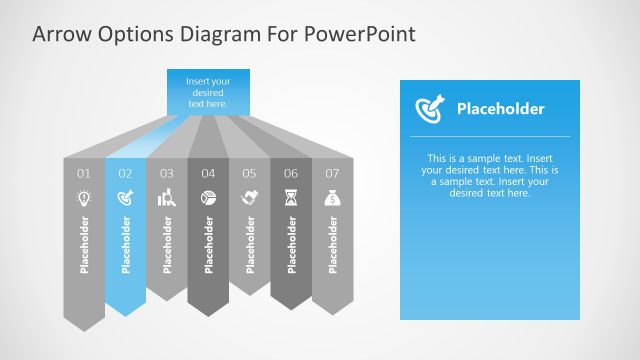
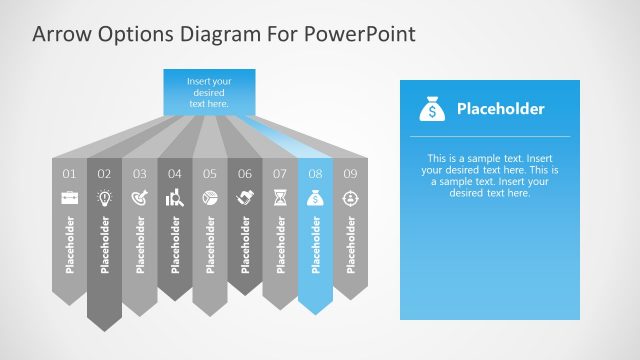
The Arrow Options Diagram slide from the 7 Steps Arrows Bars PowerPoint Diagram template offers a clear visual sequence ideal for outlining processes or strategic planning. This slide layout uses editable shapes and vector icons to emphasize progression through seven steps, culminating in a highlighted conclusion segment. It is well-suited for business presentations and pitch deck templates that require a structured slide deck to communicate step-by-step workflows or options effectively.
What’s on This Slide
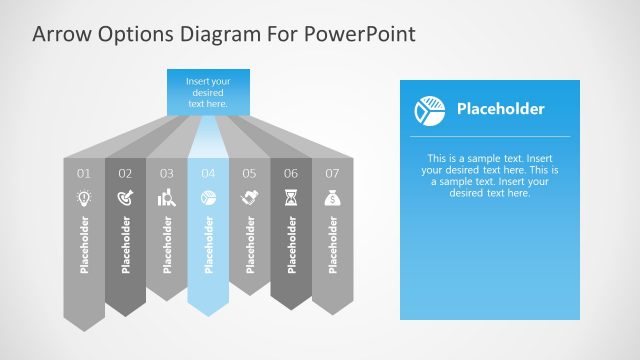
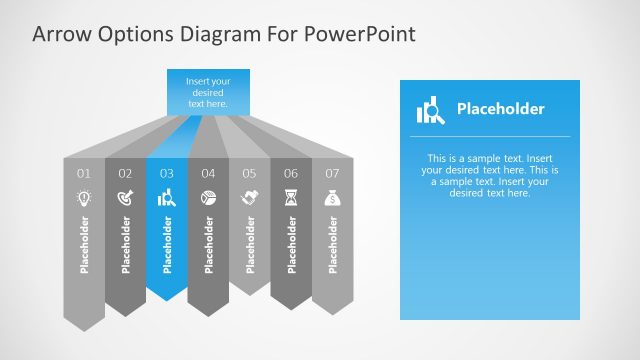
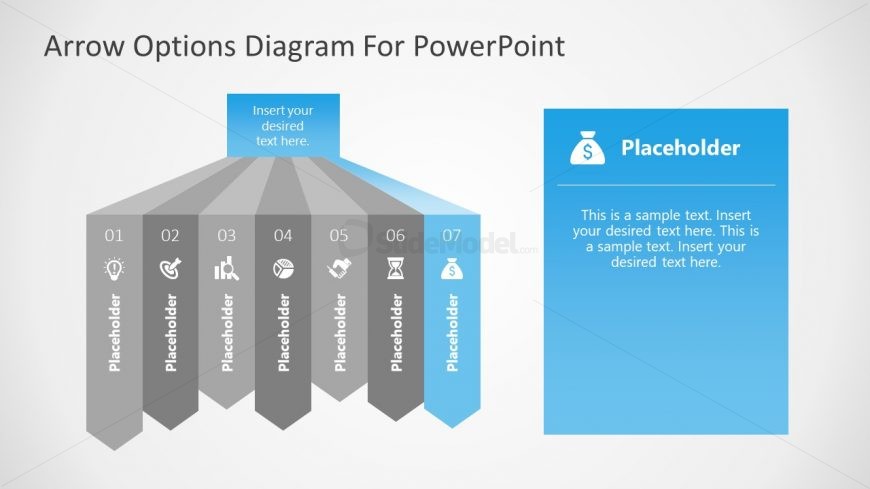
The slide features a horizontal arrow diagram with seven segments. Each segment is a rectangular shape aligned in a row, with the first six in shades of gray and the seventh in blue. Each segment contains a placeholder for text, labeled with numbers 01 to 07. The seventh segment has a larger blue box to the right, containing a text placeholder with a dollar icon above it. The background is light gray, providing contrast to the darker segments. The visual hierarchy emphasizes the seventh segment, indicating it may represent a conclusion or summary.
How to Use It
This layout serves as a sequential representation of steps or options, making it suitable for presenting processes or strategies. It fits well in a presentation sequence following an introduction or problem statement, leading into actionable steps or recommendations. This structure is useful in business contexts such as project planning, strategic initiatives, or outlining next steps in a process. It effectively communicates a clear progression from one step to another, guiding the audience through the content.
Text Placeholders & Capacity
Keep your copy within these limits so it fits without resizing. Node body slots can hold approximately 15-20 words each.
| Placeholder | Count | Max characters (approx.) |
|---|---|---|
| Item heading | 7 | 15 |
| Item body | 7 | 100 |
| Body paragraph | 1 | 200 |
Slide Keywords
Download unlimited PowerPoint templates, charts and graphics for your presentations with our annual plan.
DOWNLOADReturn to 7 Steps Arrows Bars PowerPoint Diagram.