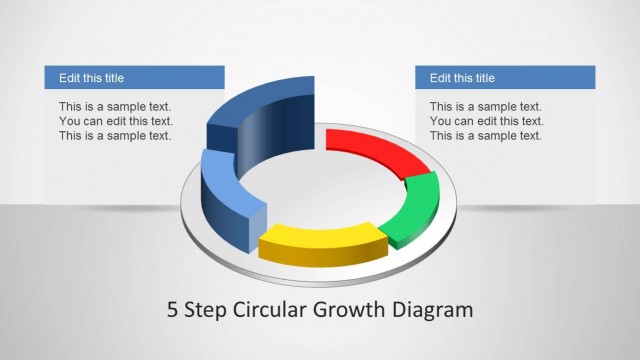
Slide 3 of 4 from 7 Step Circular Growth Diagram for PowerPoint
6233-07-7step-circular-growth-diagrams-3
7 Step Circular Growth Diagram for Presentations
- Diagram
- Circular Cycle
- Process Slide
- 16:9
- 100% Editable
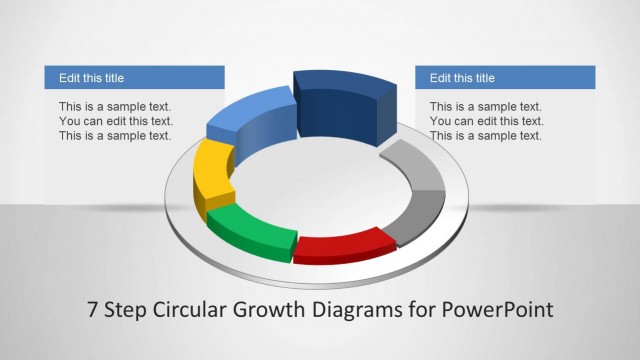
The 7 Step Circular Growth Diagram slide from the 7 Step Circular Growth Diagram for PowerPoint template offers a clear visual of a seven-phase process using a 3D circular diagram. Ideal for business presentations and strategic planning, this slide layout supports effective communication of growth cycles with editable shapes and text placeholders, enhancing any corporate presentation or pitch deck template.
What’s on This Slide
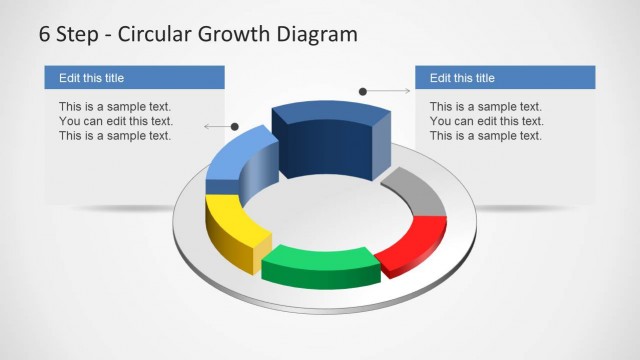
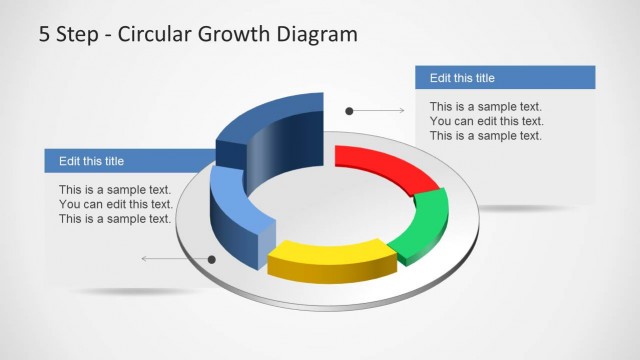
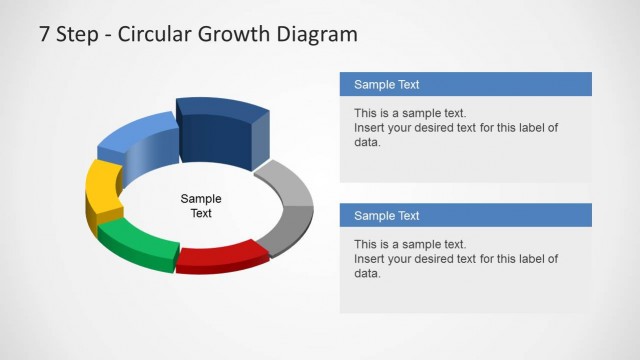
The layout features a 3D circular diagram with seven segments, each represented by a different color. The segments are arranged in a circular pattern, with a prominent blue segment positioned at the top. Two text boxes are located on the left and right sides, each containing placeholders for titles and body text. The text boxes are aligned horizontally and connected to the diagram with leader lines. The overall composition is balanced, with a light background enhancing the visibility of the colorful segments. The visual hierarchy emphasizes the circular flow of the diagram.
How to Use It
This layout serves as a visual representation of a seven-step process or growth cycle. It is suitable for presentations that require a clear depiction of phases or stages in a business context. This diagram can be used in scenarios such as project planning, strategic growth discussions, or process improvement presentations. It fits well after an introductory slide that outlines the problem or opportunity, leading into a detailed explanation of each step in the cycle.
Text Placeholders & Capacity
Keep your copy within these limits so it fits without resizing. Node body slots can hold about 15-20 words each.
| Placeholder | Count | Max characters (approx.) |
|---|---|---|
| Slide title | 1 | 30 |
| Item heading | 7 | 20 |
| Item body | 7 | 100 |