Slide 4 of 4 from 7 Step Circular Growth Diagram for PowerPoint
6233-07-7step-circular-growth-diagrams-4
7 Step Circular Growth Diagram for Presentations
- Diagram
- Circular Cycle
- Process Slide
- 16:9
- 100% Editable
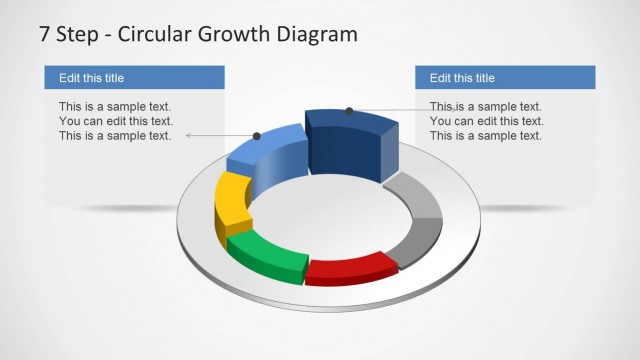
The 7 Step Circular Growth Diagram slide from the 7 Step Circular Growth Diagram for PowerPoint template offers a clear visual of business cycles and growth phases. This slide layout uses editable shapes and vector icons in a 3D circular diagram to effectively communicate project steps and strategic planning in corporate presentations or pitch decks.
What’s on This Slide
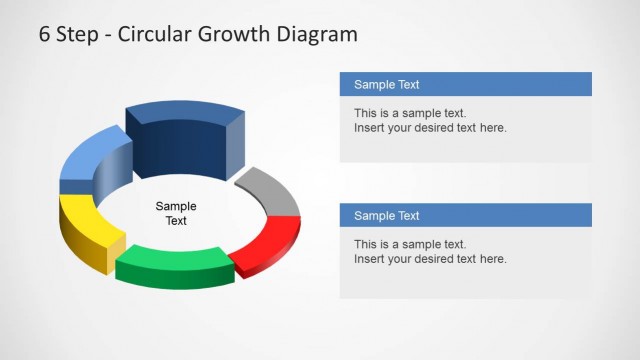
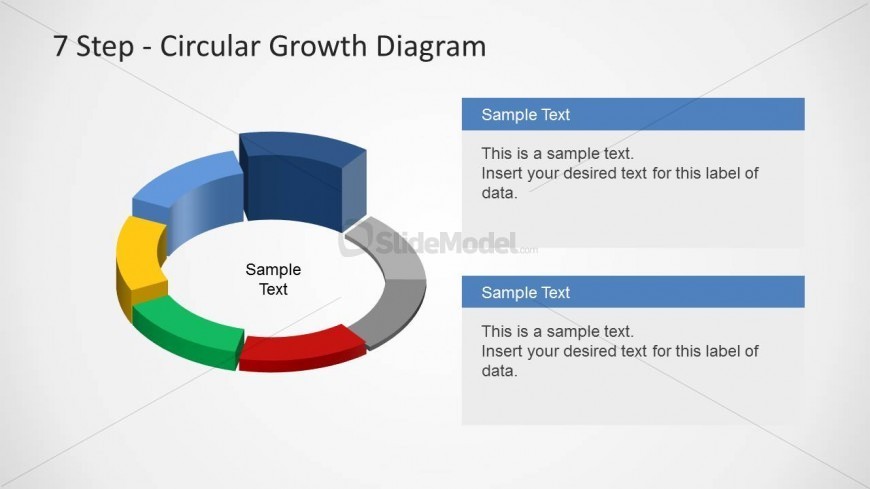
The layout features a 3D circular diagram divided into seven segments, each colored differently. The segments are arranged in a clockwise direction, with a central circular area labeled 'Sample Text.' To the right, two rectangular text boxes are positioned vertically, each containing sample text placeholders. The top box is aligned with the upper edge of the diagram, while the bottom box is aligned with the lower edge. The overall composition is balanced, with a light background enhancing visibility and clarity.
How to Use It
This layout serves as a visual representation of a seven-step growth process, ideal for illustrating cyclical phases in business strategies. It fits well in a presentation sequence following problem identification and before detailing solutions. Scenarios include project management, product development, and strategic planning, where a clear depiction of stages is essential for audience understanding.
Text Placeholders & Capacity
Keep your copy within these limits so it fits without resizing. Node labels can accommodate roughly 20 characters each.
| Placeholder | Count | Max characters (approx.) |
|---|---|---|
| Slide title | 1 | 30 |
| Item heading | 7 | 20 |
| Body paragraph | 2 | 150 |