Slide 2 of 4 from 7 Step Circular Growth Diagram for PowerPoint
6233-07-7step-circular-growth-diagrams-2
7 Step Circular Growth Diagram for Presentations
- Diagram
- Circular Cycle
- Process Slide
- 16:9
- 100% Editable
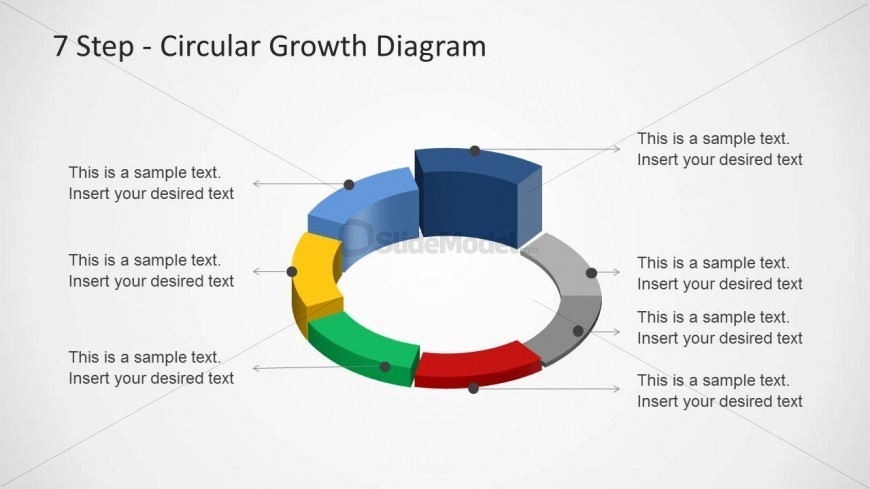
The 7 Step Circular Growth Diagram slide from the 7 Step Circular Growth Diagram for PowerPoint template offers a clear visual of sequential growth stages. This slide layout uses a 3D circular diagram with editable shapes and text placeholders to illustrate a seven-phase process, making it ideal for business presentations and project management slide decks. Its design supports effective communication of process flows in corporate presentations and pitch deck templates.
What’s on This Slide
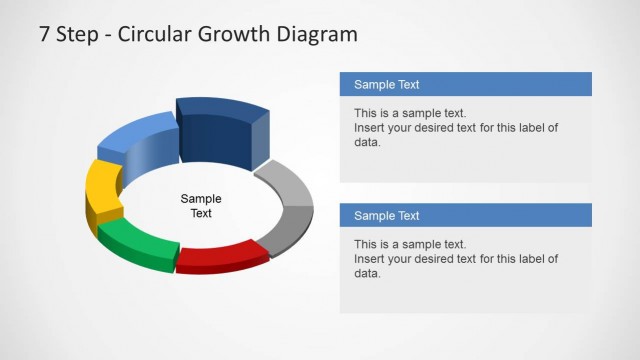
The slide features a 3D circular diagram divided into seven segments, each representing a step in a growth process. The segments are colored blue, green, yellow, red, and gray, arranged in a clockwise direction. Each segment has a corresponding text placeholder positioned to the right, aligned horizontally. The title is located at the top center, with a larger font size than the body text. The overall layout emphasizes the circular flow of the diagram, with connecting lines indicating progression between steps. Background is light gray.
How to Use It
This layout serves as a visual representation of a seven-step process or growth cycle. It is suitable for presentations that require a clear depiction of sequential phases or stages. This slide can be effectively used in business contexts, such as strategic planning, project management, or process improvement discussions. It fits well after an introductory slide and before detailed explanations of each step, providing a visual roadmap for the audience.
Text Placeholders & Capacity
Keep your copy within these limits so it fits without resizing. Node body slots can hold about 6-8 words each.
| Placeholder | Count | Max characters (approx.) |
|---|---|---|
| Slide title | 1 | 30 |
| Item body | 7 | 40 |