Slide 1 of 4 from 7 Step Circular Growth Diagram for PowerPoint
Circular Growth Diagram Design for PowerPoint
7 Step Circular Growth Diagram for Presentations
- Diagram
- Circular Cycle
- Process Slide
- 16:9
- 100% Editable
The 7 Step Circular Growth Diagram slide from the 7 Step Circular Growth Diagram for PowerPoint template offers a clear visual process for illustrating growth phases and strategic steps. This diagram slide is ideal for business presentations requiring editable slides that showcase project development or strategic cycles with vector icons and customizable text areas. Its 3D circular design enhances clarity in corporate presentations and pitch deck templates.
About This Slide
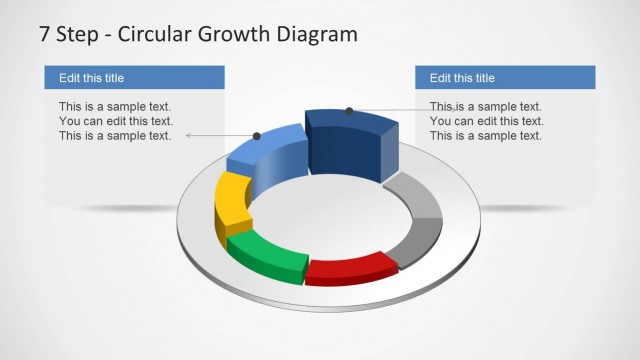
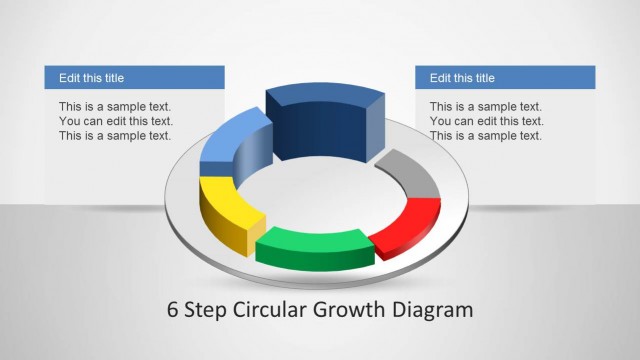
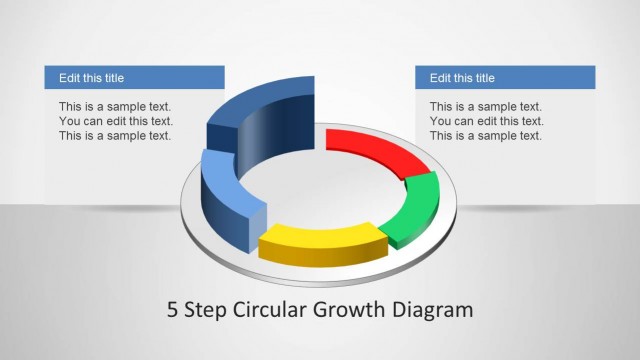
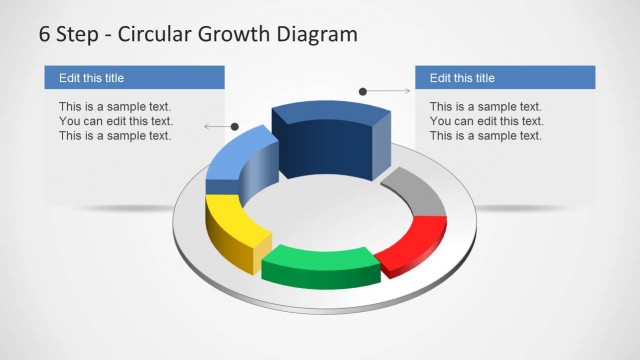
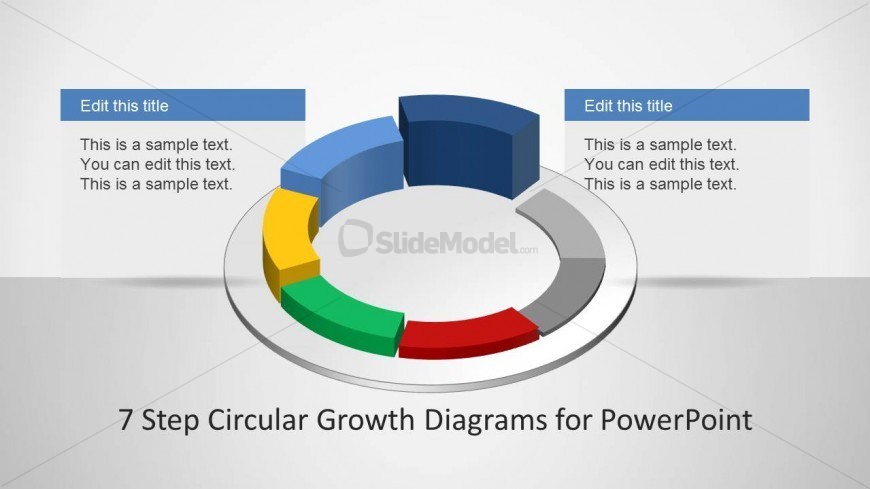
This slide design shows a circular growth diagram design for PowerPoint. It may be used to present different levels of growth and improvement in different departments or branches of a business. The 3D circular PowerPoint diagram found in the center of the slide resembles a 3D bar graph which has been curved to fit around the circle.
The bars have varied colors, light gray, dark gray, red, green, yellow, light blue, and dark blue, so as to be easily distinguishable from the others. Descriptions for the PowerPoint slide may be inserted in the two text placeholders, with light blue headers, found on both sides of the circular diagram. The PowerPoint objects are 100% customizable to suit the presenter’s needs and preferences.
What’s on This Slide
The layout features a 3D circular diagram divided into seven segments, each colored differently. The segments are positioned in a circular arrangement with a central circular base. Two rectangular text boxes are placed on the left and right sides, aligned horizontally, with the title placeholder at the top center. Each text box contains a title placeholder and sample text placeholders, which are aligned left. The overall composition emphasizes the circular growth concept, with a light background enhancing visibility.
How to Use It
This layout serves as a visual representation of a seven-step process or growth cycle. It is suitable for presentations that require illustrating phases of development or strategies. This slide fits well after an introductory problem slide, leading into detailed discussions of each phase. It can be used in business contexts such as project planning, product development, or strategic growth discussions, providing a clear visual guide for audiences.
Text Placeholders & Capacity
Keep your copy within these limits so it fits without resizing. Node labels can hold about 20 characters each, while body text is tighter at roughly 50 characters.
| Placeholder | Count | Max characters (approx.) |
|---|---|---|
| Slide title | 1 | 30 |
| Item heading | 7 | 20 |
| Item body | 7 | 50 |
Slide Keywords
Download unlimited PowerPoint templates, charts and graphics for your presentations with our annual plan.
DOWNLOAD