Slide 9 of 9 from 7 Stages Process Flow Diagram for PowerPoint
6134-01-7-stages-process-flow-9
7 Stages Process Flow Diagram for Presentations
- Diagram
- Circular Cycle
- Process Slide
- 16:9
- 100% Editable
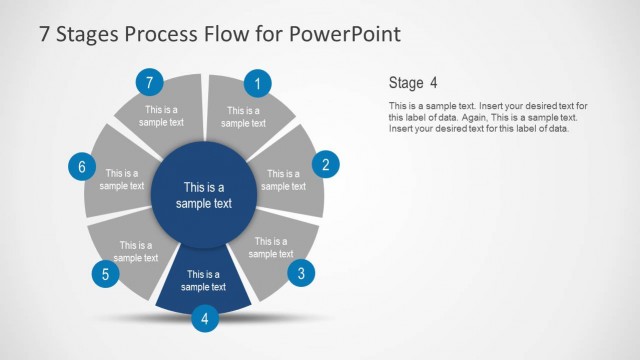
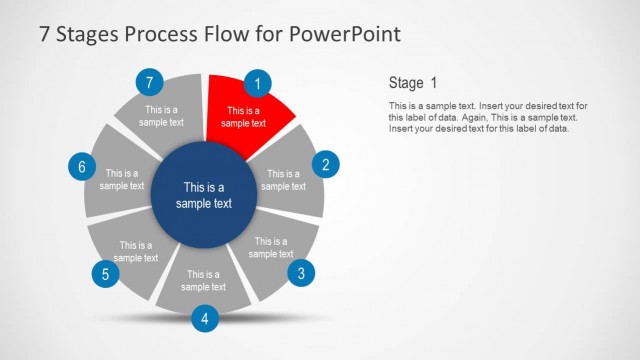
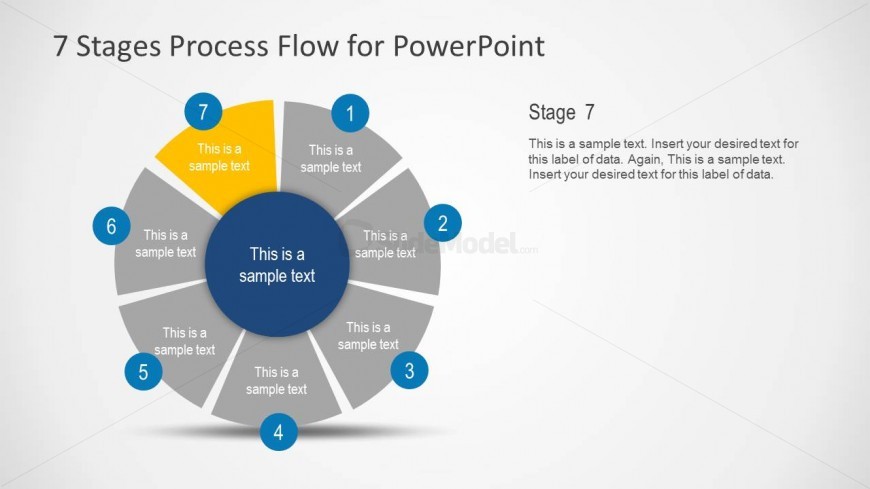
The 7 Stages Process Flow Diagram slide from the 7 Stages Process Flow Diagram for PowerPoint template offers a circular cycle layout ideal for illustrating sequential steps in project management and strategic planning. This slide utilizes editable shapes and vector icons to clearly depict each stage in a business presentation, making it suitable for explaining complex processes with a professional design.
What’s on This Slide
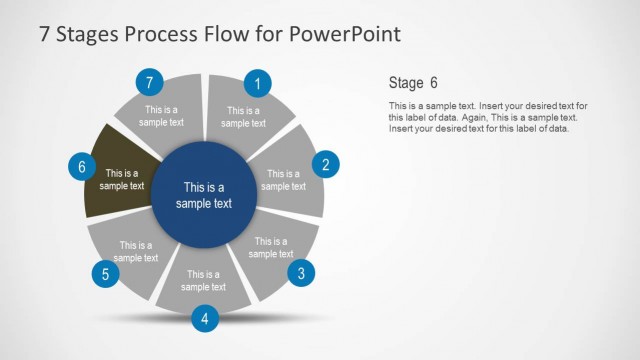
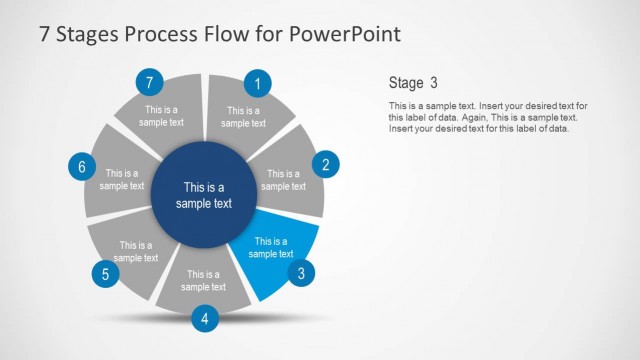
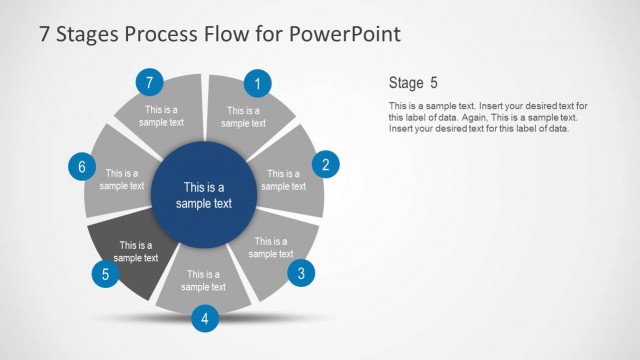
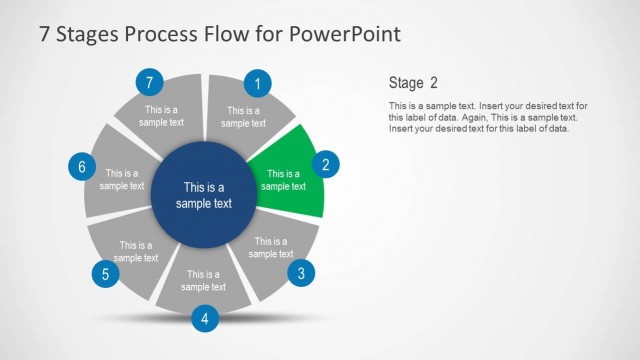
The layout features a circular diagram with seven segments arranged in a cycle. Each segment is labeled with a number from 1 to 7, with the central node highlighted in blue. The central node contains a text placeholder for additional information. Surrounding segments also have text placeholders for descriptions. The segments are visually separated by curved lines, and the overall color scheme includes blue and gray tones. The title is positioned at the top, while a detailed description is placed on the right side of the diagram.
How to Use It
This layout serves as a circular process flow diagram, ideal for illustrating sequential stages in a process. It fits well in presentations that require a clear depiction of steps or phases, particularly in project management or strategic planning contexts. It can be used to explain processes in business, education, or training sessions, emphasizing each stage's significance in the overall cycle.
Text Placeholders & Capacity
Keep your copy within these limits so it fits without resizing. Node labels can accommodate around 20 characters each, while body text slots are more spacious.
| Placeholder | Count | Max characters (approx.) |
|---|---|---|
| Slide title | 1 | 30 |
| Item heading | 7 | 20 |
| Item body | 7 | 50 |
| Body paragraph | 1 | 150 |
Slide Keywords
Download unlimited PowerPoint templates, charts and graphics for your presentations with our annual plan.
DOWNLOADReturn to 7 Stages Process Flow Diagram for PowerPoint.