Slide 5 of 9 from 7 Stages Process Flow Diagram for PowerPoint
6134-01-7-stages-process-flow-5
7 Stages Process Flow Diagram for Presentations
- Diagram
- Circular Cycle
- Process Slide
- 16:9
- 100% Editable
The 7 Stages Process Flow Diagram slide from the 7 Stages Process Flow Diagram for PowerPoint template offers a clear circular cycle layout to visualize sequential steps in project management or workflow presentations. This slide template includes editable shapes and vector icons to highlight each stage effectively, making it a practical choice for business presentations or training sessions requiring detailed process explanations.
What’s on This Slide
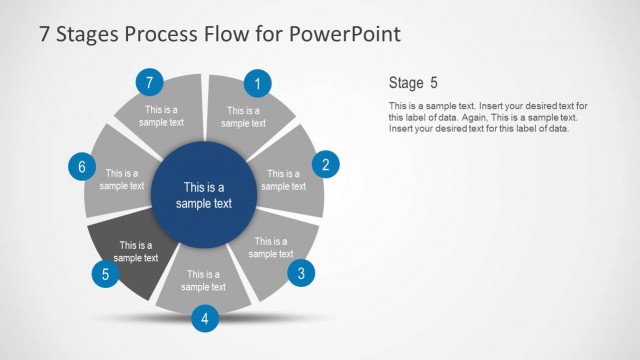
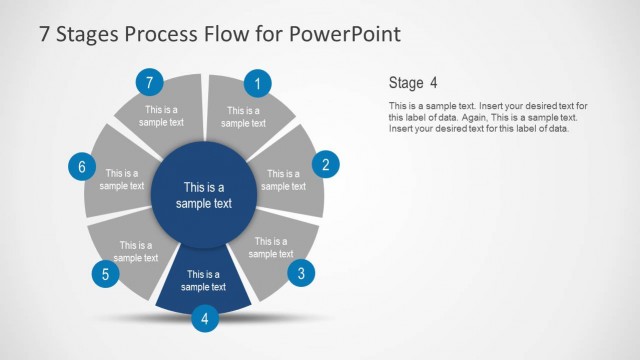
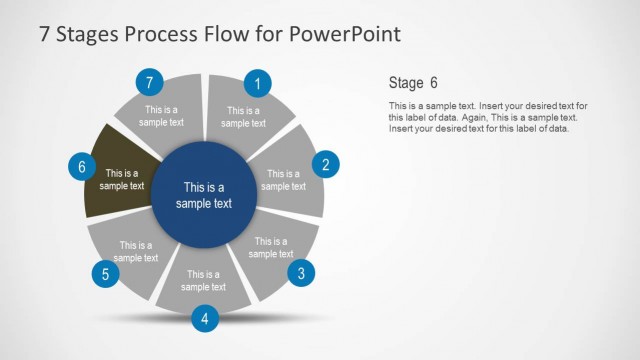
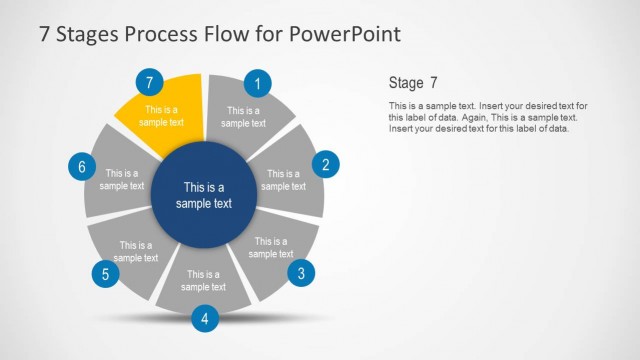
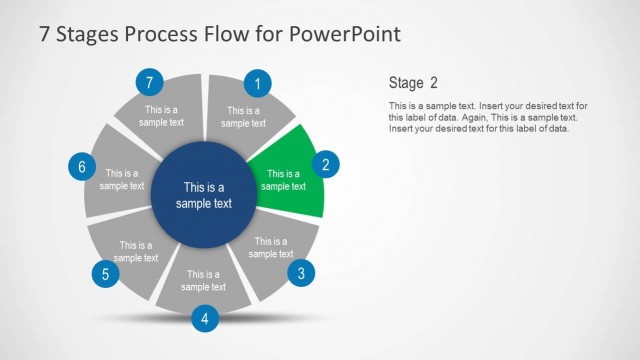
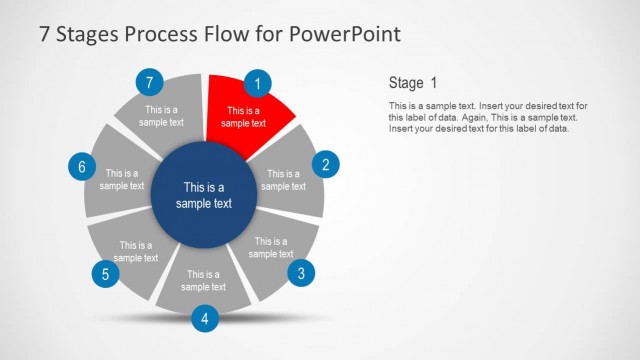
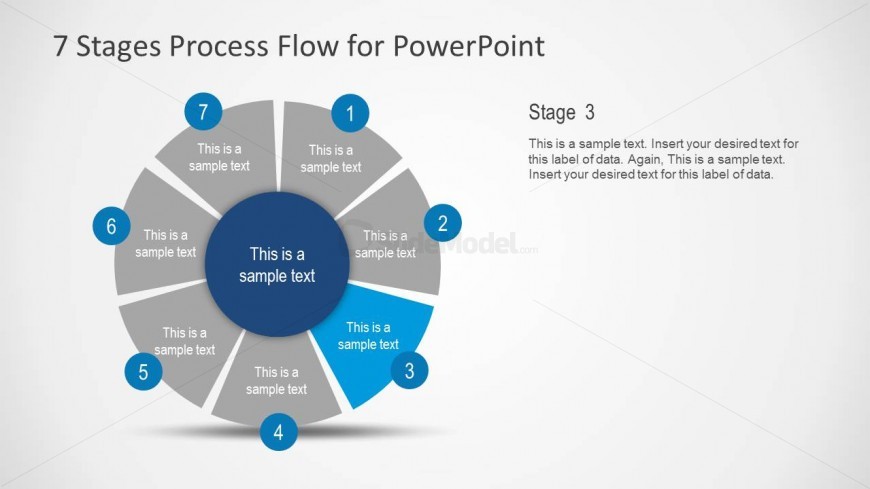
The slide features a circular diagram divided into seven segments, each representing a stage in a process. The central circle contains a placeholder for main text, while each segment has a number and a placeholder for descriptive text. The segments are arranged in a clockwise direction, with the current stage highlighted. The background is light, and the segments are colored in shades of gray with blue accents for emphasis. Text placeholders are aligned centrally within each segment and the main text is positioned prominently in the center.
How to Use It
This layout serves as a visual representation of a seven-stage process, ideal for illustrating sequential steps in a project or workflow. It fits well in presentations that require a clear depiction of processes, such as project management, product development, or strategic planning. This slide can be used to explain each stage in detail, making it suitable for training sessions or stakeholder updates, where clarity in process flow is essential.
Text Placeholders & Capacity
Keep your copy within these limits so it fits without resizing. Body slots can hold roughly 25-30 words each.
| Placeholder | Count | Max characters (approx.) |
|---|---|---|
| Slide title | 1 | 30 |
| Item heading | 7 | 10 |
| Item body | 7 | 50 |
| Body paragraph | 1 | 150 |
Slide Keywords
Download unlimited PowerPoint templates, charts and graphics for your presentations with our annual plan.
DOWNLOADReturn to 7 Stages Process Flow Diagram for PowerPoint.