Slide 1 of 9 from 7 Stages Process Flow Diagram for PowerPoint
6134-01-7-stages-process-flow-1
7 Stages Process Flow Diagram for PowerPoint
- Diagram
- Circular Cycle
- Process Slide
- 16:9
- 100% Editable
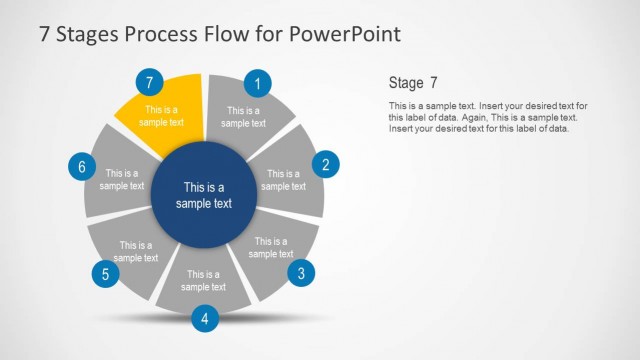
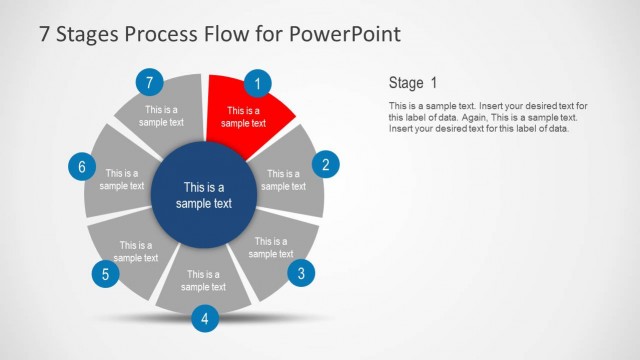
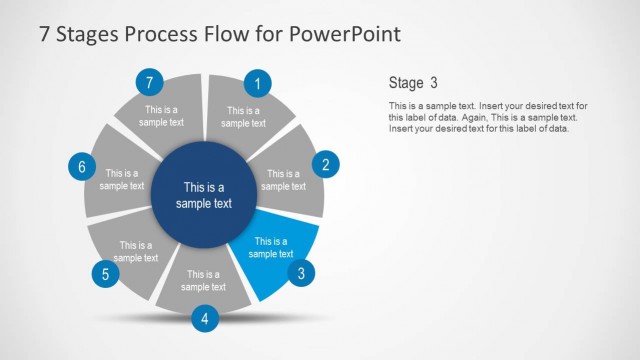
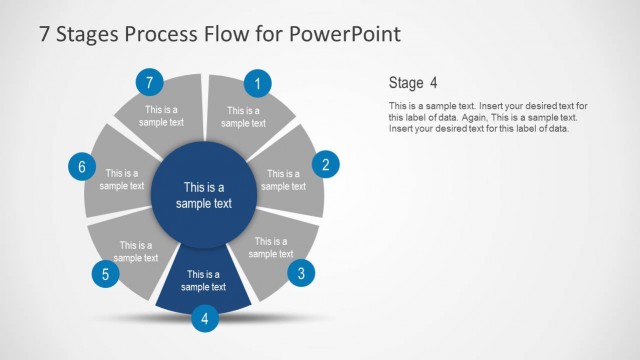
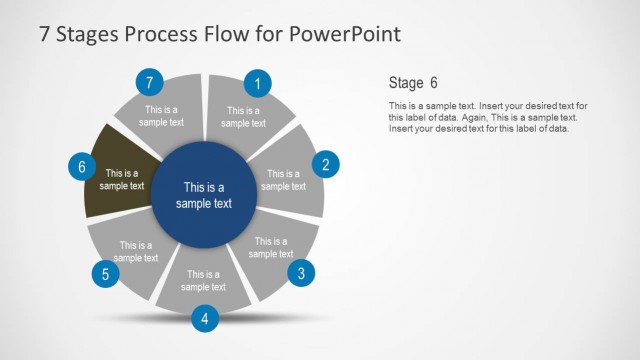
The 7 Stages Process Flow Diagram slide from the 7 Stages Process Flow Diagram for PowerPoint template presents a circular cycle ideal for project management and strategic planning. This slide layout uses editable shapes and distinct colored segments to visually communicate sequential steps in a process, making it suitable for business presentations and product development slide decks.
What’s on This Slide
The layout features a circular diagram divided into seven segments, each containing a text placeholder. The segments are arranged in a clockwise manner, numbered from 1 to 7, with a central circle also containing a text placeholder. The segments are colored differently, creating a distinct visual separation. The background is light, enhancing the visibility of the colored segments. Each segment's text placeholder is centered, while the central placeholder is larger and bold. The overall composition emphasizes a cyclical process flow.
How to Use It
This layout serves as a visual representation of a seven-stage process, ideal for illustrating sequential steps in a project or methodology. It fits well in presentations that require a clear depiction of processes, such as project management, product development, or strategic planning. This slide can be used to introduce a new concept or framework, allowing for detailed explanations of each stage in subsequent slides.
Text Placeholders & Capacity
Keep your copy within these limits so it fits without resizing. Node labels can hold about 20 characters each, while body text can accommodate 30 characters.
| Placeholder | Count | Max characters (approx.) |
|---|---|---|
| Item heading | 7 | 20 |
| Item body | 7 | 30 |
| Body paragraph | 1 | 50 |
| Slide title | 1 | 40 |
Slide Keywords
Download unlimited PowerPoint templates, charts and graphics for your presentations with our annual plan.
DOWNLOADReturn to 7 Stages Process Flow Diagram for PowerPoint.