Slide 4 of 9 from 7 Stages Process Flow Diagram for PowerPoint
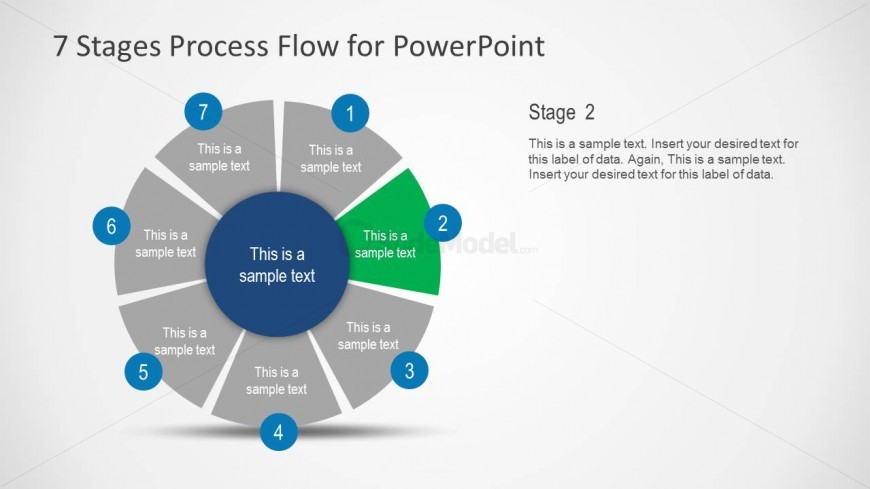
7 Stages Process Flow Diagram – Step 2
7 Stages Process Flow Diagram for PowerPoint
- Diagram
- Circular Cycle
- Process Slide
- 16:9
- 100% Editable
The 7 Stages Process Flow Diagram slide from the 7 Stages Process Flow Diagram for PowerPoint template offers a circular cycle layout ideal for illustrating sequential workflows in business presentations. This slide template uses editable shapes and vector icons to clearly depict each stage, supporting project management and product development narratives within professional slide decks.
What’s on This Slide
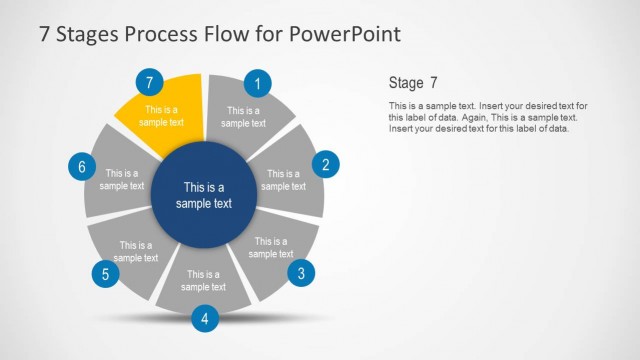
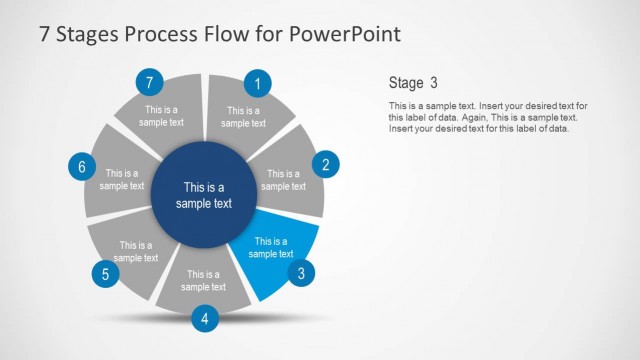
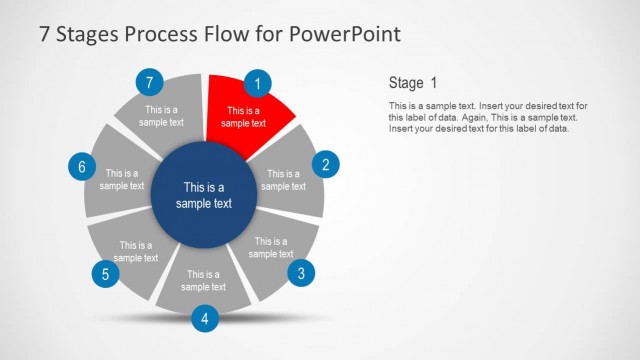
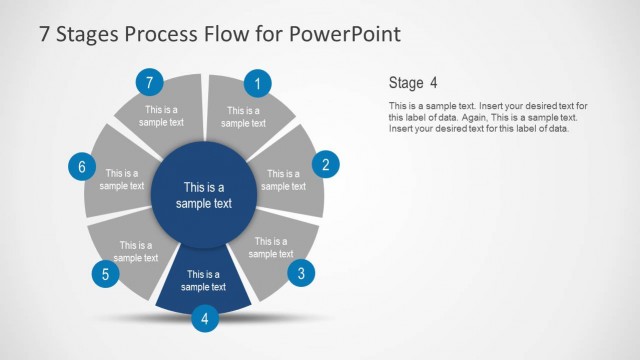
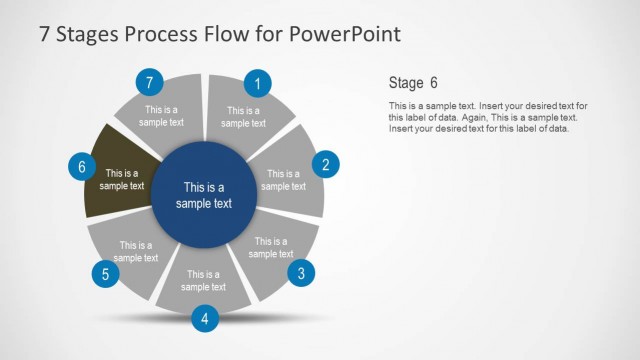
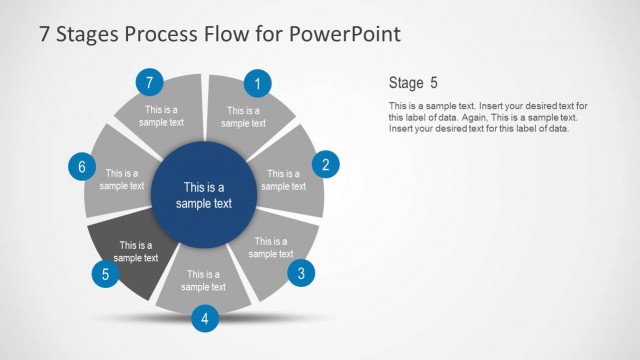
The layout features a circular diagram with seven segments arranged around a central node. Each segment is labeled with a number from 1 to 7, indicating the stages of the process. The central node contains a text placeholder for the current stage, while each segment has a corresponding text placeholder for details. The segments alternate in color, creating a visual distinction. The title is positioned at the top, and a subtitle is aligned to the right. The overall composition emphasizes the flow of stages in a circular manner.
How to Use It
This layout serves as a process flow diagram, ideal for illustrating a seven-stage process. It fits within a presentation sequence that introduces a process overview and then details each stage. Common scenarios include project management, product development, or any sequential workflow. This diagram effectively communicates the progression through stages, making it suitable for business presentations focused on processes or methodologies.
Text Placeholders & Capacity
Keep your copy within these limits so it fits without resizing. Node body slots can hold roughly 20-25 words each.
| Placeholder | Count | Max characters (approx.) |
|---|---|---|
| Slide title | 1 | 30 |
| Item heading | 7 | 20 |
| Item body | 7 | 100 |
| Section number | 1 | 10 |
| Body paragraph | 1 | 200 |
Slide Keywords
Download unlimited PowerPoint templates, charts and graphics for your presentations with our annual plan.
DOWNLOADReturn to 7 Stages Process Flow Diagram for PowerPoint.