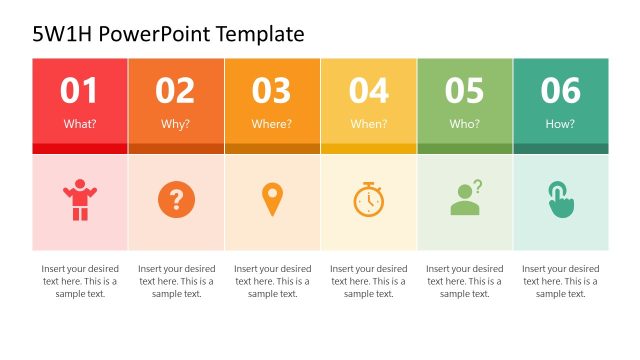
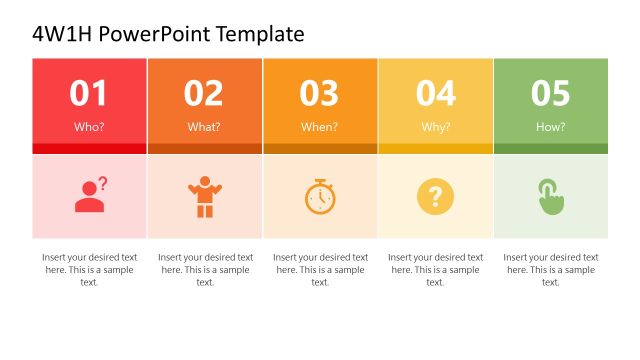
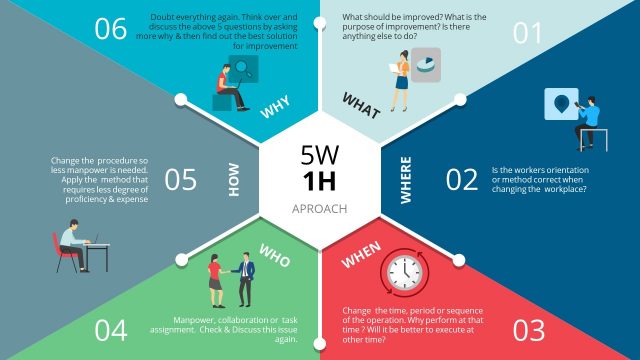
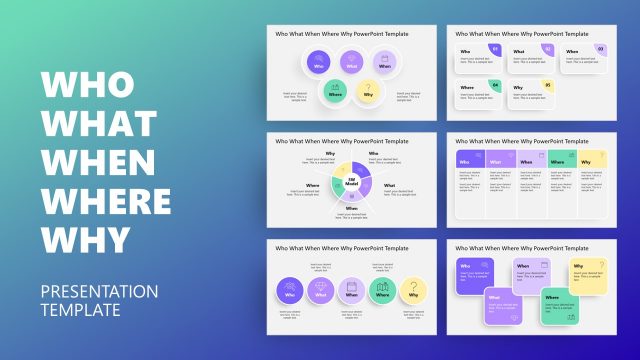
Our 5W1H Problem-Solving PowerPoint Template features a set of engaging diagram slides for presenting the components of the 5W1H approach. The words 5W and 1H stand for the questions asked or resolved to know a particular situation. For example, in case of a problem, the analysts will preview this situation in five different aspects, i.e., What, Why, Where, When, Who, and How. By analyzing problems from diverse angles, professionals can dig into the actual cause and propose an adequate solution. This comprehensive approach is applied wherever a complex scenario is to be resolved or a decision has to be taken. Thus, it is used in almost every field, such as business, education, real estate, research, science & tech. Presenters can edit the featured slides and prepare impressive presentations for meetings and discussions using all PowerPoint versions, Google Slides, and Keynote.
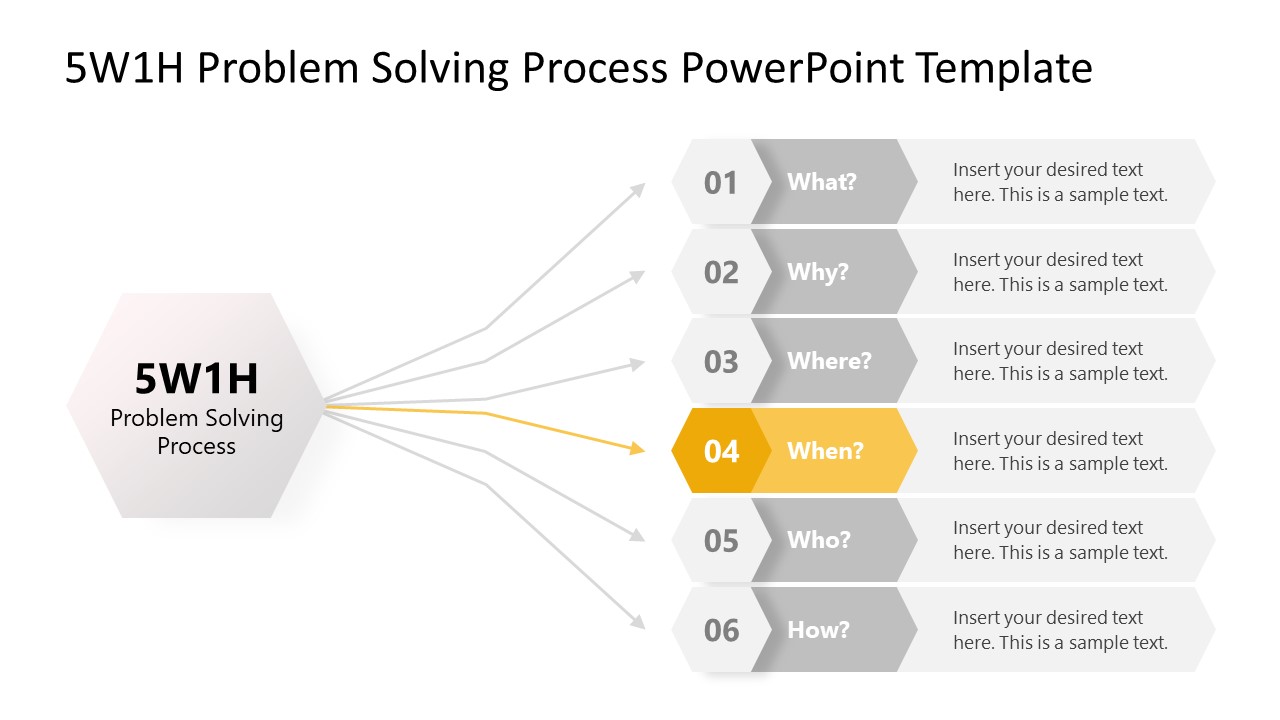
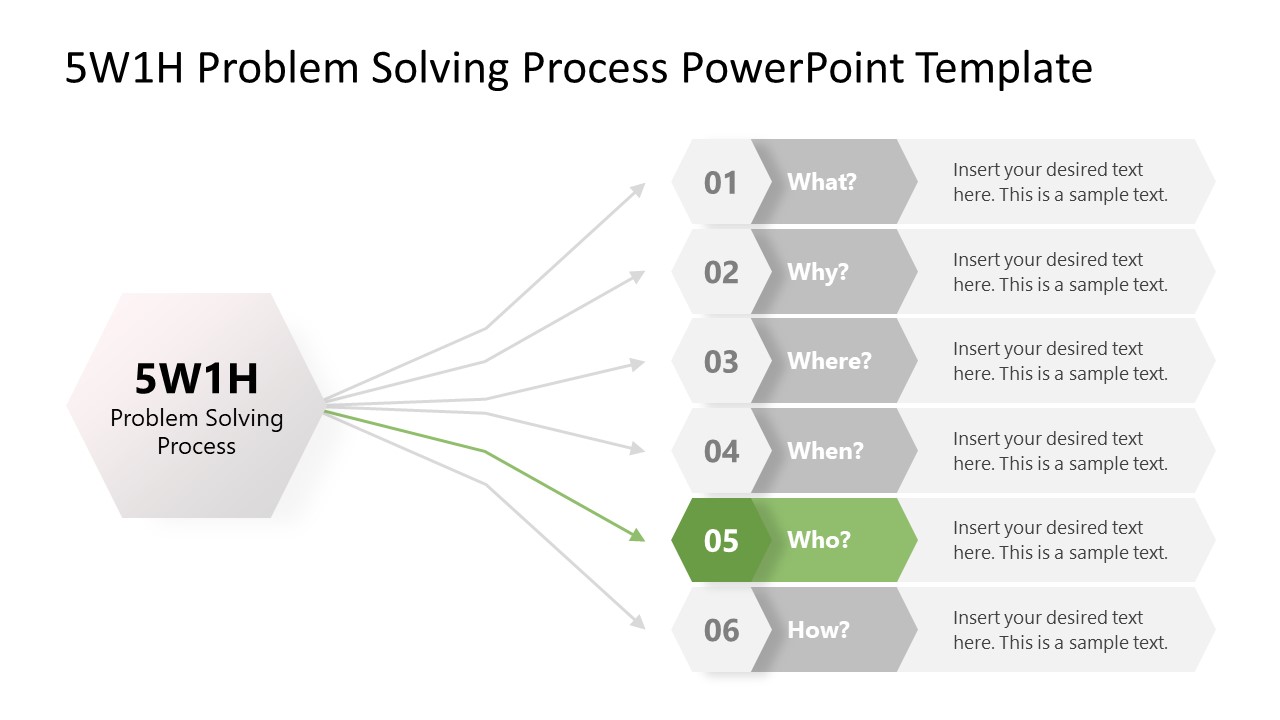
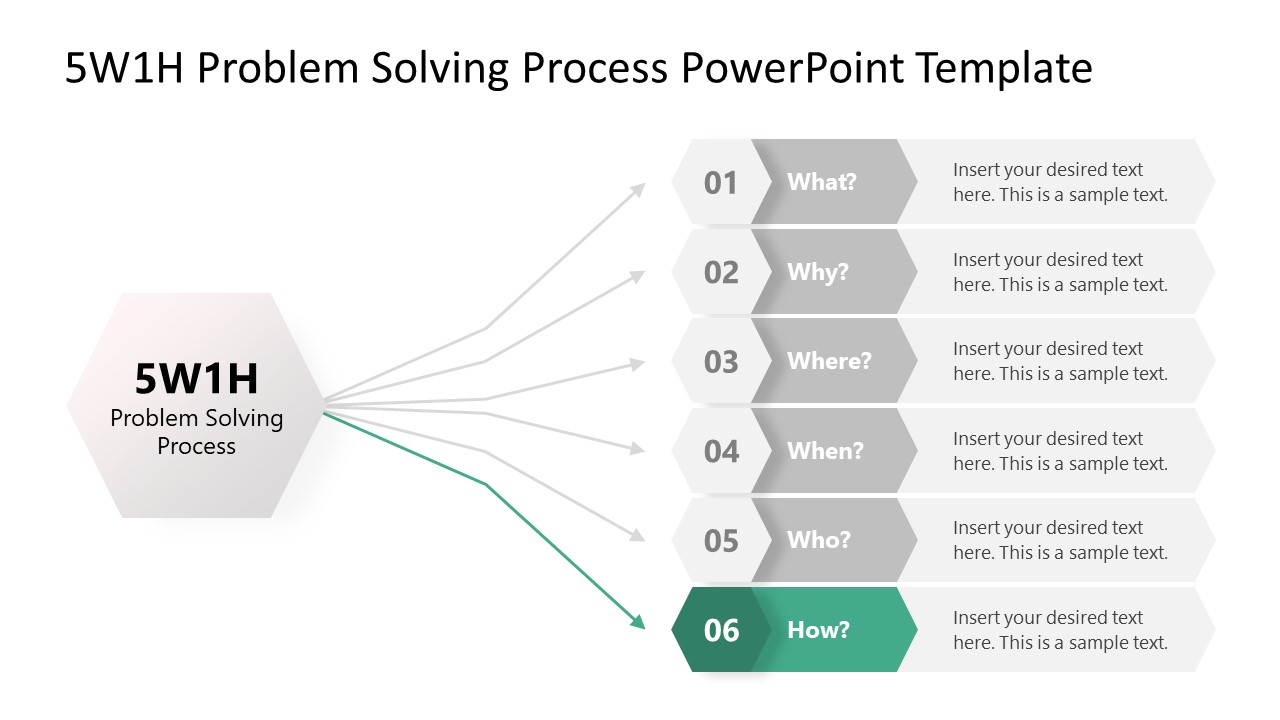
The first slide of our 5W1H Problem-Solving PowerPoint Template carries a hexagonal diagram mentioning the 5W1H problem-solving process title. From this grey-colored shape on the left side of the slide, thin multi-colored lines emerge to reach the five creative rows, each mentioning the framework questions. These rows have small hexagons with number labels, chevron shapes showing the question words, and greyed segments for adding the relevant questions. The colors of the thin lines are the same as their corresponding shapes. However, presenters can change the template’s colors, fonts, and other graphical features according to their requirements. After this slide, the following are individual slides color highlighting the questions individually. This spotlight effect enables the presenters to discuss every question in detail.
These PowerPoint slides carry an attractive color scheme and features. Users can modify each component to match their preferred presentation theme style. Download and prepare your problem-solving presentations in moments!
What’s inside this template
Example presentation scenarios
- A business analyst can use the full 5W1H branching diagram to frame an operational problem before collecting answers from stakeholders.
- An operations manager can use the individual What, Why, and Where spotlight slides to guide a team through the first layers of root cause discussion.
- A consultant can use the numbered chevron rows to present a structured discovery method during a client workshop or planning session.
- A project manager can use the Who, When, and How spotlight slides to clarify responsibilities, timing, and execution steps after a problem has been defined.
Features
- 100% editable presentation template
- Compatible with Microsoft PowerPoint and Google Slides
- 16:9 aspect ratio slides
- Scalable vector shapes, icons and illustrations
- AI-Ready for Microsoft Copilot and Claude
- Instant access and download
Frequently asked questions
Q: How should a presenter build a clear discussion around the 5W1H slides?
A: Start with the full branching diagram to show the six questions as one method, then move through the spotlight slides one question at a time. Keep each answer area limited to the specific issue being discussed. This prevents the session from jumping too quickly to solutions before What, Why, Where, When, Who, and How are all addressed.
Q: Who is this template best suited for in a business meeting?
A: This template fits analysts, operations managers, consultants, and project leads who need to organize a problem-solving conversation. The chevron rows work well for facilitated meetings because each row can hold a short finding, assumption, or decision point. It is strongest when the presenter wants participation, not just a static report.
Q: Why does the design use a hexagonal hub with branching arrows and muted spotlight slides?
A: The central hexagon acts as the shared problem space, while the branching arrows show that each question examines the same issue from a different direction. The muted spotlight slides reduce visual noise by keeping the full method visible while drawing attention to one active question, which helps audiences maintain context during analysis.




5W1H Problem Solving PowerPoint Template
7-slide presentation template for 5W1H problem solving with hexagon process diagrams and question spotlight slides
The 5W1H Problem Solving PowerPoint Template is a 7-slide diagram set for explaining What, Why, Where, When, Who, and How analysis. It includes a branching 5W1H diagram, a central hexagonal hub, numbered chevron rows, and individual spotlight slides for each question in Microsoft PowerPoint and Google Slides.
- Category
- Models
- Rating


 Loading...
- Aspect ratio
- 16:9
- Item ID
- 21949-01
- Colors
 Microsoft PowerPoint
 Microsoft Copilot
 Claude for PowerPoint
Other formats supported
Subscribe today and get immediate
access to download our PowerPoint templates.