Slide 3 of 6 from 5 Steps Waterdrop Infographic PowerPoint Diagram
5 Steps Waterdrop Infographic Presentation Diagram
5 Steps Waterdrop Diagram Overview
- Diagram
- Segmented Wheel
- Process Slide
- 16:9
- 100% Editable
What’s on This Slide
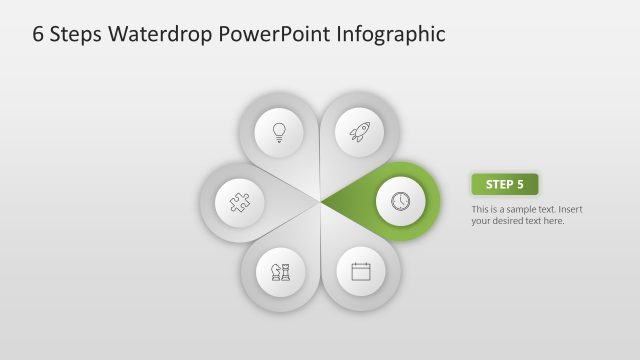
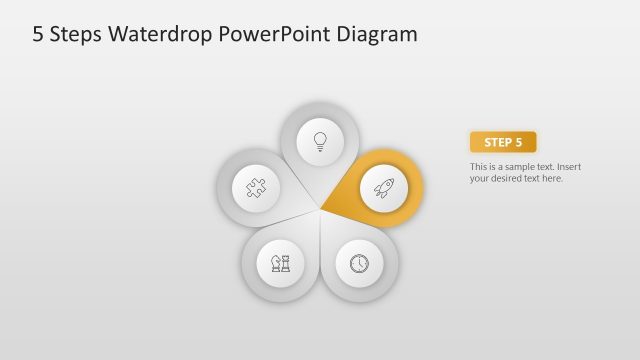
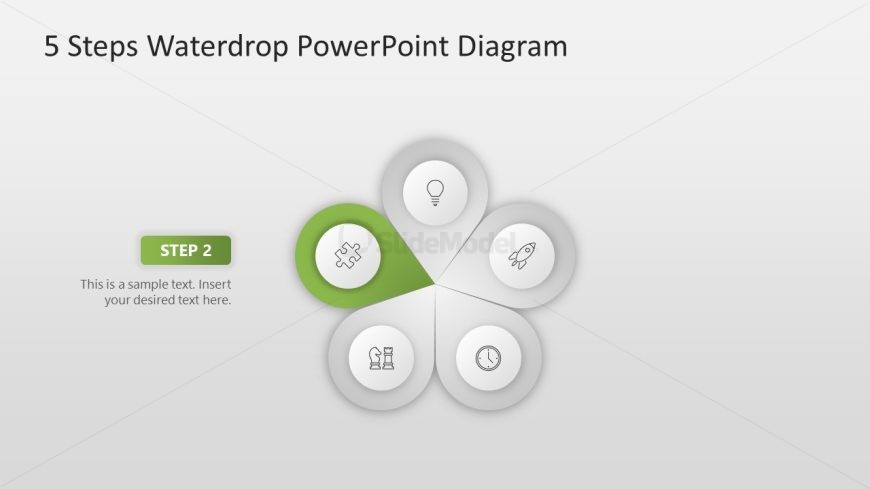
The layout features a central waterdrop shape with five circular segments. One segment is highlighted in green, labeled 'STEP 2.' Each segment contains an icon representing a concept, with the highlighted segment featuring a puzzle piece icon. The other segments include a light bulb, rocket, chess piece, and clock icons. Text placeholders exist for the step title and a sample description, positioned to the left of the central shape. The background is a light gradient, enhancing the visual hierarchy of the elements.
How to Use It
This layout serves as a sequential process diagram, ideal for presenting steps in a workflow. It fits well after an introductory slide and can be used to explain phases in project management or product development. This structure is applicable in business presentations where clarity in process steps is essential, making it suitable for training sessions or strategy meetings.
Text Placeholders & Capacity
Keep your copy within these limits so it fits without resizing. Node body slots can hold roughly 10-15 words each.
| Placeholder | Count | Max characters (approx.) |
|---|---|---|
| Slide title | 1 | 30 |
| Item heading | 1 | 10 |
| Item body | 1 | 50 |
Slide Keywords
Download unlimited PowerPoint templates, charts and graphics for your presentations with our annual plan.
DOWNLOAD