Slide 4 of 6 from 5 Steps Waterdrop Infographic PowerPoint Diagram
5 Steps Waterdrop Infographic PowerPoint Slide
5 Steps Waterdrop PowerPoint Diagram
- Diagram
- Segmented Wheel
- Process Slide
- 16:9
- 100% Editable
What’s on This Slide
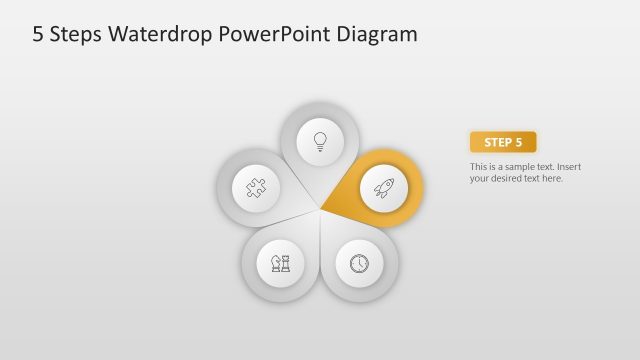
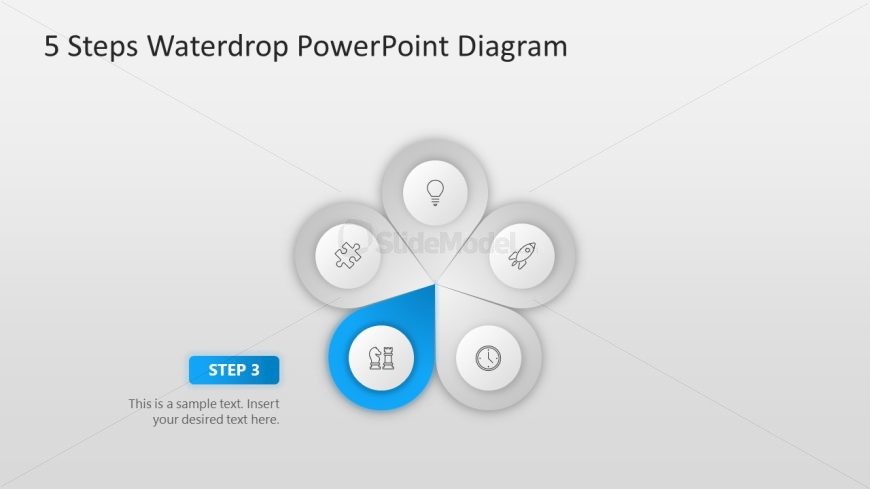
The layout features a central waterdrop shape with five surrounding circular nodes. The central node is highlighted in blue, labeled 'STEP 3,' with a placeholder for text below it. Each surrounding node contains an icon representing different concepts, arranged in a circular pattern. The background is light gray, providing contrast to the blue and white elements. The icons are simple and monochromatic, ensuring clarity. Text placeholders exist for the title at the top and the body text under the central node, maintaining a clear visual hierarchy.
How to Use It
This layout serves as a process flow diagram, illustrating a five-step sequence. It is ideal for presentations that outline methodologies, project phases, or strategic initiatives. Positioned as the fourth slide in a series, it effectively follows introductory content and leads into further details. This structure is suitable for business contexts, such as project management, product development, or training sessions, where clarity of steps is essential.
Text Placeholders & Capacity
Keep your copy within these limits so it fits without resizing. Node labels can hold about 2-3 words each, while the body text can accommodate a longer description.
| Placeholder | Count | Max characters (approx.) |
|---|---|---|
| Slide title | 1 | 30 |
| Item heading | 5 | 15 |
| Item body | 1 | 100 |
Slide Keywords
Download unlimited PowerPoint templates, charts and graphics for your presentations with our annual plan.
DOWNLOAD