Slide 6 of 6 from 5 Steps Waterdrop Infographic PowerPoint Diagram
5 Steps Waterdrop Infographic Template for PowerPoint
5 Steps Waterdrop PowerPoint Diagram
- Diagram
- Segmented Wheel
- Process Slide
- 16:9
- 100% Editable
What’s on This Slide
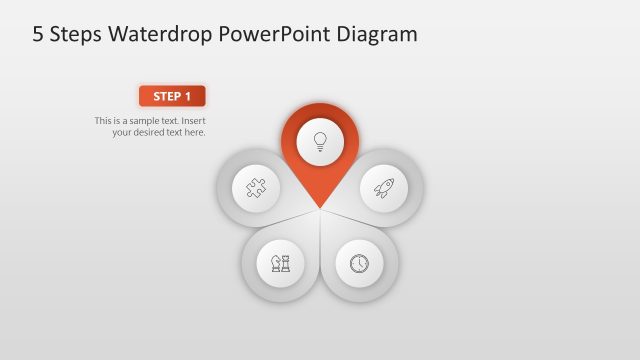
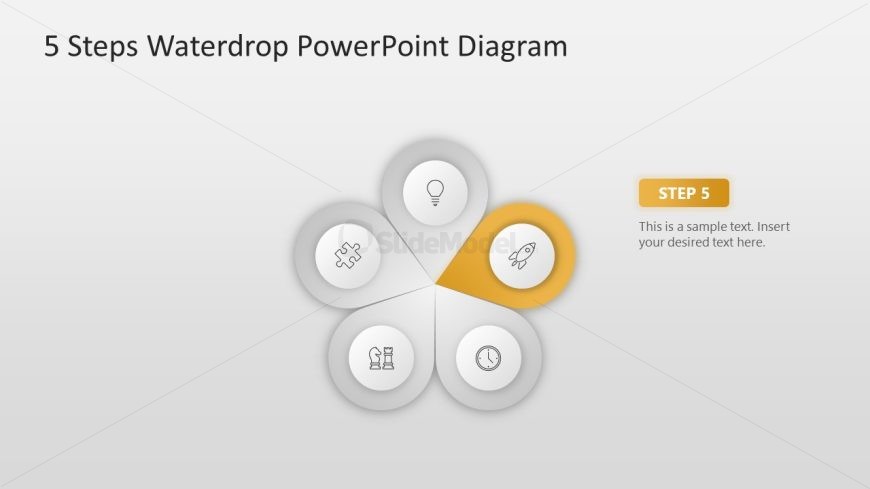
The layout features a circular diagram with five waterdrop-shaped segments arranged in a flower-like pattern. Each segment contains an icon, with the fifth segment highlighted in orange. The icons represent various concepts, such as a puzzle piece and a rocket. To the right, there is a text placeholder labeled 'STEP 5' and another placeholder for additional text. The background is a light gradient, enhancing the visual hierarchy. The overall composition emphasizes the highlighted segment, guiding the viewer's focus.
How to Use It
This layout serves as a process diagram, illustrating five sequential steps in a visually engaging manner. It fits well in a presentation that outlines a methodology or framework. Common scenarios include project management, product development, or strategic planning. The highlighted segment can indicate the current step or focus area, making it suitable for progress updates or instructional content. This structure effectively communicates complex information in a simplified format, aiding audience understanding.
Text Placeholders & Capacity
Keep your copy within these limits so it fits without resizing. Node labels can accommodate about 3-5 words each.
| Placeholder | Count | Max characters (approx.) |
|---|---|---|
| Slide title | 1 | 30 |
| Item heading | 5 | 20 |
| Item body | 1 | 70 |
Slide Keywords
Download unlimited PowerPoint templates, charts and graphics for your presentations with our annual plan.
DOWNLOAD