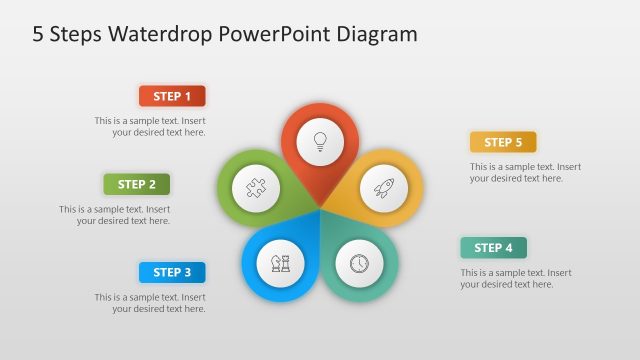
Slide 5 of 6 from 5 Steps Waterdrop Infographic PowerPoint Diagram
5 Steps Waterdrop Infographic Template for Presentation
5 Steps Waterdrop PowerPoint Diagram
- Diagram
- Segmented Wheel
- Process Slide
- 16:9
- 100% Editable
What’s on This Slide
The slide features a central waterdrop shape with five surrounding segments. Each segment contains an icon, positioned evenly around the center. The icons represent different steps and are enclosed in circular shapes. The fourth segment is highlighted in teal, indicating its significance. A text placeholder is located within this segment, aligned to the right, with a sample text description. The background is a light gradient, enhancing the visual appeal. The overall layout is symmetrical, emphasizing the central theme of progression through the steps.
How to Use It
This layout serves as a step-by-step visual guide, ideal for illustrating processes or methodologies. It fits well in a presentation sequence where steps or phases are being discussed, particularly after an introduction or overview slide. Suitable for business contexts, it can be used to present project stages, product development phases, or strategic planning steps. The clear visual hierarchy aids in understanding the flow of information, making it effective for educational or corporate presentations.
Text Placeholders & Capacity
Keep your copy within these limits so it fits without resizing. Node body slots can hold about 10-12 words each.
| Placeholder | Count | Max characters (approx.) |
|---|---|---|
| Slide title | 1 | 30 |
| Item heading | 5 | 15 |
| Item body | 1 | 50 |
Slide Keywords
Download unlimited PowerPoint templates, charts and graphics for your presentations with our annual plan.
DOWNLOAD