Slide 6 of 7 from 6 Steps Waterdrop Infographic PowerPoint Diagram
6 Steps Waterdrop Infographic Template for Presentation
6 Steps Waterdrop Infographic PowerPoint Slide
- Diagram
- Matrix Quadrant
- Process Slide
- 16:9
- 100% Editable
What’s on This Slide
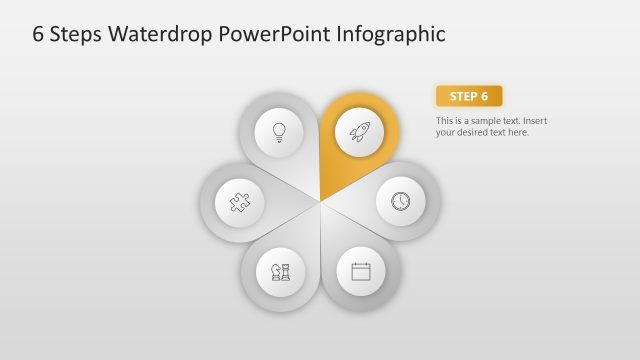
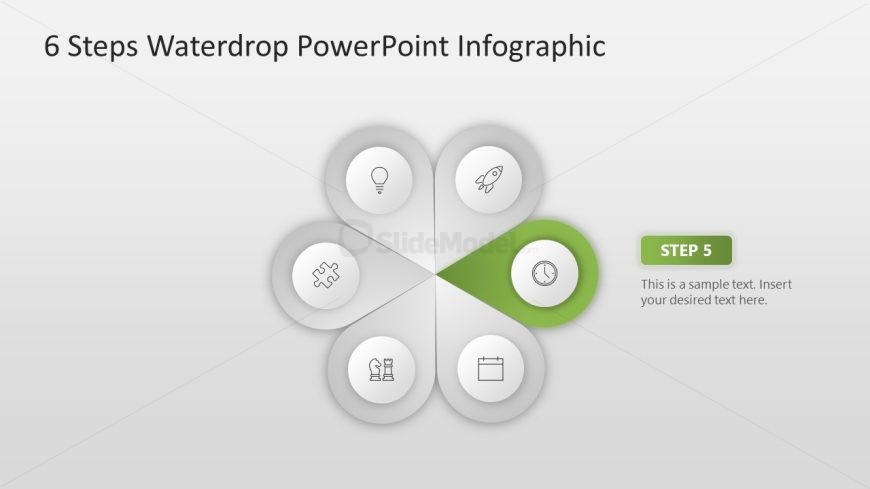
The layout features a circular design divided into six segments, with one segment highlighted in green. Each segment contains an icon representing different steps, arranged in a flower-like pattern. The central area includes a text placeholder labeled 'STEP 5' in a bold font, accompanied by another placeholder for descriptive text. The icons are simple and monochromatic, while the background is a light gradient. The overall composition emphasizes the highlighted segment, creating a visual hierarchy that guides the viewer's attention.
How to Use It
This layout serves as a step-by-step infographic, ideal for illustrating processes or stages in a presentation. It fits well in a sequence following previous steps, providing a clear visual representation of progression. This design is suitable for business presentations, project updates, or educational content where sequential information needs to be conveyed effectively. It can also be used to summarize key points in a visually engaging manner.
Text Placeholders & Capacity
Keep your copy within these limits so it fits without resizing. Node labels can hold about 15 characters each, while the body text can accommodate around 50 characters.
| Placeholder | Count | Max characters (approx.) |
|---|---|---|
| Slide title | 1 | 30 |
| Item heading | 6 | 15 |
| Item body | 1 | 50 |
Slide Keywords
Download unlimited PowerPoint templates, charts and graphics for your presentations with our annual plan.
DOWNLOAD