Slide 3 of 7 from 6 Steps Waterdrop Infographic PowerPoint Diagram
6 Steps Waterdrop Infographic Presentation Diagram
6 Steps Waterdrop Infographic PowerPoint
- Diagram
- Segmented Wheel
- Process Slide
- 16:9
- 100% Editable
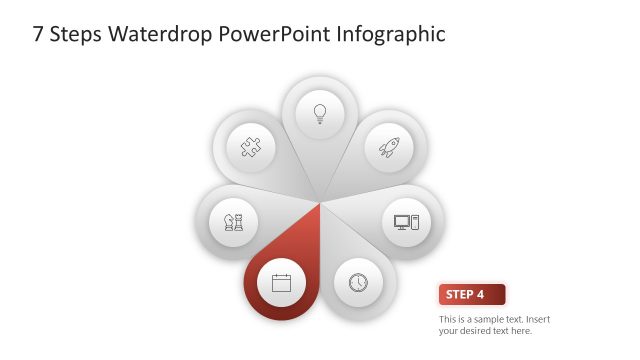
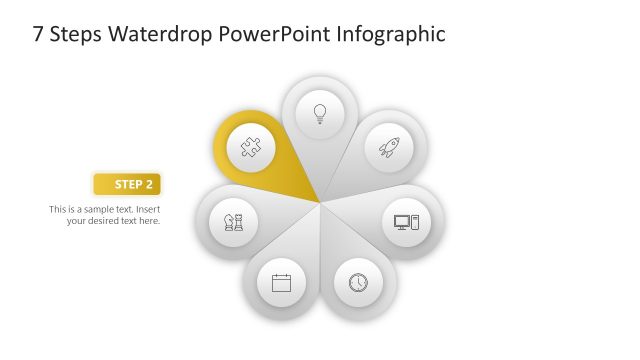
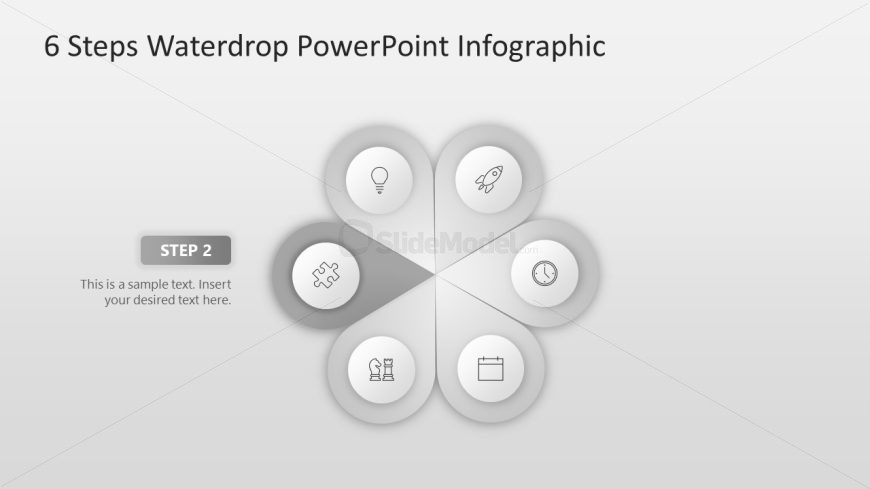
The 6 Steps Waterdrop Infographic slide from the 6 Steps Waterdrop Infographic PowerPoint Diagram template offers a segmented wheel design ideal for illustrating processes and project phases. This slide layout uses editable shapes and vector icons arranged in a flower-like pattern to clearly communicate strategic steps, making it suitable for business presentations and corporate slide decks.
What’s on This Slide
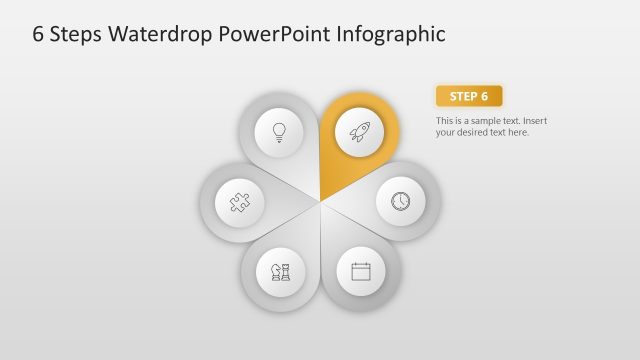
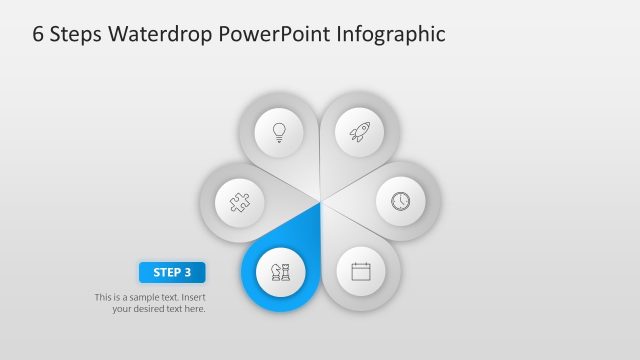
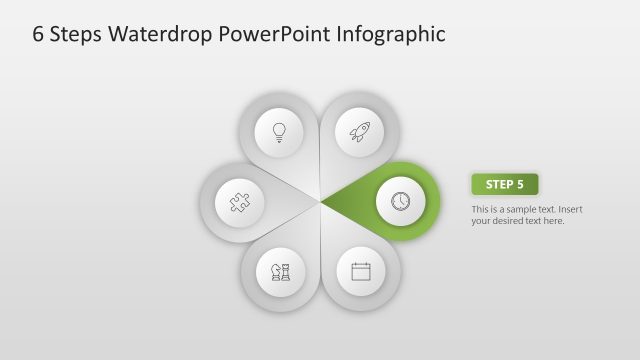
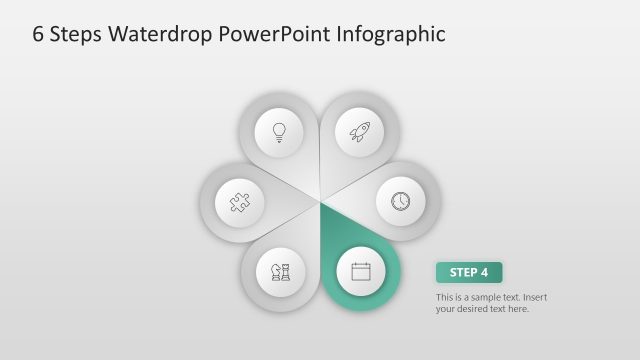
The layout features a central circular shape divided into six segments, each containing an icon. The segments are arranged in a flower-like pattern, with one segment highlighted for 'Step 2.' The icons represent various concepts, such as a puzzle piece and a light bulb, and are uniformly sized within their circular containers. A text placeholder is positioned to the left of the central shape, aligned horizontally. The background is a gradient from light to dark gray, enhancing the visual hierarchy and focus on the central elements.
How to Use It
This layout serves as a multi-segment infographic to illustrate a process or steps in a sequence. It fits well in a presentation that outlines a method or framework, particularly when detailing specific stages. Suitable for business contexts, it can be used to present project phases, strategic initiatives, or workflow steps. It is effective for both educational and corporate presentations, allowing for clear communication of complex ideas in a simplified format.
Text Placeholders & Capacity
Keep your copy within these limits so it fits without resizing. Node labels can hold about 10 characters each, while body text can accommodate 50 characters.
| Placeholder | Count | Max characters (approx.) |
|---|---|---|
| Slide title | 1 | 30 |
| Item heading | 1 | 10 |
| Item body | 1 | 50 |
Slide Keywords
Download unlimited PowerPoint templates, charts and graphics for your presentations with our annual plan.
DOWNLOAD