Slide 7 of 7 from 5 PowerPoint Arrows with Icons
PPT 5 Arrow Layout Design
5 PowerPoint Arrows with Icons Template
- Diagram
- Arrow Sequence
- Agenda Slide
- 16:9
- 100% Editable
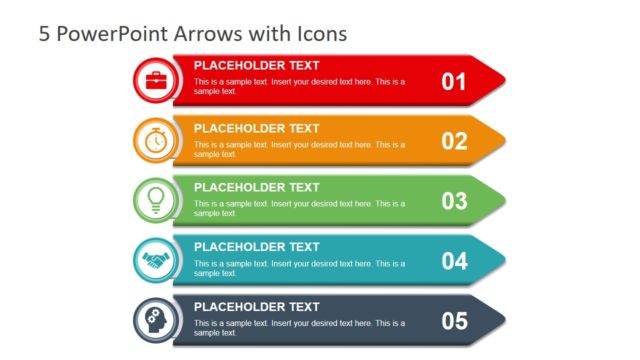
The 5 PowerPoint Arrows with Icons slide from the 5 PowerPoint Arrows with Icons template offers a structured layout ideal for illustrating project phases or agenda items in a corporate presentation. This slide features editable shapes and vector icons arranged in a clear sequence, enhancing the communication of step-by-step processes within business presentation slide decks.
What’s on This Slide
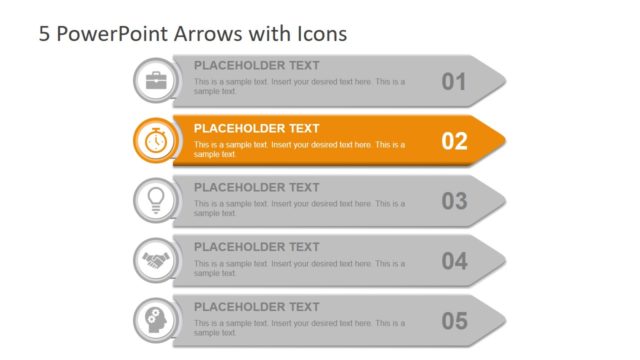
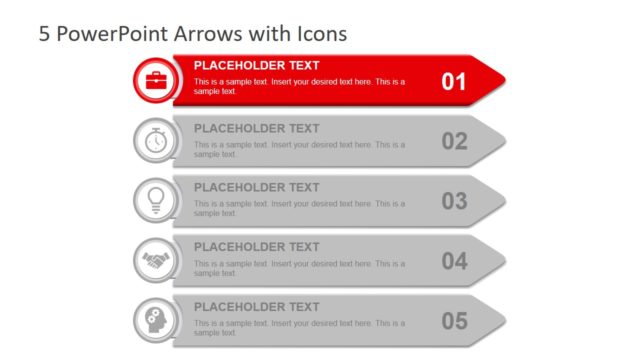
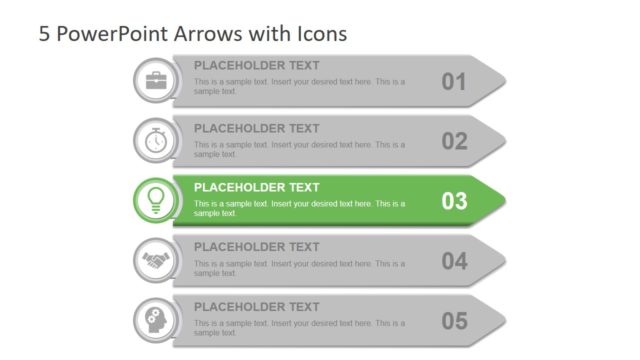
The layout features five horizontal arrows arranged vertically, each containing an icon and a text placeholder. The arrows are colored differently, with red, orange, green, blue, and gray, creating a clear visual hierarchy. Each arrow is numbered from one to five, positioned to the right of the text placeholders. The icons are circular and placed above the arrows, visually connecting to the corresponding text. The background is light, enhancing the visibility of the arrows and icons. The overall composition is structured and organized, allowing for easy readability.
How to Use It
This layout serves as a sequential representation of five key points or steps in a process. It is suitable for presentations that outline an agenda, project phases, or a series of recommendations. Positioned towards the end of a presentation, it can effectively summarize main ideas. This structure is beneficial in business contexts, such as project updates or strategic planning sessions, where clarity and organization are essential for audience understanding.
Text Placeholders & Capacity
Keep your copy within these limits so it fits without resizing. Node body slots can hold about 30 words each.
| Placeholder | Count | Max characters (approx.) |
|---|---|---|
| Item heading | 5 | 30 |
| Item body | 5 | 150 |
Slide Keywords
Download unlimited PowerPoint templates, charts and graphics for your presentations with our annual plan.
DOWNLOADReturn to 5 PowerPoint Arrows with Icons.