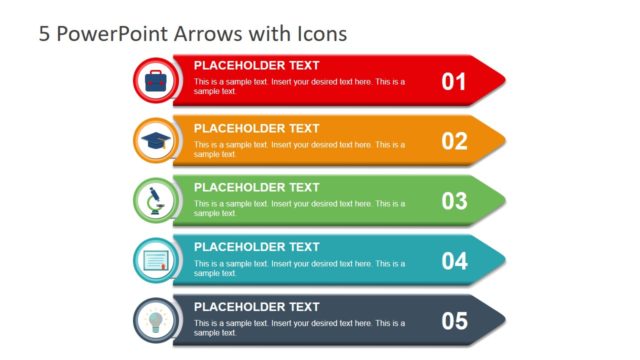
Slide 6 of 7 from 5 PowerPoint Arrows with Icons
Agenda Presentation 5 Arrows
Five Steps with Icons Diagram
- Diagram
- Arrow Sequence
- Process Slide
- 16:9
- 100% Editable
The Five Steps with Icons slide layout from the 5 PowerPoint Arrows with Icons template offers a clear process diagram ideal for project timelines and strategic plans. This slide features editable shapes and vector icons arranged in a sequential arrow sequence, making it suitable for business presentations and training sessions. Its structured design supports effective communication of complex processes within a corporate presentation or pitch deck template.
What’s on This Slide
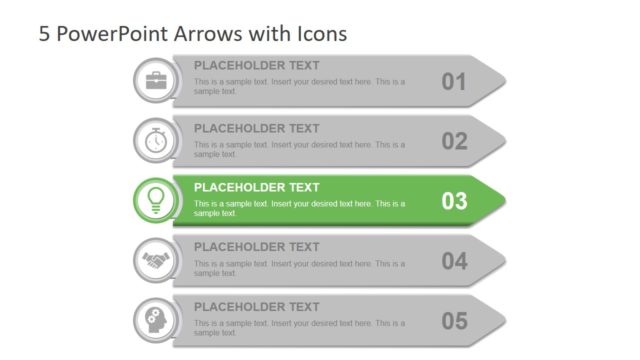
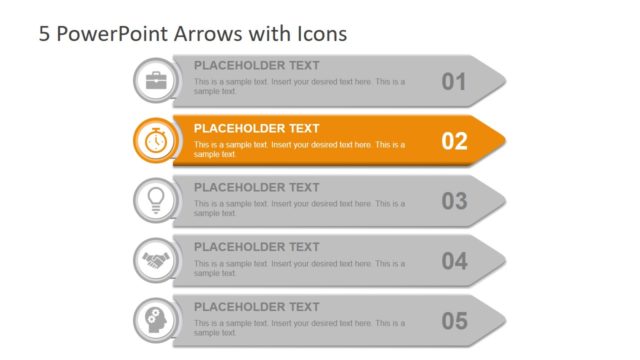
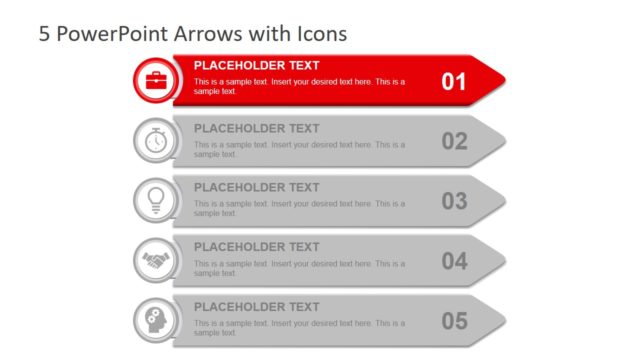
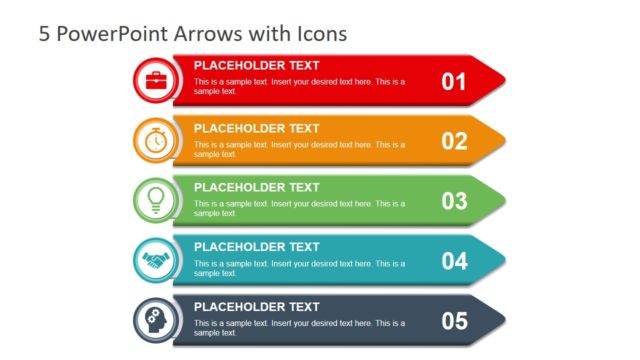
The layout features five horizontal arrows arranged vertically, each containing an icon and a text placeholder. The icons are circular and represent different concepts, positioned to the left of the arrows. Each arrow has a corresponding number label on the right, indicating its sequence. The first four arrows are in a light gray color, while the fifth arrow is in a darker shade, creating a visual hierarchy. Text placeholders are aligned centrally within each arrow, with a consistent font size. The overall composition is structured and clear, facilitating easy reading.
How to Use It
This layout serves as a sequential process diagram, ideal for outlining steps or phases in a project. It fits well in presentations that require a clear progression of ideas, such as project timelines or strategic plans. The structured format allows for easy adaptation to various business contexts, including training sessions, product launches, or process explanations. It can be used effectively to guide audiences through complex information in a straightforward manner, ensuring clarity and engagement.
Text Placeholders & Capacity
Keep your copy within these limits so it fits without resizing. Node body slots can accommodate about 15-20 words each.
| Placeholder | Count | Max characters (approx.) |
|---|---|---|
| Item heading | 5 | 2 |
| Item body | 5 | 100 |
Slide Keywords
Download unlimited PowerPoint templates, charts and graphics for your presentations with our annual plan.
DOWNLOADReturn to 5 PowerPoint Arrows with Icons.