Slide 1 of 7 from 5 PowerPoint Arrows with Icons
5 PowerPoint Agenda Diagram
5 PowerPoint Arrows with Icons Template
- Diagram
- Arrow Sequence
- Agenda Slide
- 16:9
- 100% Editable
The 5 PowerPoint Arrows with Icons slide from the 5 PowerPoint Arrows with Icons template offers a clear agenda layout using editable shapes and vector icons. This slide template is ideal for business presentations, enabling users to outline project timelines or process overviews with a structured slide deck. Its design supports easy customization within PowerPoint templates or Google Slides templates, making it suitable for corporate presentations and pitch deck templates.
What’s on This Slide
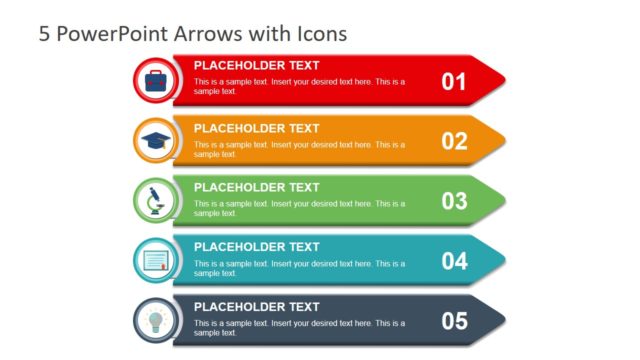
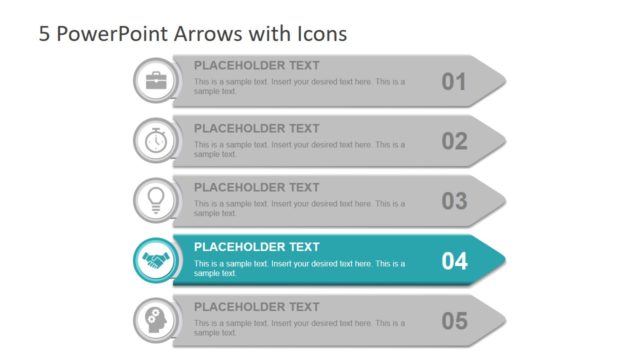
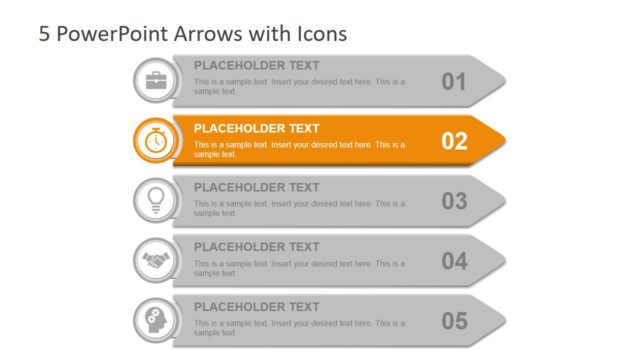
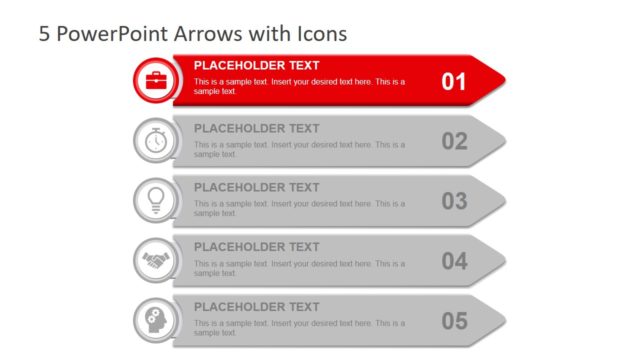
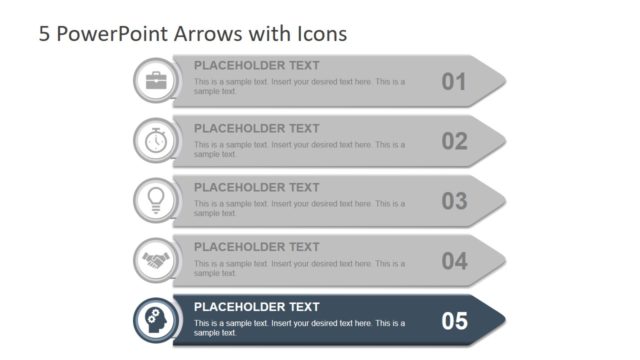
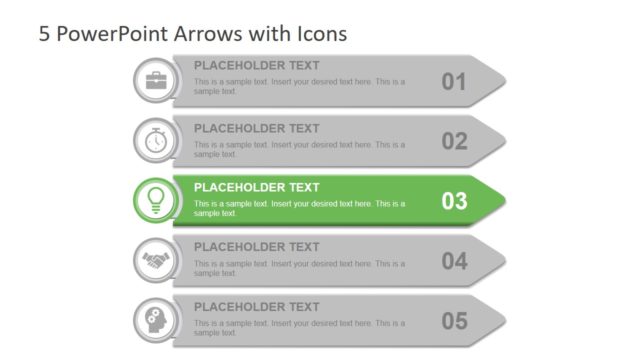
The layout features five horizontal arrows arranged vertically, each containing a colored background and an icon. The arrows are positioned in a single column, with the first arrow at the top and the fifth at the bottom. Each arrow has a corresponding number from 01 to 05, displayed prominently on the right side. Text placeholders are centered within each arrow, allowing for content insertion. The icons are circular and placed to the left of the text. The overall color scheme includes red, orange, green, blue, and gray backgrounds.
How to Use It
This layout serves as a sequential guide or agenda, suitable for outlining steps or key points in a presentation. It fits well at the beginning of a presentation to introduce topics or sections. Real-world applications include project timelines, process overviews, or product features. Each arrow can represent a distinct phase or topic, making it easy to follow along. This structure is effective for both internal meetings and client presentations.
Text Placeholders & Capacity
Keep your copy within these limits so it fits without resizing. Each text slot can hold approximately 30-100 characters.
| Placeholder | Count | Max characters (approx.) |
|---|---|---|
| Item heading | 5 | 30 |
| Item body | 5 | 100 |
Slide Keywords
Download unlimited PowerPoint templates, charts and graphics for your presentations with our annual plan.
DOWNLOADReturn to 5 PowerPoint Arrows with Icons.