Slide 4 of 7 from 5 PowerPoint Arrows with Icons
5 Arrows Lightbulb Idea Template
Arrow Sequence with Icons for Presentations
- Diagram
- Arrow Sequence
- Process Slide
- 16:9
- 100% Editable
The Arrow Sequence with Icons slide from the 5 PowerPoint Arrows with Icons template offers a clear process flow ideal for project timelines and strategic planning. Featuring five horizontal arrows with editable shapes and vector icons, this layout supports detailed presentation templates for business presentations and pitch decks. The highlighted arrow emphasizes key stages, enhancing communication in corporate presentations and slide decks.
What’s on This Slide
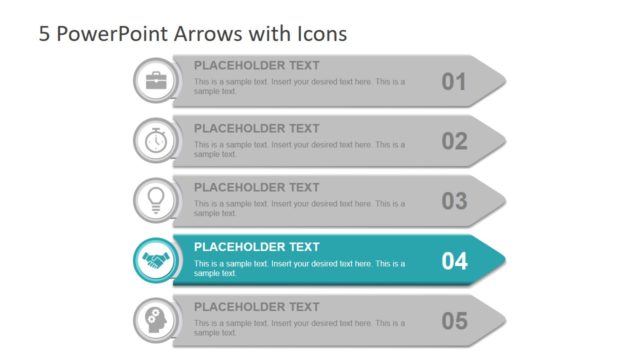
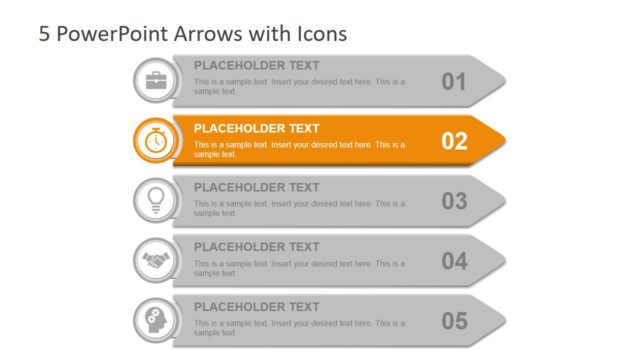
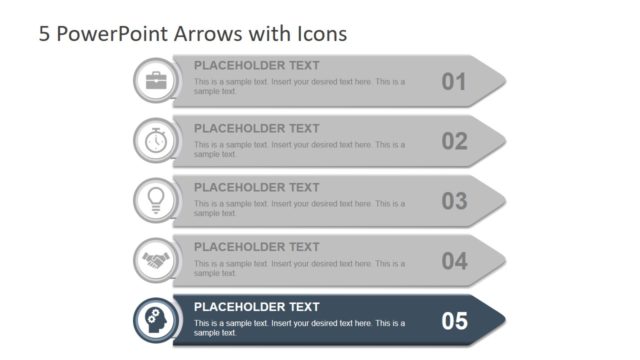
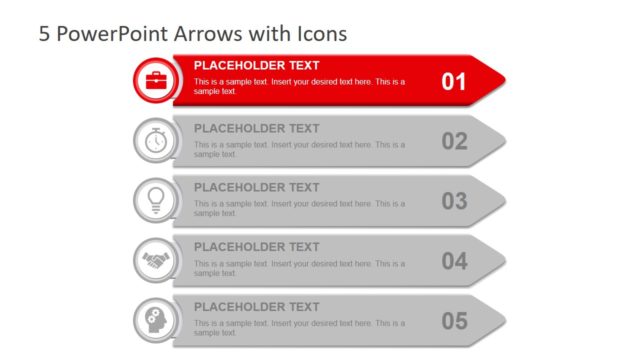
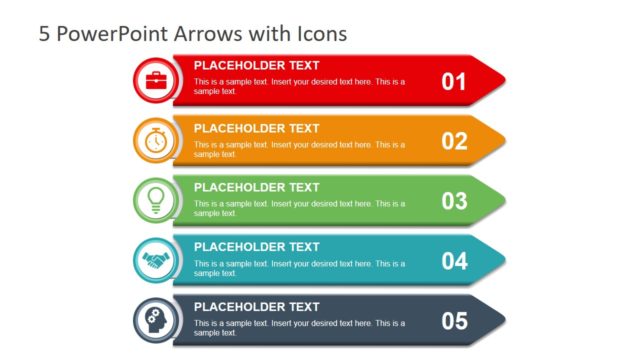
The layout features five horizontal arrows aligned vertically on the left side. Each arrow contains an icon and a text placeholder. The first four arrows are gray, while the third arrow is highlighted in green, indicating its significance. The icons include a briefcase, a clock, a light bulb, a handshake, and a gear. Each arrow is numbered from one to five, positioned sequentially. Text placeholders are aligned centrally within each arrow, allowing for clear insertion of content. The overall design emphasizes a clean and organized flow.
How to Use It
This layout serves as a sequential process flow, ideal for outlining steps or stages in a presentation. It fits well after introductory slides to detail key points or actions. Common scenarios include project timelines, strategic plans, or product features. The highlighted arrow can denote the current focus or priority, guiding the audience's attention effectively. This structure is useful for both internal team meetings and client presentations, providing clarity and direction.
Text Placeholders & Capacity
Keep your copy within these limits so it fits without resizing. Each node can hold roughly 40 characters for labels and 100 characters for body text.
| Placeholder | Count | Max characters (approx.) |
|---|---|---|
| Item heading | 5 | 40 |
| Item body | 5 | 100 |
Slide Keywords
Download unlimited PowerPoint templates, charts and graphics for your presentations with our annual plan.
DOWNLOADReturn to 5 PowerPoint Arrows with Icons.