Slide 5 of 7 from 5 PowerPoint Arrows with Icons
Agenda PowerPoint Infographic Slide
Five Arrow Diagram with Icons for Presentations
- Diagram
- Arrow Sequence
- Process Slide
- 16:9
- 100% Editable
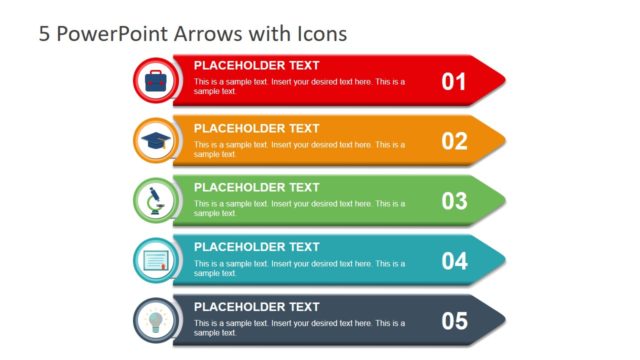
The Five Arrow Diagram with Icons slide from the 5 PowerPoint Arrows with Icons template provides a structured process visualization using editable shapes and vector icons. This slide layout is designed for business presentations, strategic planning, and project updates, offering a clear, step-by-step arrow sequence that enhances readability and engagement in corporate slide decks.
What’s on This Slide
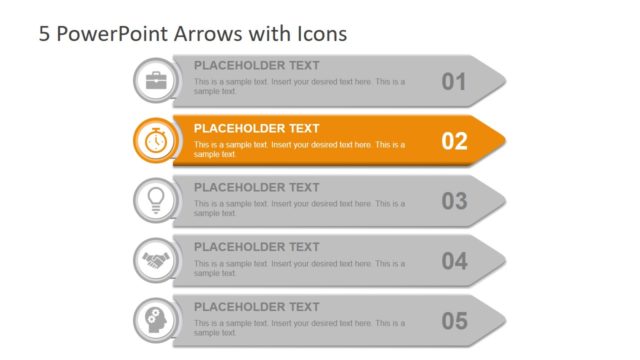
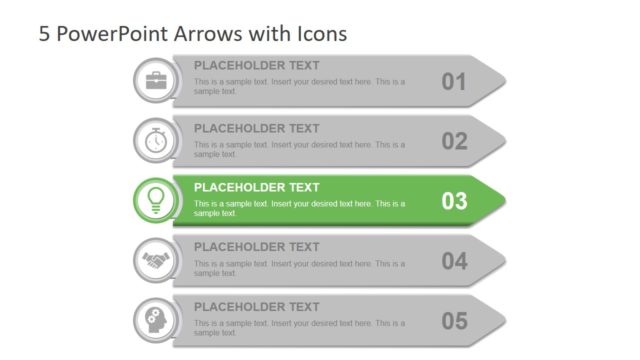
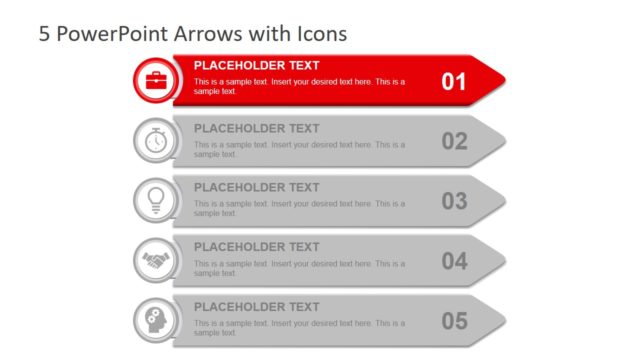
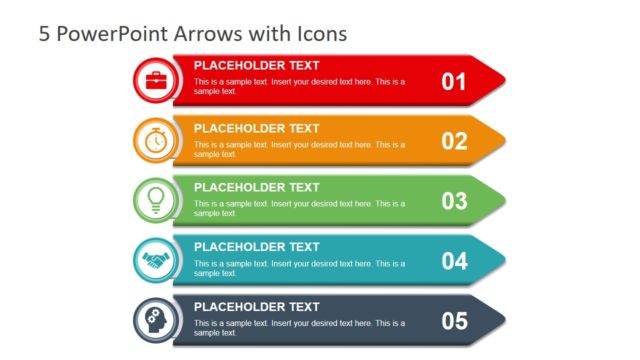
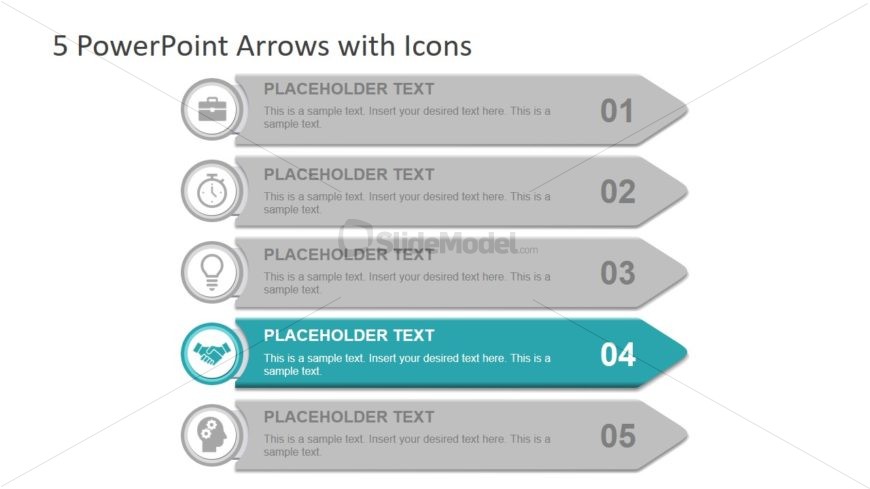
The layout features five horizontal arrows arranged vertically, each with an icon on the left. The arrows are light gray, with the fourth arrow highlighted in teal. Each arrow contains a text placeholder aligned to the right, with corresponding numbers 01 to 05 positioned at the top right of each arrow. The icons represent various concepts, including a briefcase, clock, light bulb, handshake, and brain. The overall composition is structured to guide the viewer's eye from top to bottom, emphasizing the highlighted fourth arrow.
How to Use It
This layout serves as a sequential diagram, ideal for outlining steps or phases in a process. It fits well in presentations that require a clear agenda or roadmap. Suitable scenarios include project updates, strategic planning sessions, or educational content where a step-by-step approach is necessary. The vertical arrangement allows for easy readability and can effectively convey progress or stages in a business context.
Text Placeholders & Capacity
Keep your copy within these limits so it fits without resizing. Node body slots can accommodate roughly 15-20 words each.
| Placeholder | Count | Max characters (approx.) |
|---|---|---|
| Item heading | 5 | 30 |
| Item body | 5 | 100 |
Slide Keywords
Download unlimited PowerPoint templates, charts and graphics for your presentations with our annual plan.
DOWNLOADReturn to 5 PowerPoint Arrows with Icons.