Slide 2 of 7 from 5 PowerPoint Arrows with Icons
5 Arrows PowerPoint Agenda
Five Arrows with Icons for Presentations
- Diagram
- Arrow Sequence
- Agenda Slide
- 16:9
- 100% Editable
The Five Arrows with Icons slide from the 5 PowerPoint Arrows with Icons template offers a clear agenda layout ideal for business presentations. This slide template uses editable shapes and vector icons arranged in a vertical arrow sequence to outline processes or step-by-step guides effectively. Its design supports highlighting key points within a corporate presentation or pitch deck template, making it a practical choice for organizing agenda items in professional slide decks.
What’s on This Slide
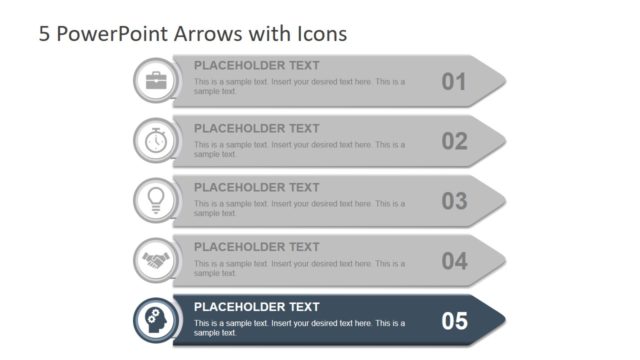
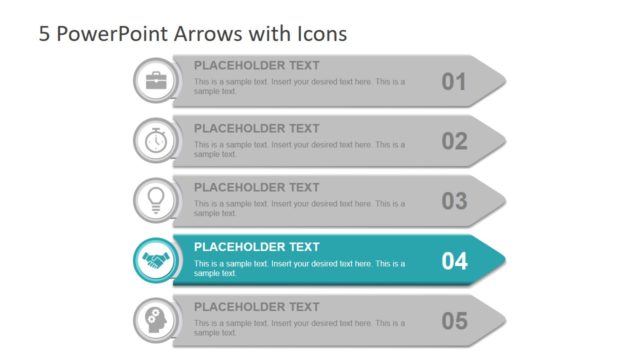
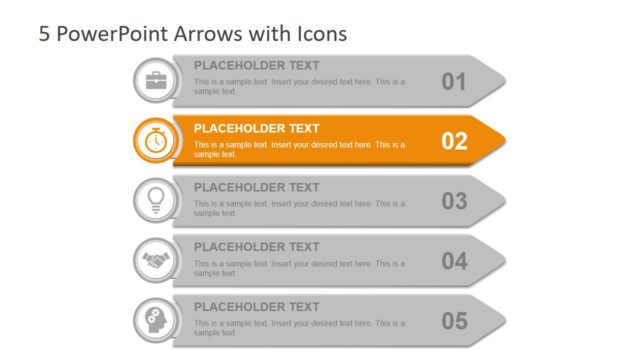
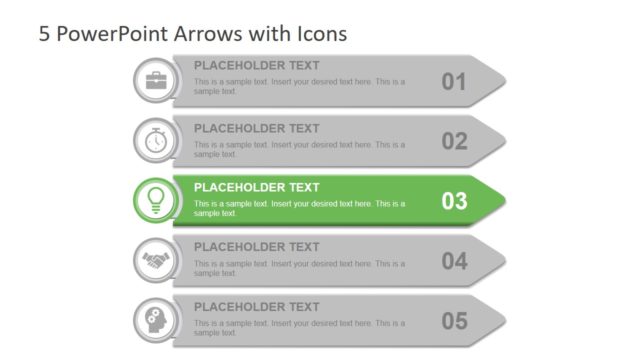
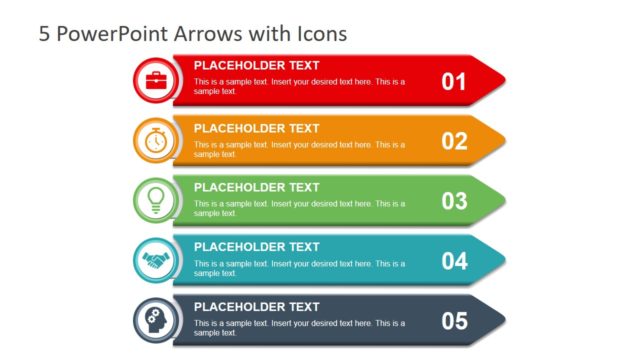
The layout features five horizontal arrows arranged vertically. The first arrow is highlighted in red, while the others are in gray. Each arrow contains a circular icon on the left, with corresponding placeholder text on the right. The first arrow has a larger size and bold text, indicating its prominence. The icons represent various concepts, such as a briefcase, clock, light bulb, handshake, and head. Text placeholders are aligned to the right of each arrow, maintaining a consistent format. The overall composition is clean and organized.
How to Use It
This layout serves as a sequential representation of five key points or steps. It is suitable for outlining processes, agendas, or topics in a presentation. The highlighted arrow can indicate the current focus or primary point of discussion. This structure fits well in the middle of a presentation, following an introduction and leading into detailed discussions. It can be used in business meetings, project updates, or educational contexts to convey information clearly and effectively.
Text Placeholders & Capacity
Keep your copy within these limits so it fits without resizing. Each node can hold a title and a brief description.
| Placeholder | Count | Max characters (approx.) |
|---|---|---|
| Item heading | 5 | 30 |
| Item body | 5 | 150 |
Slide Keywords
Download unlimited PowerPoint templates, charts and graphics for your presentations with our annual plan.
DOWNLOADReturn to 5 PowerPoint Arrows with Icons.