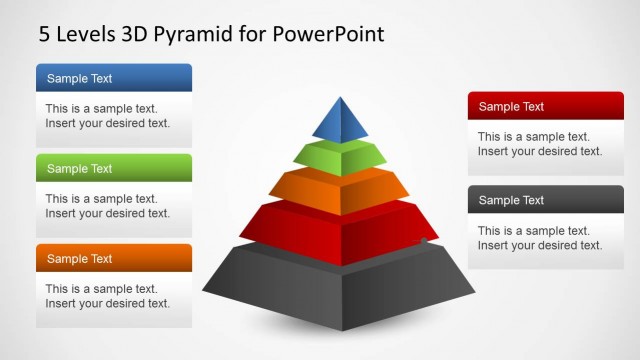
Grab our 5-Level Segmented Pyramid PowerPoint Template for presenting topics like growth, development, hierarchies, strategy levels, and organizational structures. The pyramid diagrams are way more impactful than simple layered diagrams showing distinct levels of organization. These are clear and simple for the audience to understand the priority or hierarchy levels under discussion. Sometimes, these diagrams additionally help elaborate the dependencies between the levels and their connection with each other and symbolize the increase in stability with each increasing level. We have crafted this modern 5-level pyramid diagram using a bright color scheme and editable shapes. Professionals from different fields can use this diagram in their presentations and conveniently present on multiple screen sizes.
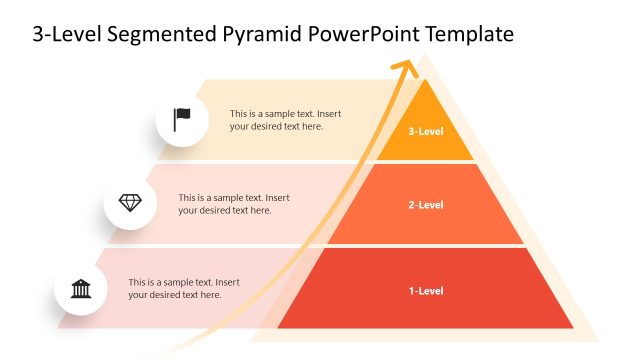
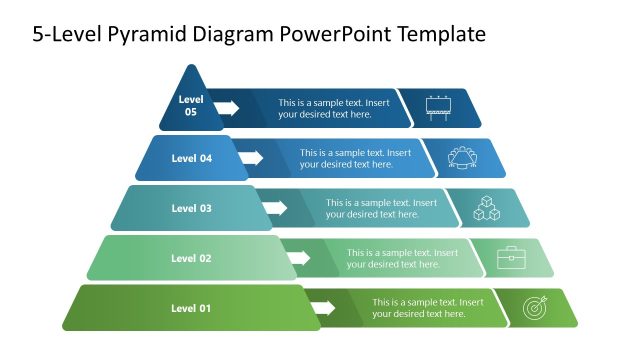
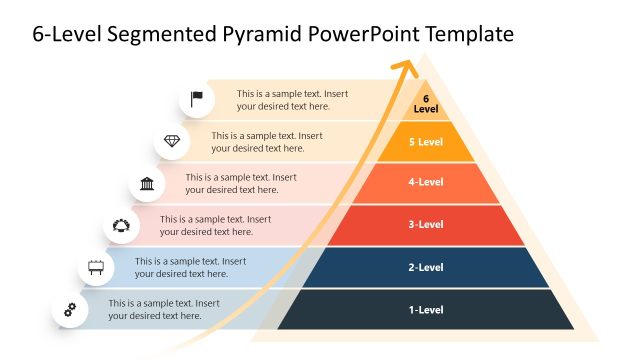
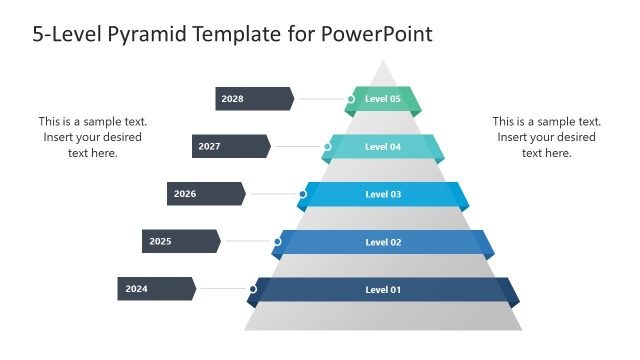
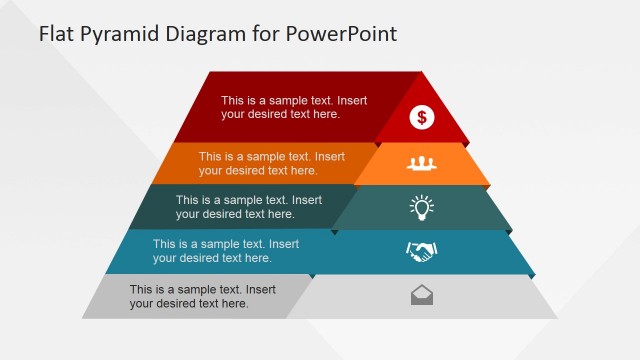
This 5-Level Segmented Pyramid PowerPoint Template is a one-pager template provided in two background color variations (white & dark). The pyramid diagram carries five horizontal layers, each having a different color fill. These layers show numberings from 1 to 5; on their left side are shaded extensions of the shapes to add relevant step descriptions. In white-colored circular shapes, meaningful graphical icons represent the concepts discussed at the levels. A gradient color-filled arrowhead that starts from the bottom and rises to the top level of the pyramid is drawn. This arrow represents growth and increment. Users can change the icons from the Graphics Tools menu of the PowerPoint toolbar and prepare presentations on diverse topics. The colors and background settings can also be modified according to the requirements of the presentation.
Include this pyramid diagram in your discussions to discuss hierarchies and growth concepts. Presenters can also pick similar templates from our featured pyramid templates. Scroll through our unlimited library of PowerPoint presentation templates to choose the best PPT templates!
What’s inside this template
Example presentation scenarios
- A strategy consultant can use the five-level pyramid to explain how foundational capabilities support higher-level strategic priorities during an executive workshop.
- A training manager can present a maturity path by assigning each pyramid segment to a skill level and using the icon callouts for short learning outcomes.
- A project manager can show staged implementation work by mapping phase descriptions to the left-side text bands and using the upward arrow to signal progress.
- An HR leader can describe organizational levels or competency tiers with the numbered segments and connect each tier to concise role expectations.
Features
- 100% editable presentation template
- Compatible with Microsoft PowerPoint
- 16:9 aspect ratio slides
- Scalable vector shapes, icons and illustrations
- AI-Ready for Microsoft Copilot and Claude
- Instant access and download
Frequently asked questions
Q: How should a presenter explain the five pyramid levels without overcrowding the slide?
A: Treat each layer as one clear idea and keep the left-side description bands to short phrases. Start at the wide base to establish the foundation, then move upward to show increasing focus or priority. The icons should act as quick category markers, not as substitutes for detailed explanation.
Q: Who benefits most from using this pyramid diagram in a business presentation?
A: This template fits presenters who need to explain hierarchy, maturity, or progressive development in a short amount of time. Consultants, managers, trainers, and HR leaders can use it when the audience must understand how five levels relate and why the lower layers support the upper ones.
Q: Why does the upward arrow improve the pyramid message?
A: The arrow adds a growth metaphor to the layered hierarchy, guiding the audience from the foundation toward the highest level. That visual cue helps the diagram communicate movement, improvement, or escalation, while the numbered segments preserve order and the side callouts give each level a concise explanation.


5-Level Segmented Pyramid PowerPoint Template
2-slide pyramid diagram presentation template for hierarchy levels, growth stages, and step descriptions
The 5-Level Segmented Pyramid PowerPoint Template is a 2-slide diagram template for Microsoft PowerPoint. It shows a five-level hierarchy pyramid, numbered segments, left-side icon callouts, text description bands, and an upward growth arrow. It is intended for business, strategy, training, and organization presentations.
- Category
- Diagrams
- Rating

 Loading...
- Aspect ratio
- 16:9
- Item ID
- 22105-01
- Colors
 Microsoft PowerPoint
 Microsoft Copilot
 Claude for PowerPoint
Other formats supported
Subscribe today and get immediate
access to download our PowerPoint templates.