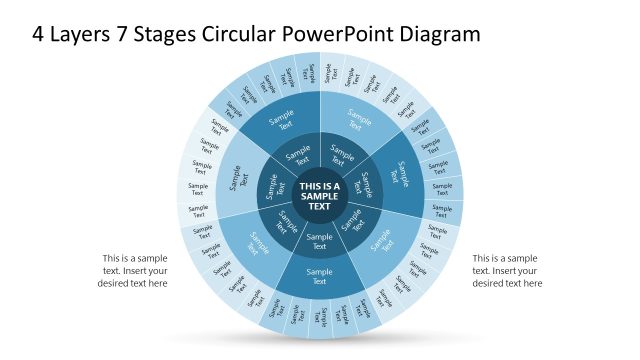
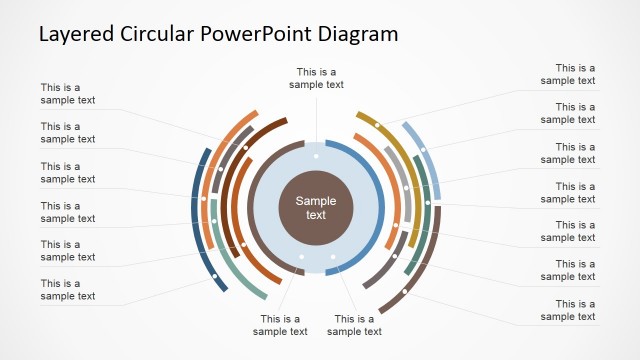
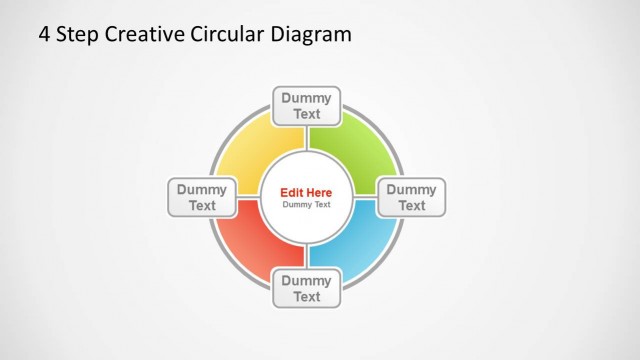
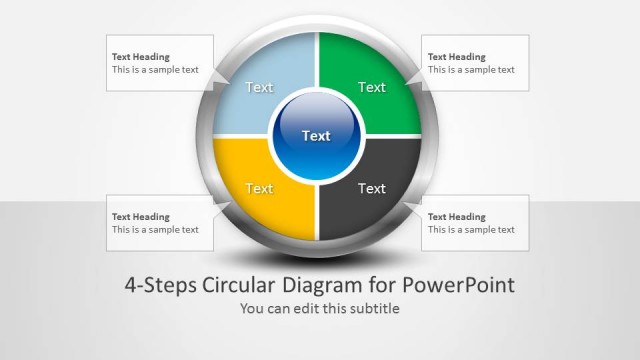
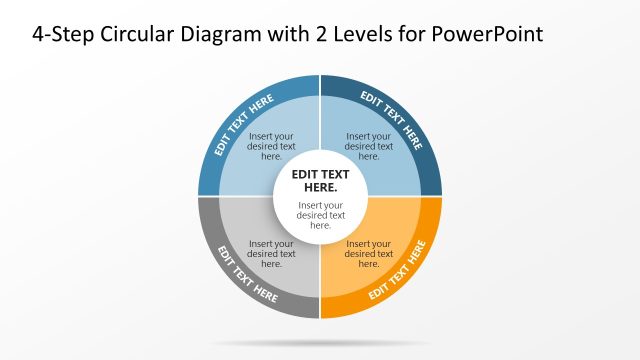
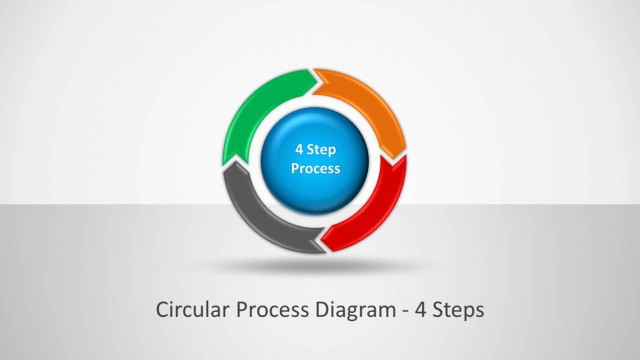
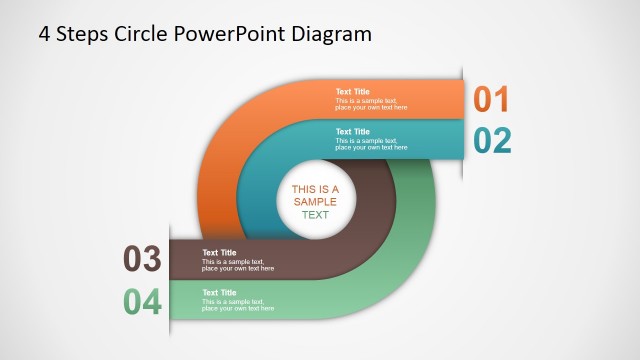
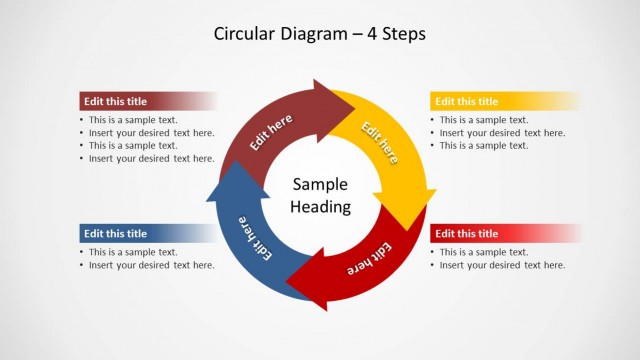
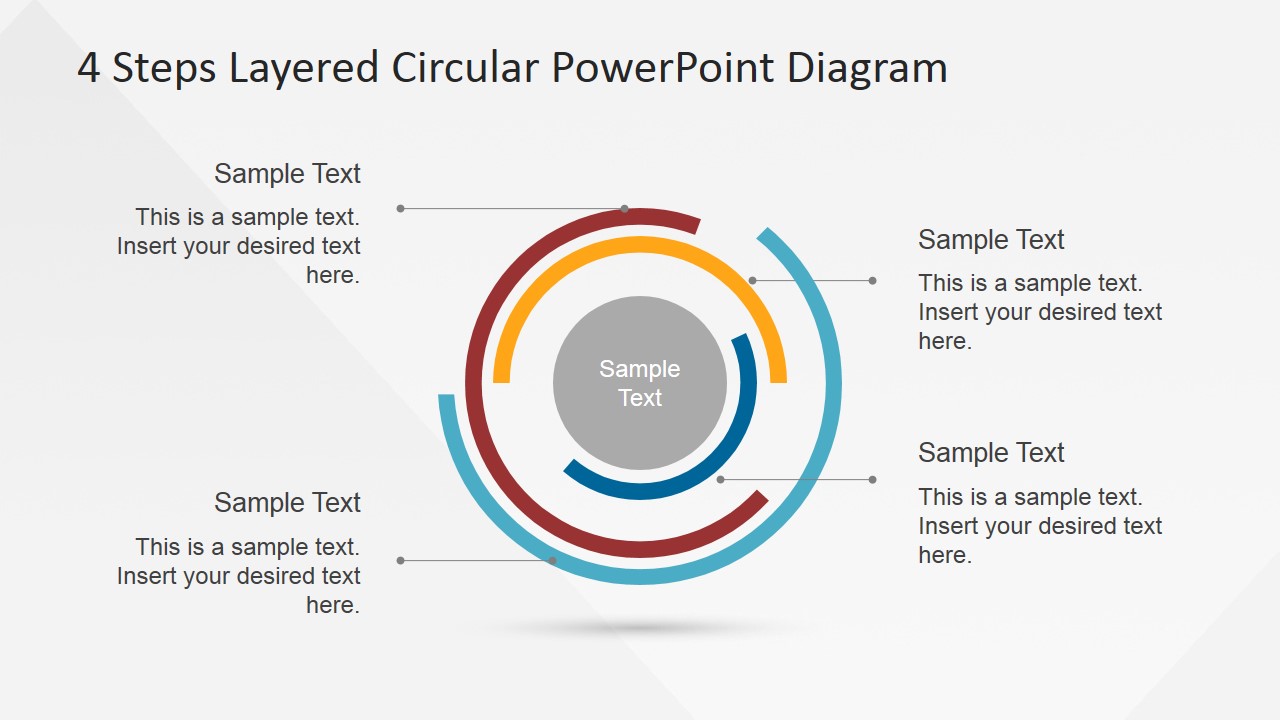
4 Steps Layered Circular PowerPoint Diagram is a professionally designed presentation developed to assist managers and leaders present how processes related to tasks are implemented. This presentation drills down in a exterior to interior fashion, ideal to transmit the message on which steps to follow in a 4 Steps looping process.
In todays corporate world, it is important to ensure that employees and staff members are aware and up to speed on the organizations processes and practices – whether new or existing – that they need to follow as part of their responsibilities. This template would help people in higher position to drive the point across to their intended audience. This presentation template is meant for high level 4 Steps processes. The layered circular diagram used in the slides emphasizes the importance of each step and their relationship within a concentric theme. The simple design of the PowerPoint diagram makes it useful to effectively train employees and staff members, regardless of tenure. The diagram displayed is created under modern flat design guidelines, which further emphasizes the simplicity of the processes being discussed in the presentation. It does not contain any flashy icons or clipart that may distract the audience from the simple message that the presentation is trying to deliver.
Being 100% editable, this presentation template can be customized to fit different corporate themes or marketing branding collateral required by the presenters organization. It can be used as posters, brochures and other documents needed to reinforce the need to inform the concerned staff members about certain processes involved in particular tasks. The 4 Steps Layered Circular PowerPoint Diagram is a practical tool in educating any audience on the need of performing tasks under the processes guidance, and how to help upper management providing visibility on the execution of each key area. Create professional Process Flows that appeal to global audiences.
What’s inside this template
Example presentation scenarios
- An operations manager can use the overview circle to explain how four recurring tasks connect before assigning owners and expectations.
- A training facilitator can present each highlighted step slide to onboard employees into a standard operating procedure with clear supporting text.
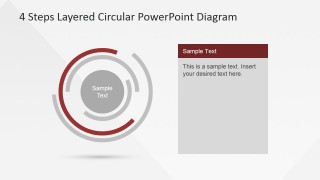
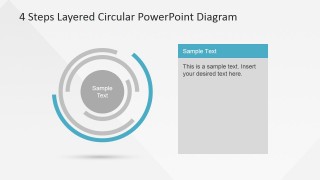
- A project lead can map four implementation phases by using the colored ring segments to show sequence and the right-side cards for action notes.
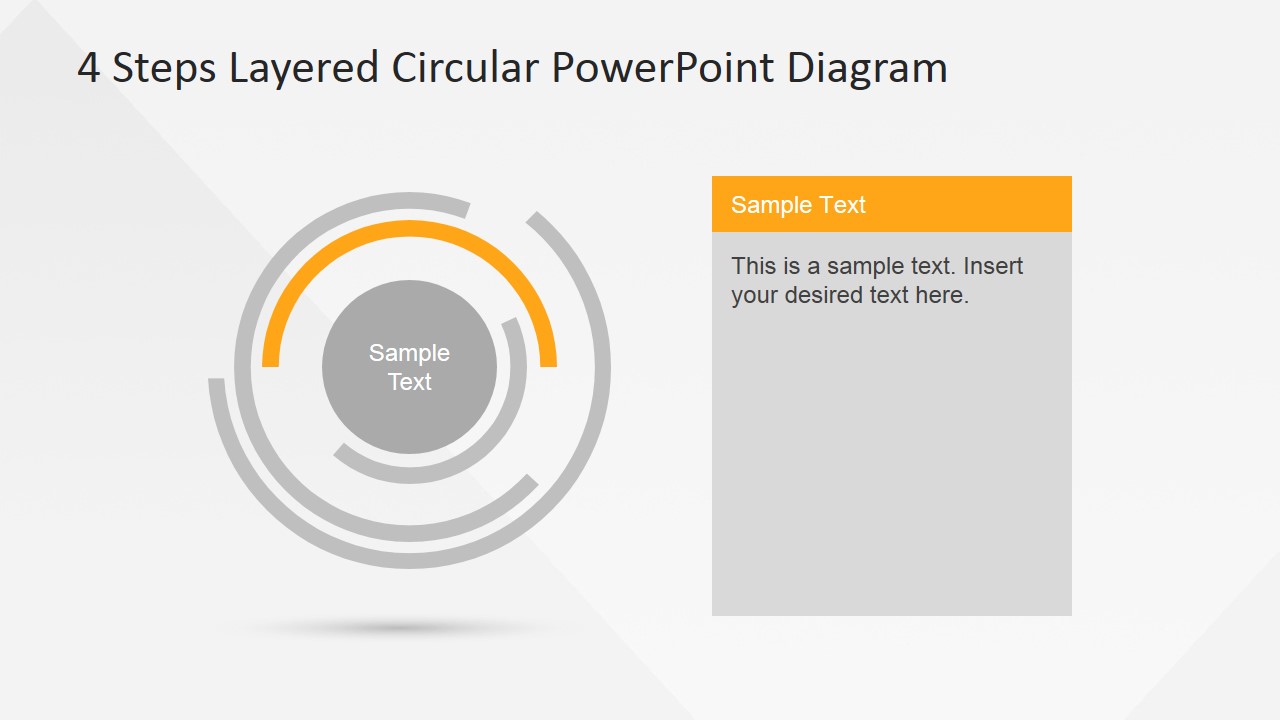
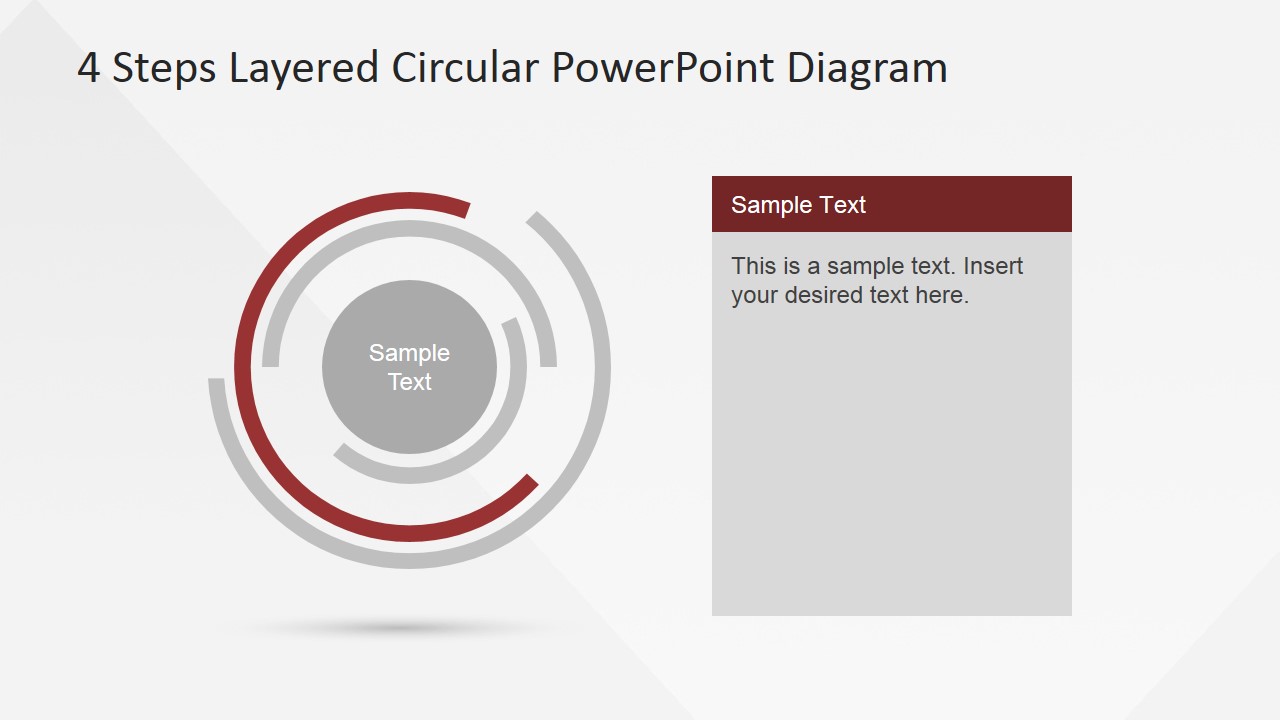
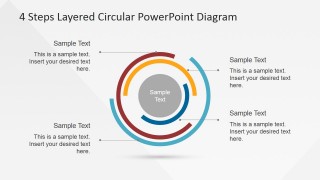
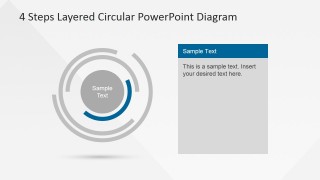
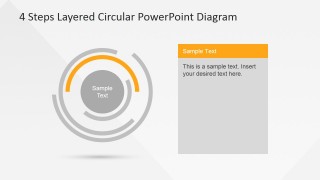
- A consultant can explain a client workflow by starting with the full circular model, then moving through the blue, orange, burgundy, and teal detail slides.
Features
- 100% editable presentation template
- Compatible with Microsoft PowerPoint and Google Slides
- 16:9 aspect ratio slides
- Scalable vector shapes, icons and illustrations
- AI-Ready for Microsoft Copilot and Claude
- Instant access and download
Frequently asked questions
Q: How should a presenter explain the four-step process without making the circular diagram feel repetitive?
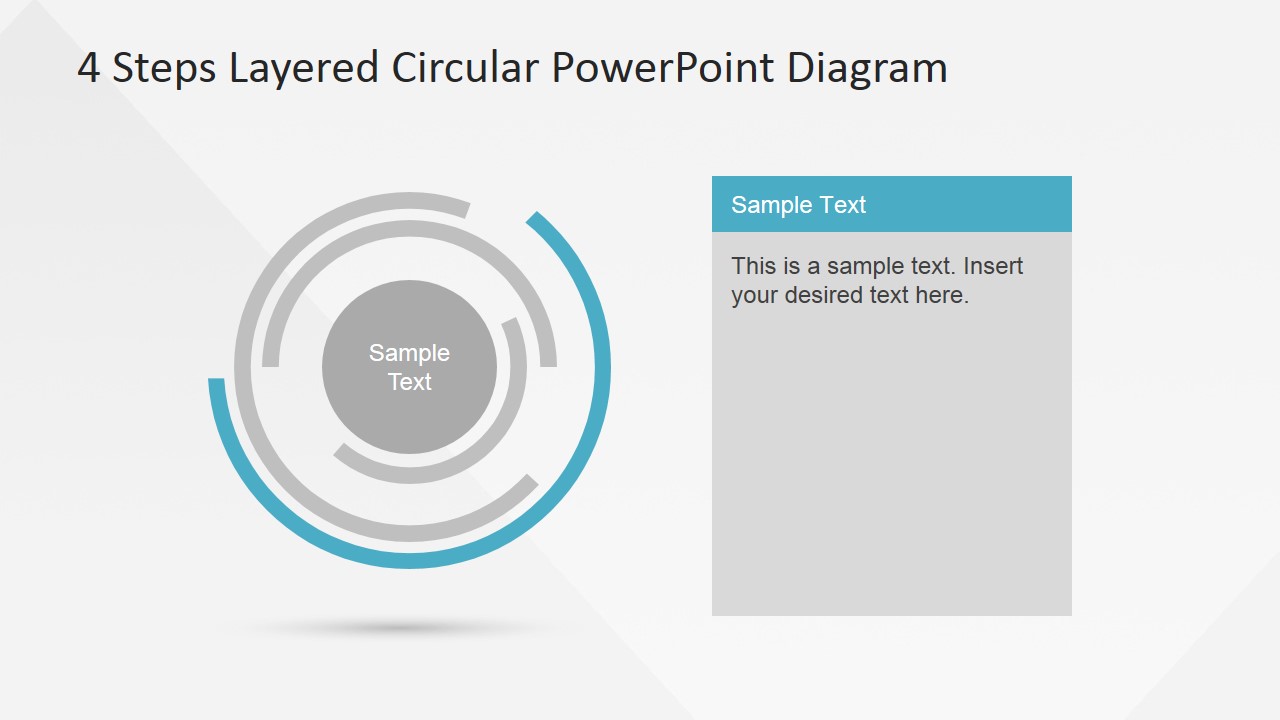
A: Start with Slide 1 as the full model and define the role of the center label first. Then use Slides 2 through 5 as short drill-downs, treating each colored segment as one talking point. Keep the text card to the decision, action, or rule for that step so the audience remembers the process.
Q: Who is this template best suited for in a business presentation?
A: This template fits managers, trainers, and process owners who need to teach a simple recurring workflow. It works best when the message has exactly four major parts, such as stages, responsibilities, checkpoints, or practices. The overview-plus-detail structure helps a mixed audience understand both the whole cycle and each step.
Q: Why use a layered circular metaphor instead of a straight four-item list?
A: The circular rings show that the steps are connected rather than isolated, which is useful for repeatable work, governance cycles, or operating routines. The center label gives the process a core idea, while the outer segments separate the four steps. This helps the presenter show relationship and priority without adding extra decoration.

4 Steps Layered Circular PowerPoint Diagram
5-slide presentation template for layered circular process steps and concentric workflow diagrams
The 4 Steps Layered Circular PowerPoint Diagram is a 5-slide diagram template for explaining a four-step looping process. It includes a full concentric circular overview, four surrounding callouts, and individual step detail slides with matching text panels. It is built for managers, trainers, and team leads using Microsoft PowerPoint or Google Slides.
- Category
- Diagrams
- Rating


 Loading...
- Aspect ratio
- 16:9, 4:3
- Item ID
- 6577-02
- Colors
 Microsoft PowerPoint
  Microsoft Copilot
  Claude for PowerPoint
 Other formats supported
Subscribe today and get immediate
access to download our PowerPoint templates.