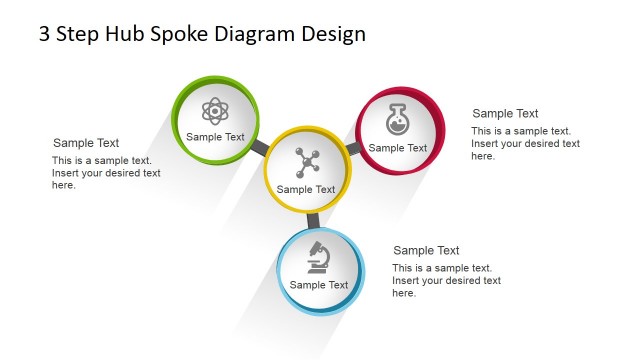
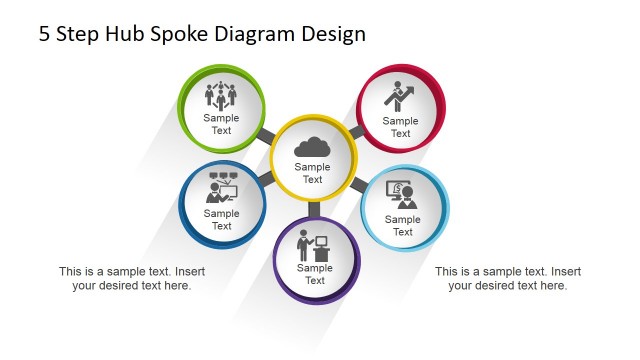
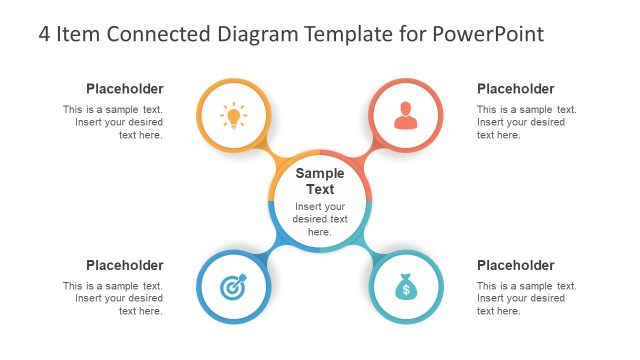
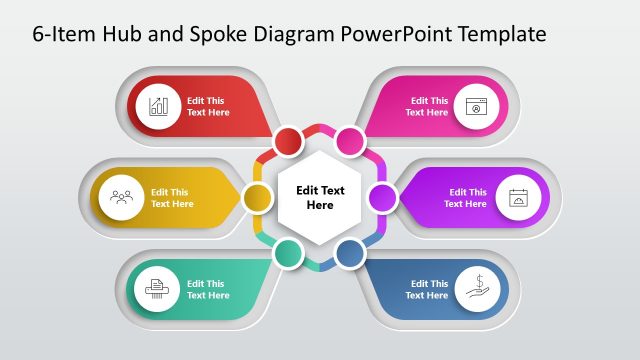
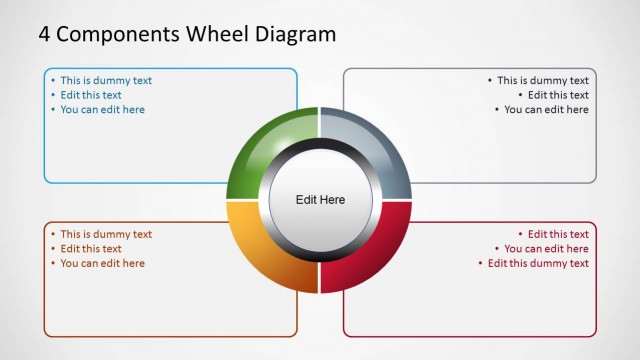
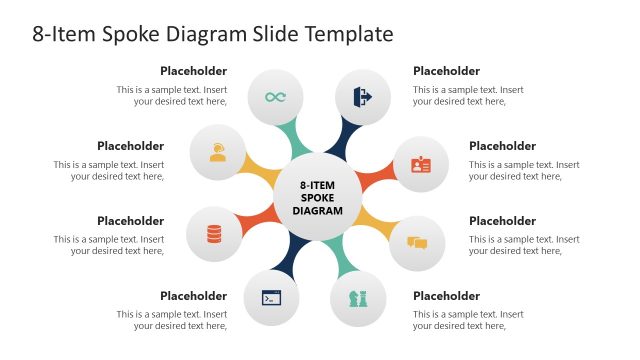
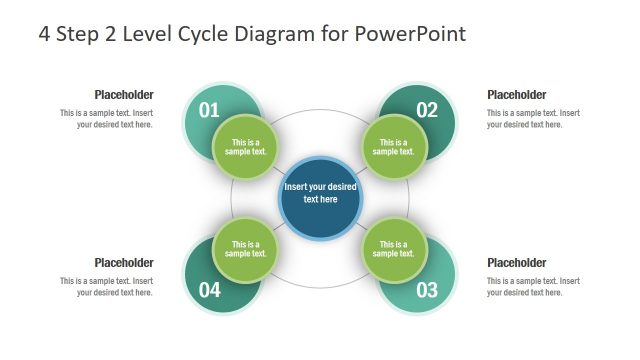
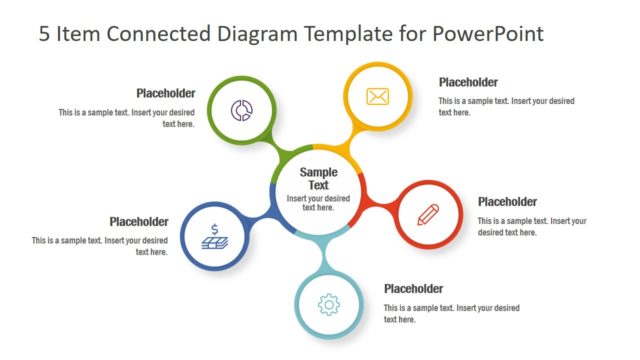
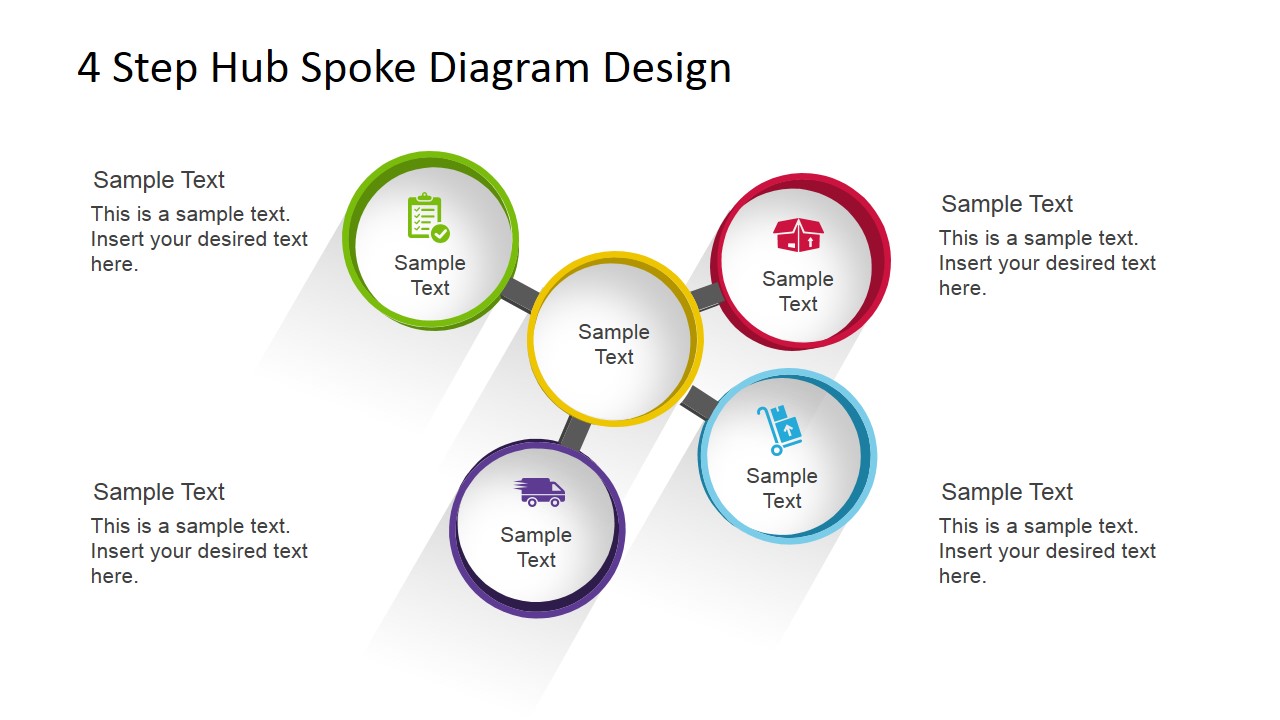
4 Step Hub Spoke Diagram for PowerPoint is a creative hub & spokes diagram for PowerPoint presentations that you can use as an alternative to traditional spoke diagrams. This SmartArt template for PowerPoint contains four nodes or spokes and editable placeholders that you can use to describe concepts around a central idea or as an alternative to other network diagrams in PowerPoint including SmartArt Graphics.
What’s inside this template
Example presentation scenarios
- An operations manager can explain four service pillars around a central logistics concept using the colored hub-and-spoke diagram and supporting callout text.
- A consultant can summarize a client framework by placing the main recommendation in the center circle and four workstreams in the outer spoke circles.
- A product manager can present four feature areas around a core platform idea using the circular nodes and replaceable vector icons.
- A supply chain presenter can build a quick process overview by combining the hub-and-spoke slide with the logistics icon sheet for visual labels.
Features
- 100% editable presentation template
- Compatible with Microsoft PowerPoint and Google Slides
- Scalable vector shapes, icons and illustrations
- AI-Ready for Microsoft Copilot and Claude
- Instant access and download
Frequently asked questions
Q: How should I present the four spokes without making the diagram feel like a list?
A: Start with the center circle as the organizing idea, then explain each spoke as a distinct contribution to that idea. Keep each outer node label short and use the surrounding callout text for one supporting sentence. This keeps the audience focused on the relationship between the four points, not just the points themselves.
Q: Who is this hub-and-spoke diagram best suited for?
A: This template works best for presenters who need to explain a concept with four equal components, such as service areas, operating principles, workstreams, or support functions. It is especially useful for consultants, operations teams, and logistics presenters because the second slide includes icons tied to delivery, packages, location, and service.
Q: Why use a hub-and-spoke layout instead of four separate boxes?
A: The circular hub-and-spoke layout shows dependency and connection more clearly than separate boxes. The center circle signals the main idea, while the four colored spokes show related parts with equal weight. This visual metaphor helps the audience understand that each point supports the same central concept.


4 Step Hub Spoke Diagram for PowerPoint
2-slide presentation template with hub-and-spoke diagram and logistics icons for PowerPoint and Google Slides
The 4 Step Hub Spoke Diagram for PowerPoint is a 2-slide diagram template for showing four related points around a central concept. It includes a hub-and-spoke diagram, four outer text callouts, and a reusable logistics icon set. It is designed for business presenters using Microsoft PowerPoint or Google Slides.


 Loading...
 Microsoft PowerPoint
  Microsoft Copilot
  Claude for PowerPoint
 Other formats supported
Subscribe today and get immediate
access to download our PowerPoint templates.