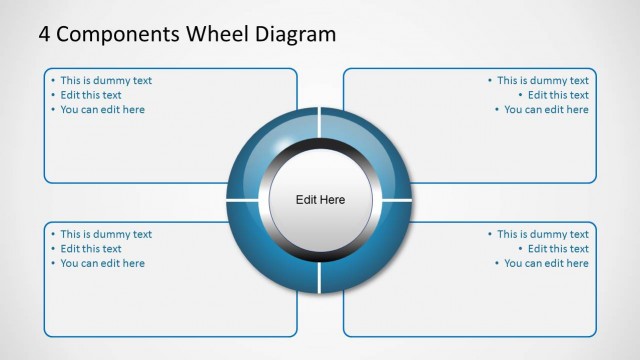
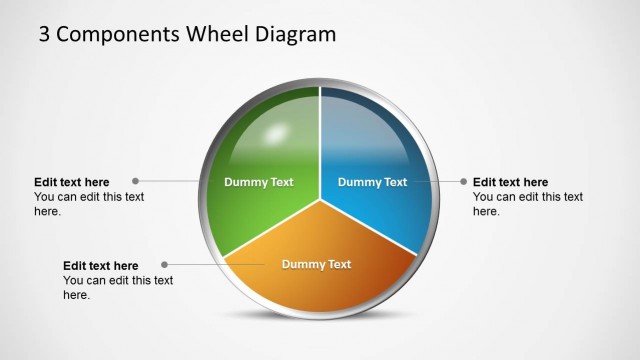
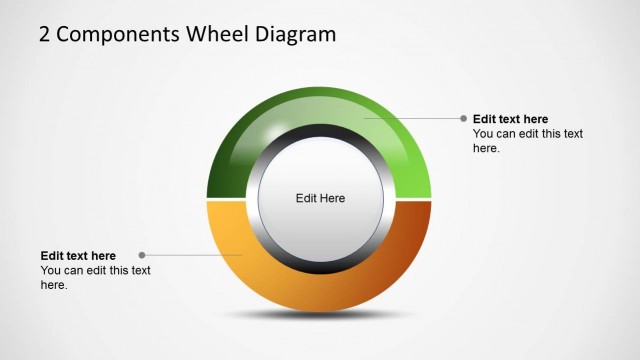
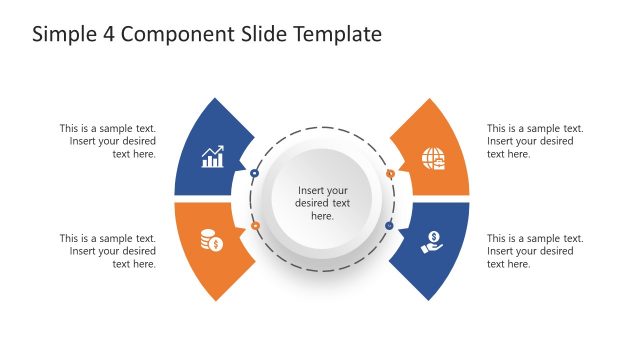
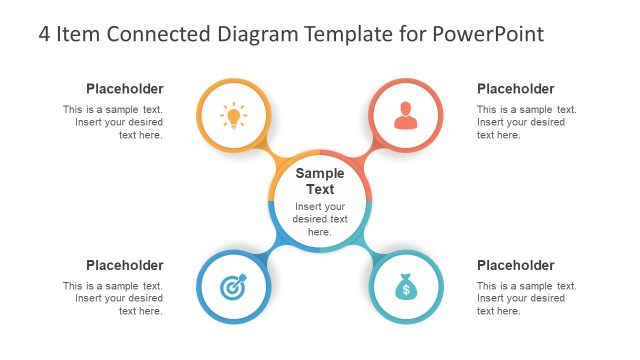
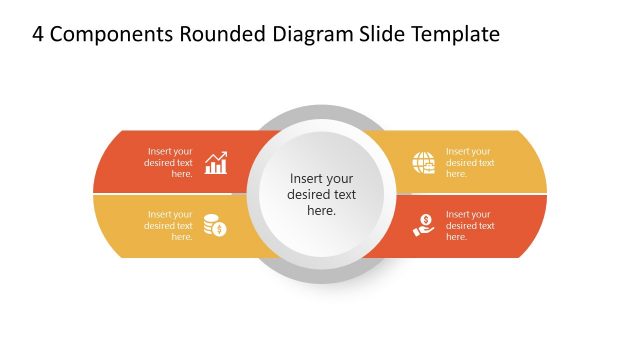
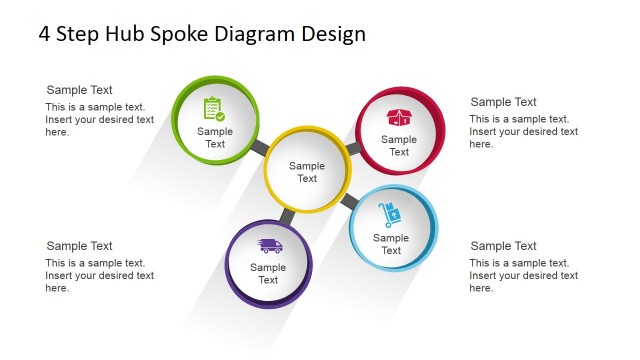
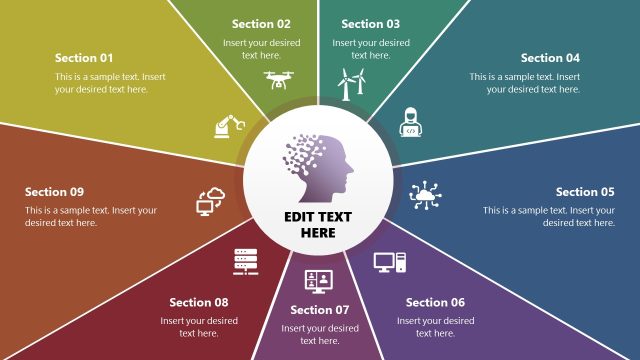
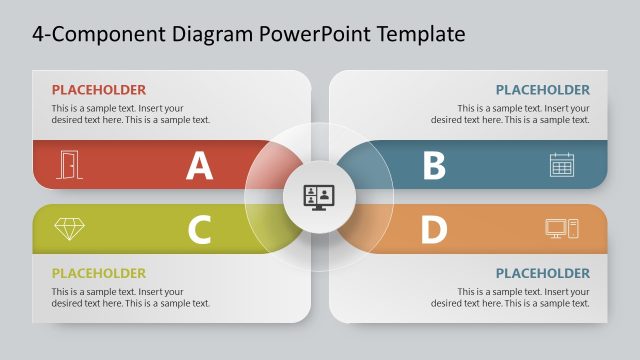
This presentation design with a wheel diagram and four components is a presentation template that you can use to represent a wide range of business concepts or ideas using PowerPoint or Google Slides. For example, you can use the four components wheel diagram to create an attractive SWOT Analysis slide design to show PowerPoint’s Spokes Diagram Components Wheel Diagrams.
What’s inside this template
Example presentation scenarios
- A consultant can present a SWOT-style discussion by assigning each quadrant to one analysis category and using the surrounding callout boxes for short evidence points.
- A product manager can explain a four-part capability model by placing the product theme in the center and using the segmented wheel to show equal contribution from each component.
- A trainer can introduce a 4-step method by using the colored wheel sections as steps and the external bullet boxes as definitions or learner prompts.
- A project leader can compare four workstreams by labeling each quadrant and using the callout boxes to summarize owners, milestones, or risks.
Features
- 100% editable presentation template
- Compatible with Microsoft PowerPoint and Google Slides
- 16:9 aspect ratio slides
- Scalable vector shapes, icons and illustrations
- AI-Ready for Microsoft Copilot and Claude
- Instant access and download
Frequently asked questions
Q: How should a presenter choose between the three wheel variations?
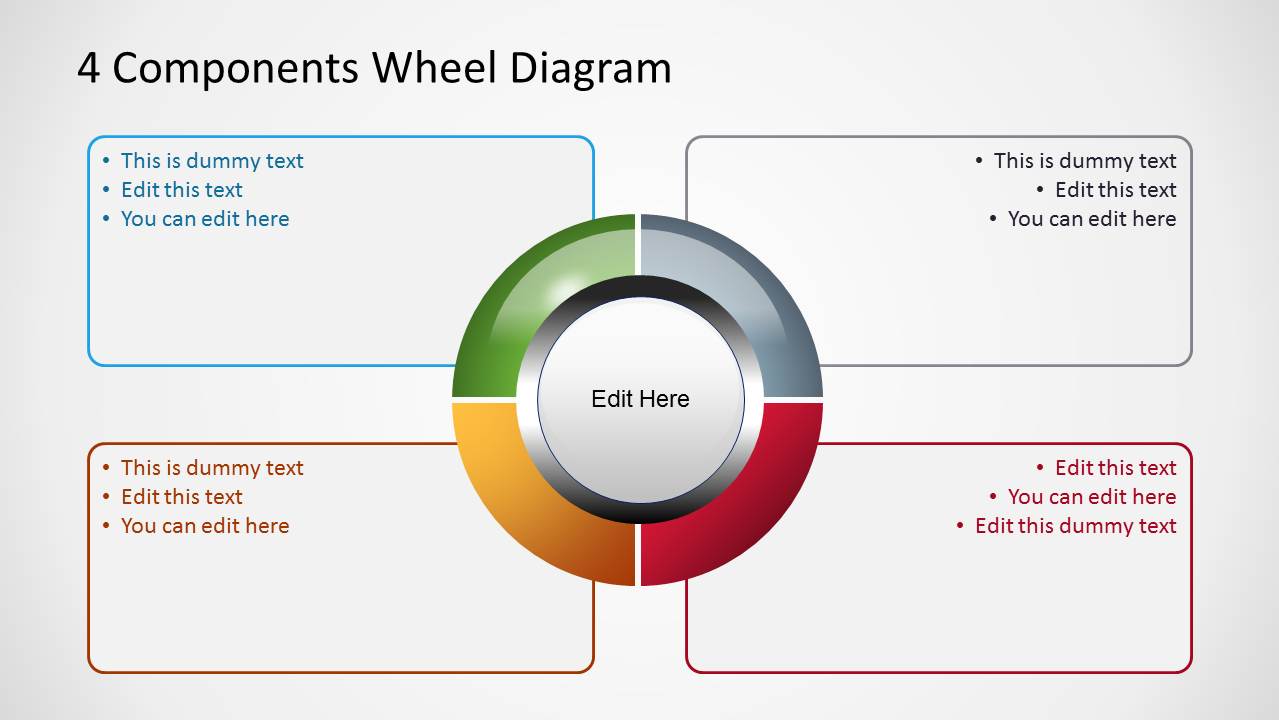
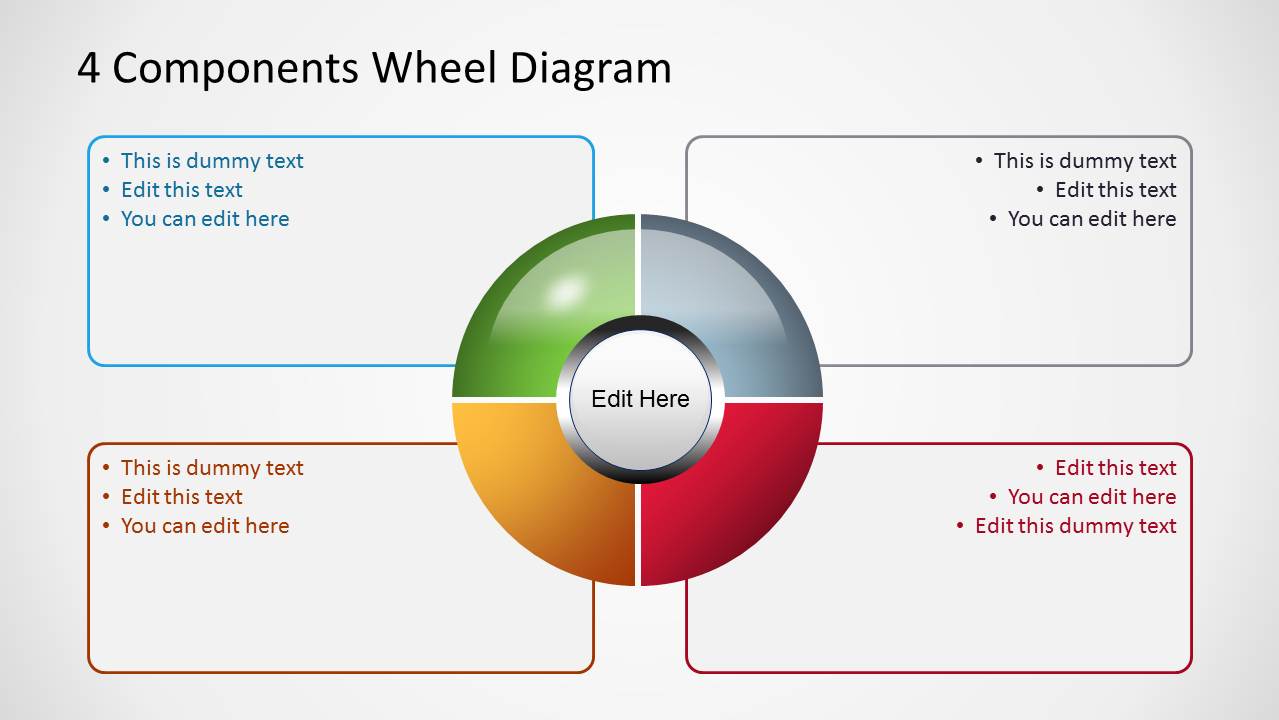
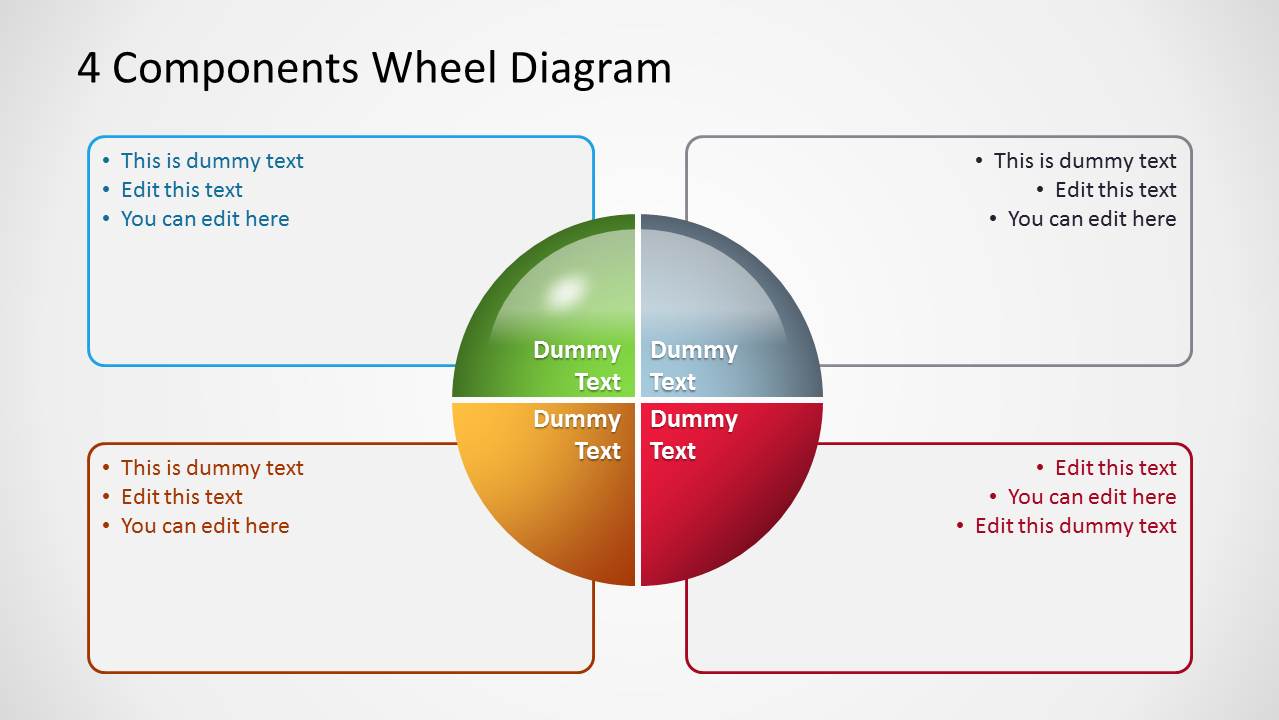
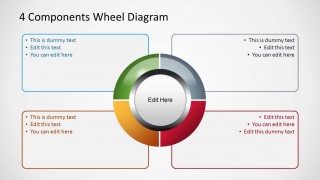
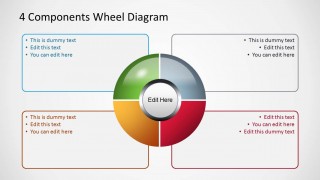
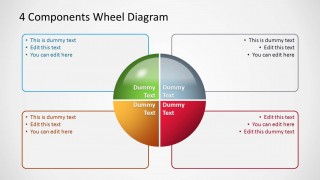
A: Use Slide 1 when the center idea is the main focus and the surrounding points need more explanation. Use Slide 2 when the four colored sections should feel more substantial or balanced. Use Slide 3 when each quadrant needs a visible label inside the wheel before the presenter expands on details in the callout boxes.
Q: What type of business message fits this template best?
A: This template fits messages where four items must be shown as peers around one central topic, such as process pillars, strategic components, decision criteria, or SWOT-style categories. It is best for consultants, managers, trainers, and analysts who need audiences to remember the structure before discussing detailed evidence.
Q: Why use a wheel diagram instead of a standard four-item list?
A: The wheel metaphor signals that the four components work together rather than appearing as separate bullets. The circular layout keeps attention on the center concept, while the color-coded quadrants help the audience separate categories quickly. The outside callout boxes add detail without crowding the main diagram.
4 Components Wheel Diagrams for PowerPoint
3-slide presentation template with 4-component wheel diagrams, spokes, and editable callout boxes
4 Components Wheel Diagrams for PowerPoint is a 3-slide diagram template for presenting four related parts around a central idea. The deck includes a donut wheel with four callout boxes, a segmented quarter wheel, and an in-wheel label variation for managers, consultants, and educators using Microsoft PowerPoint or Google Slides.
- Category
- Diagrams
- Rating

 Loading...
- Aspect ratio
- 16:9, 4:3
- Item ID
- 6026-10
- Colors
 Microsoft PowerPoint
  Microsoft Copilot
  Claude for PowerPoint
 Other formats supported
Subscribe today and get immediate
access to download our PowerPoint templates.