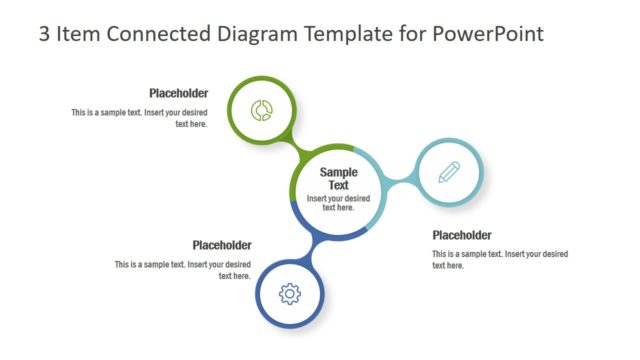
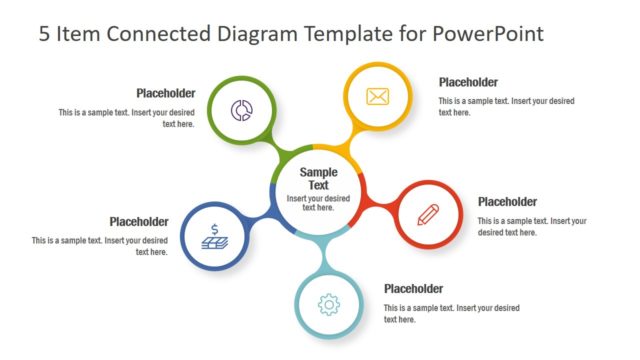
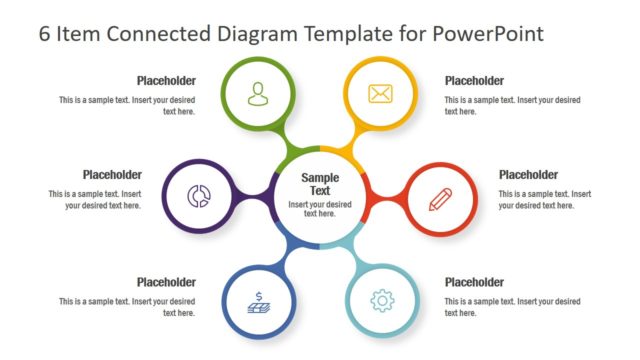
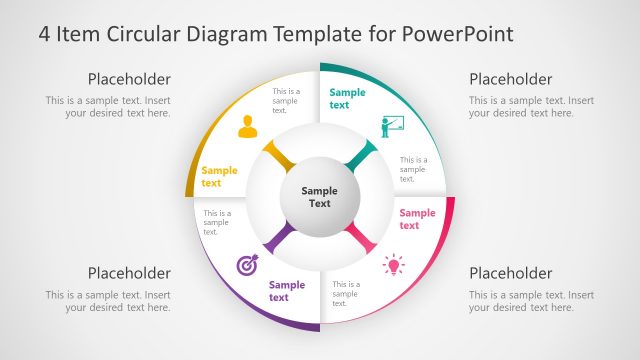
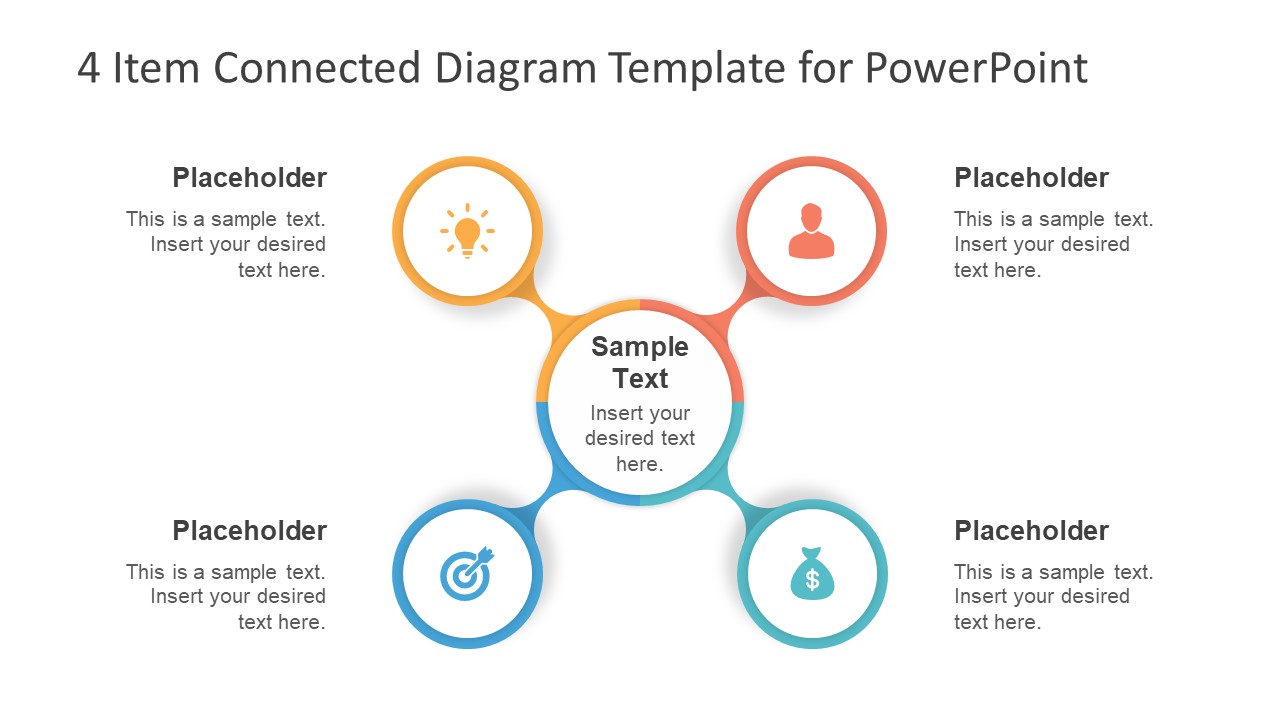
The 4 Item Connected Diagram Template for PowerPoint is a multi-purpose business presentation layout. It is a circular spoke diagram template with high-quality vector graphics. These graphics assist users to visually illustrate their concepts. This 4-items connected diagram is highly suitable to present central idea with multiple subprocesses. However, it could assist in explaining concepts like business solutions, products, and services. Similarly, in a project proposal presentation, the spoke diagram can demonstrate special features, specifications or benefits of product. In a way, the 4 items connected diagram presentation can become a program guide for audience.
The 4 Item Connected Diagram Template for PowerPoint is a 2-slide infographic presentation design. These infographics include lightbulb, user, money bag, and dartboard which suggest inception of an idea or project forecasting. The two slides are simply background color variations i.e. white and black. This variation enables users to change dark or light background colors on black or white slide. Because users can alter background with fewer modifications like text color. Moreover, replace the infographic clipart icons with relevant shapes and graphics. The quick modifications like shape fill, resizing, or text properties could be done from drawing format. And, additional customizations include change shape style, effects, and color gradients which are also available in drawing format.
The PowerPoint diagram template of 4 connected spoke segments can benefit the professionals working in various industries. Such as the education sector, medicine, management, marketing, etc. These easy-to-use slides provide attractive built-in graphics which saves time.
What’s inside this template
Example presentation scenarios
- A consultant can use the central hub and four spoke circles to explain how four workstreams connect to one strategic recommendation.
- A product manager can use the icon circles and text placeholders to present four product benefits around a core value proposition.
- A project lead can use the diagram to brief stakeholders on four project pillars, using the center for the initiative name and the outer circles for priorities.
- An educator or trainer can use the lightbulb, target, user, and money bag icons to introduce four learning themes tied to one business concept.
Features
- 100% editable presentation template
- Compatible with Microsoft PowerPoint and Google Slides
- 16:9 aspect ratio slides
- Scalable vector shapes, icons and illustrations
- AI-Ready for Microsoft Copilot and Claude
- Instant access and download
Frequently asked questions
Q: How should I organize the message on this four-item diagram?
A: Place the core concept, proposal, or theme in the center circle first. Then label the four outer circles with parallel ideas such as benefits, pillars, phases, or capabilities. Keep each surrounding text block short, so the audience can see the relationship between the center and each spoke without reading long paragraphs.
Q: What presentation situations fit this template best?
A: This template fits short business explanations where one idea needs four supporting parts. It works well for consultants explaining a framework, managers summarizing priorities, product teams outlining benefits, or trainers introducing a concept model. It is less suited to detailed schedules, financial dashboards, or dense research findings.
Q: Why does the hub-and-spoke structure improve communication?
A: The hub-and-spoke metaphor tells the audience that the center is the main idea and every outer point is connected to it. The equal circle sizes make the four items feel balanced, while the colored arcs and icons help separate categories without making one item look more important than the others.


4 Item Connected Diagram Template for PowerPoint
2-slide presentation template with a four-item hub-and-spoke diagram for ideas, benefits, and process points.
The 4 Item Connected Diagram Template for PowerPoint is a 2-slide diagram template for Microsoft PowerPoint and Google Slides. It shows a central hub circle connected to four spoke circles, surrounding placeholder text blocks, and business icons for ideas, users, targets, and money. It is designed for explaining four related points around one core concept.
- Category
- Diagrams
- Rating


 Loading...
- Aspect ratio
- 16:9
- Item ID
- 7955-01
- Colors
 Microsoft PowerPoint
 Microsoft Copilot
 Claude for PowerPoint
Other formats supported
Subscribe today and get immediate
access to download our PowerPoint templates.