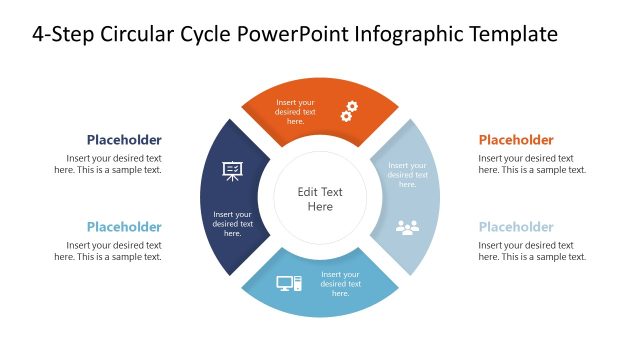
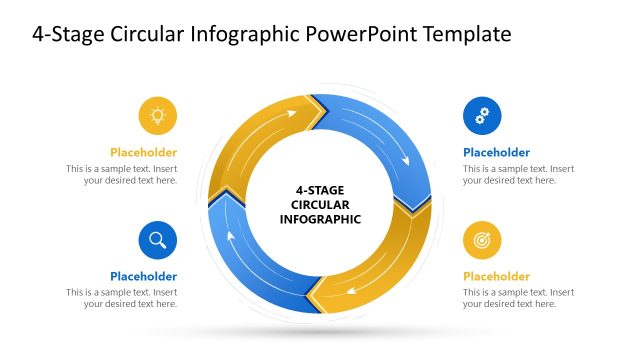
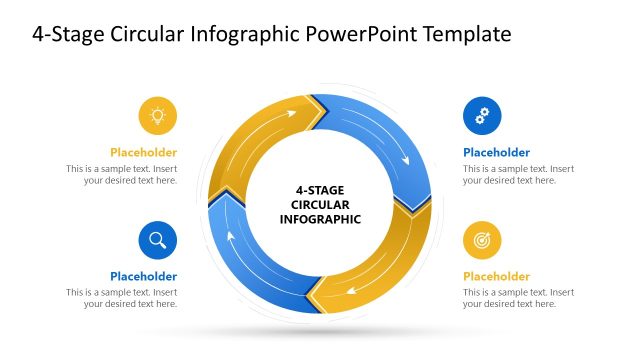
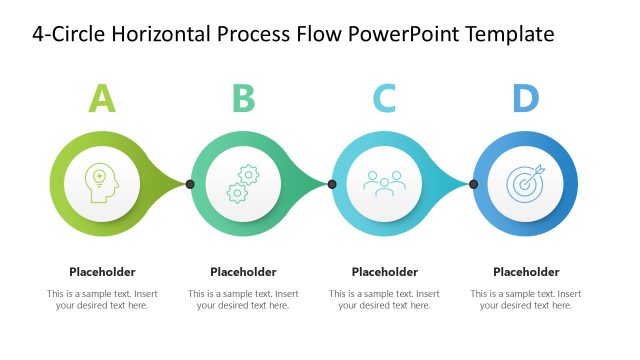
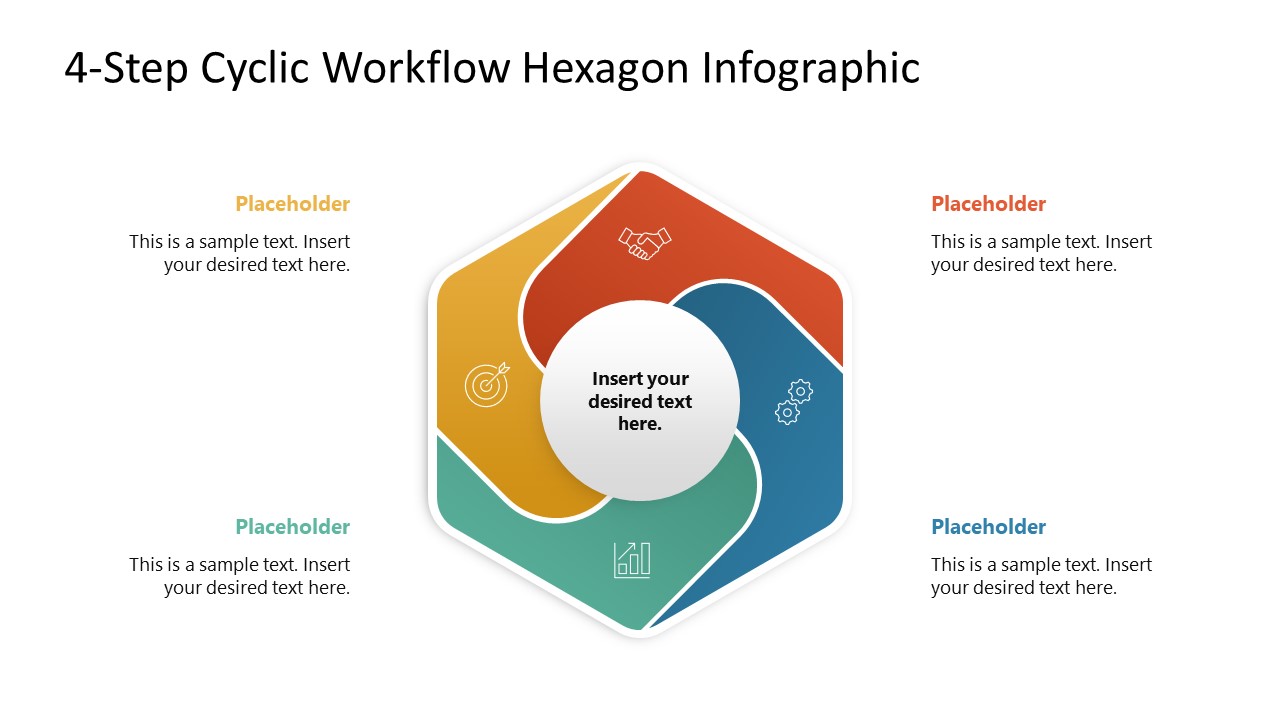
Showcase the repeating multistep workflows in your business presentation with our editable 4-Step Cyclic Workflow Hexagon Infographic PowerPoint Template. Professionals in their training presentations or stakeholder reports visualize how different workflows operate. Creative diagrams help the presenters communicate the process plans effectively, making it easier for the audience to understand the exact scenario. This 4-step cyclic workflow features a unique diagram for operations managers to outline a recurring process in a structured format for their team members. This also allows employees to align their activities based on the process. Quality assurance leads demonstrate the continuous improvement cycle to the clients using the hexagonal cyclic workflow diagram.
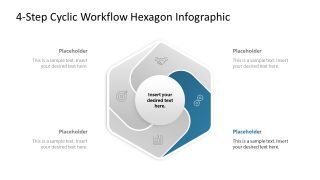
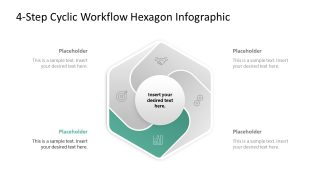
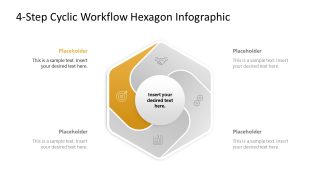
During the product lifecycle presentation, product directors illustrate the ongoing testing, feedback, and improvement cycle to optimize the product’s usability. The 4-Step Cyclic Workflow Hexagon Infographic PowerPoint Template features a round-edged, rectangular shape in the center with curved sections. Each section comprises infographic icons and a distinct color label, allowing marketing leads to display campaign optimization protocols in their team presentations. A supply chain expert uses this template, along with spotlight slides, to explain the vendor evaluation cycle separately. The management consultant explains the stages of the strategic improvement process to clients in the individual focus slides, using the hexagonal cyclic diagram. HR business partners use the four hexagonal stages in their performance evaluation meetings to map goal-setting, evaluation, and development planning into a loop diagram.
All elements are fully customizable, and you can easily adjust the PPT shapes to perfectly match your needs. In addition, we have a collection of workflow process presentation templates, including alternative versions, for your next strategy presentation. Download the 4-step cyclic workflow hexagon infographic PPT template to outline the four interconnected stages in business process presentations.
What’s inside this template
Example presentation scenarios
- An operations manager can present a recurring workflow to team members by starting with the full hexagon cycle and then using the spotlight slides to explain each step in order.
- A quality assurance lead can show a continuous improvement loop to clients with the four-stage hexagon and the individual focus slides for testing, review, correction, and follow-up discussion.
- A product manager can explain a product feedback cycle by replacing the placeholder labels with research, testing, release, and improvement stages while keeping the center circle for the main objective.
- An HR business partner can map a performance review process for managers using the target, handshake, gears, and chart icon areas as visual anchors for each recurring stage.
Features
- 100% editable presentation template
- Compatible with Microsoft PowerPoint
- 16:9 aspect ratio slides
- Scalable vector shapes, icons and illustrations
- AI-Ready for Microsoft Copilot and Claude
- Instant access and download
Frequently asked questions
Q: How should I present the four stages without making the loop feel repetitive?
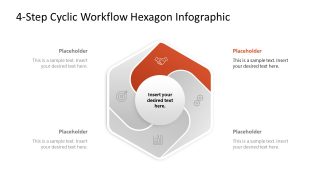
A: Start with the full-color overview to define the complete cycle and the central objective. Then move through the four spotlight slides, using the colored segment as the current topic and the gray segments as context. Keep each outside placeholder focused on one decision, action, owner, or output so the audience can follow the loop.
Q: Who is this template best suited for in a business presentation?
A: This template fits presenters who need to explain a repeatable process rather than a one-time sequence. Operations leaders, consultants, product managers, HR partners, and quality teams can use the hexagon cycle to show how four activities connect, repeat, and feed the next round of work.
Q: Why use a hexagon cycle instead of a simple numbered list?
A: The hexagon creates a closed-loop metaphor, making recurrence visible before the presenter explains details. The center circle keeps the main objective in view, while the stage spotlight slides reduce visual competition. This structure helps audiences see both the whole process and the active step being discussed.


4-Step Cyclic Workflow Hexagon Infographic PowerPoint Template
5-slide presentation template for cyclic workflow process diagrams with hexagon stages and icons
The 4-Step Cyclic Workflow Hexagon Infographic PowerPoint Template is a 5-slide, 16:9 process diagram deck for Microsoft PowerPoint. It includes a full four-part hexagon cycle, individual spotlight stage slides, center message areas, icon labels, and surrounding text placeholders for explaining recurring business, management, or workflow processes.
- Category
- Process Diagrams
- Rating

 Loading...
- Aspect ratio
- 16:9
- Item ID
- 23622-01
- Colors
 Microsoft PowerPoint
  Microsoft Copilot
  Claude for PowerPoint
 Other formats supported
Subscribe today and get immediate
access to download our PowerPoint templates.