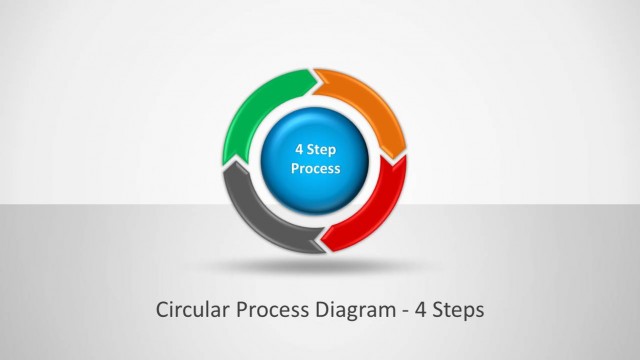
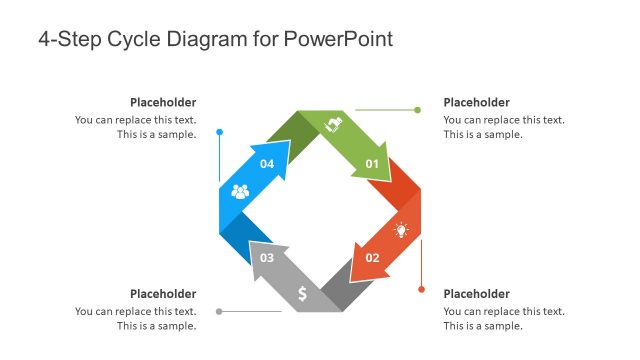
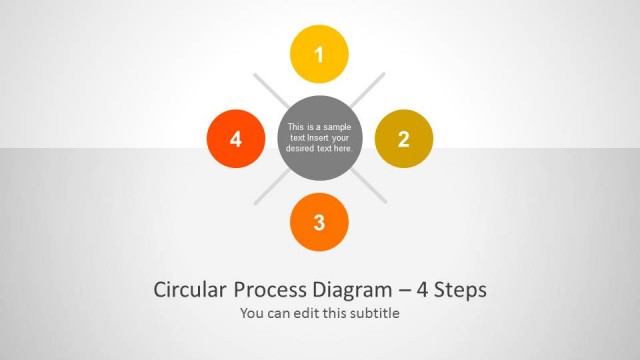
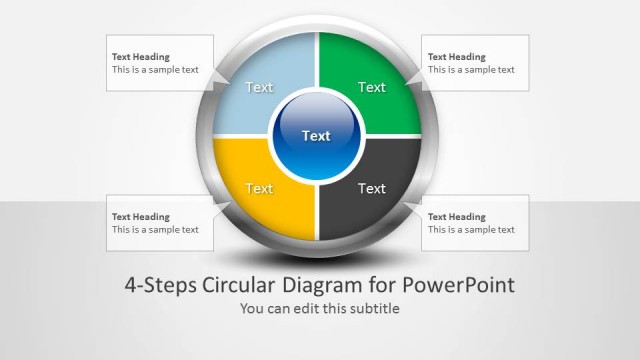
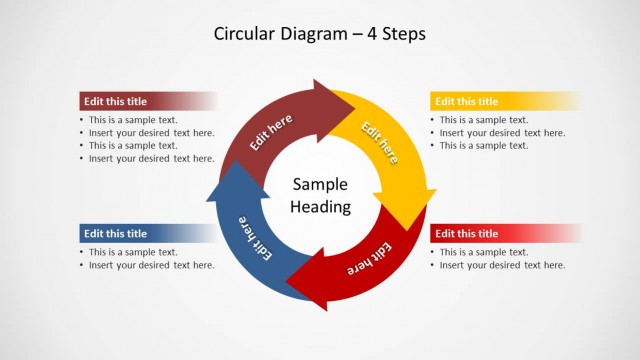
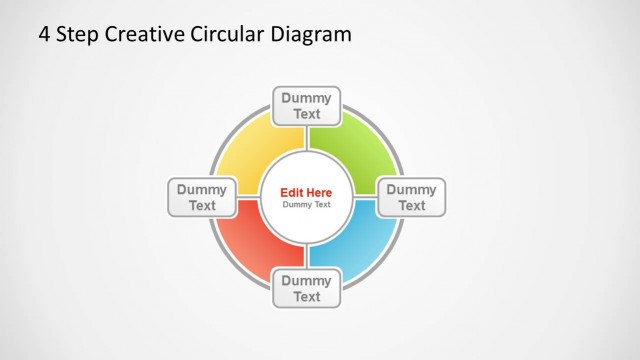
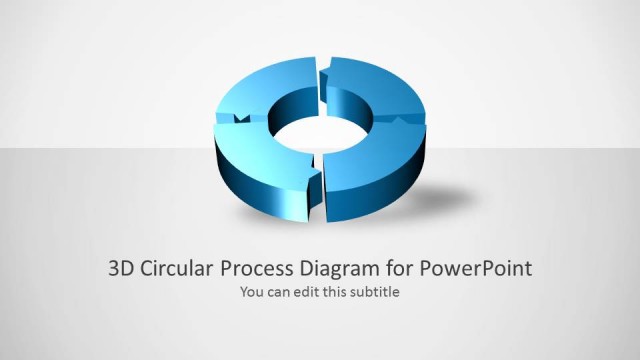
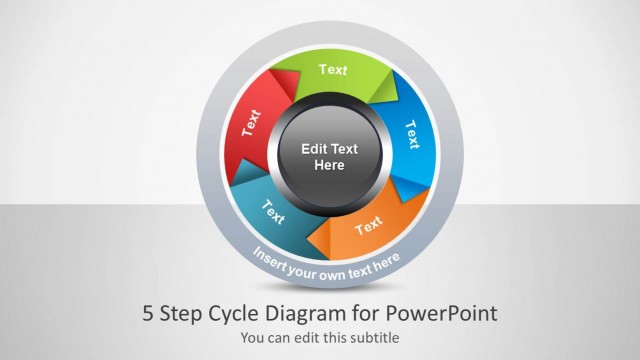
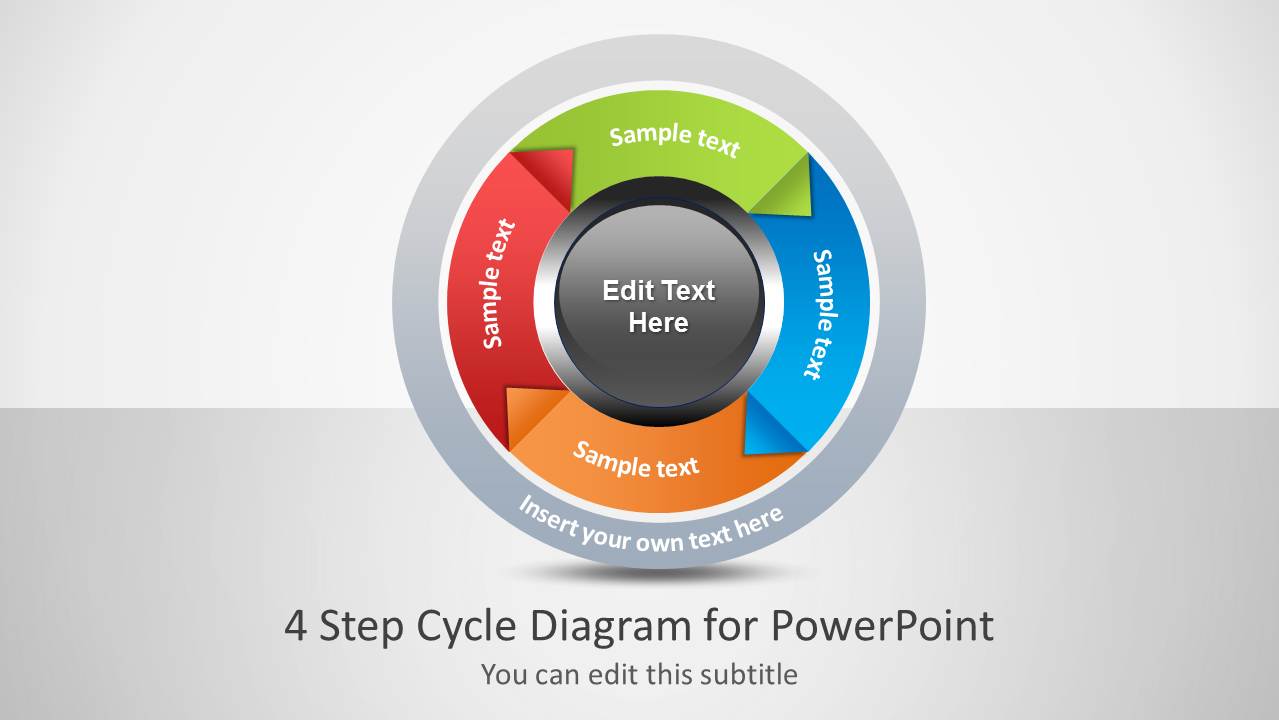
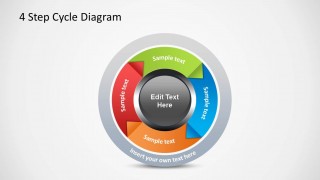
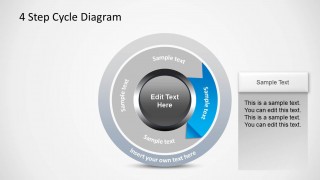
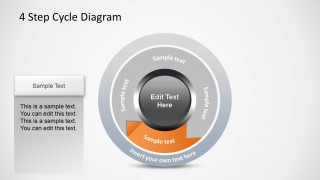
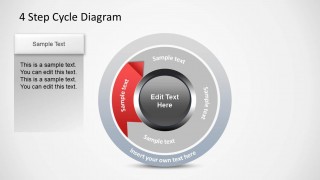
4 Step Cycle Process Diagram Template is a diagram template where you can show a process with the help of four step circular diagrams.
This PowerPoint Template can not only be used for creating standalone diagrams for presentations but you can even elaborate each step with explicit details to present your circular diagram step by step.
For making four step diagrams with the help of diverse layouts, see our complete collection of 4 Step Diagram Templates for PowerPoint.
What’s inside this template
Example presentation scenarios
- A project manager can present a recurring delivery workflow by opening with the full cycle diagram and then using the four highlighted step slides to explain each phase.
- A consultant can explain a continuous improvement loop to executives by using the colored circular arrows to show sequence and the callout panels to summarize actions.
- An operations leader can train a team on a standard operating cycle by replacing the sample text in each step-focus layout with responsibilities, inputs, and outputs.
- A product lead can describe an iterative planning process by using the center label for the process name and the four arrow segments for discovery, design, build, and review.
Features
- 100% editable presentation template
- Compatible with Microsoft PowerPoint and Google Slides
- Scalable vector shapes, icons and illustrations
- AI-Ready for Microsoft Copilot and Claude
- Instant access and download
Frequently asked questions
Q: How should a presenter explain the cycle without making every step feel equal?
A: Start with the full cycle slide to show the overall loop, then move through the four highlighted step slides. On each detail slide, state the step name, explain its key action in the callout panel, and end by connecting it to the next stage. This keeps the cycle clear while still giving each stage enough context.
Q: Who is this template best suited for?
A: This template fits managers, consultants, trainers, and operations teams who need to describe a repeatable four-step process. It works well for workflows such as review cycles, improvement loops, planning routines, onboarding processes, or governance models where the audience must understand both the sequence and the repetition.
Q: Why does the circular arrow design help communicate a process?
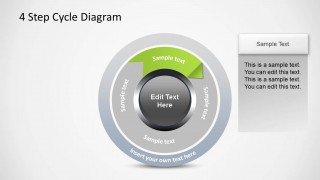
A: The circular arrows act as a visual metaphor for repetition, making it clear that the process does not simply end after step four. The focused slides gray out inactive segments and color one stage at a time, which reduces visual competition and helps the audience follow the explanation in a controlled order.


4 Step Cycle Process Diagram
6-slide presentation template for four-step cycle process arrows and step-by-step callout panels
This 6-slide diagram template presents a four-step circular process using colored arrow segments, a central editable label, and matching step-detail panels. It includes a cover slide, full cycle diagram, and four progressive focus slides for explaining each process stage. It is intended for PowerPoint process presentations.

 Loading...
 Microsoft PowerPoint
  Microsoft Copilot
  Claude for PowerPoint
 Other formats supported
Subscribe today and get immediate
access to download our PowerPoint templates.