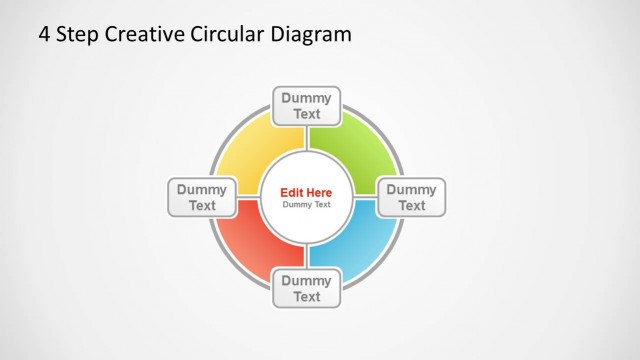
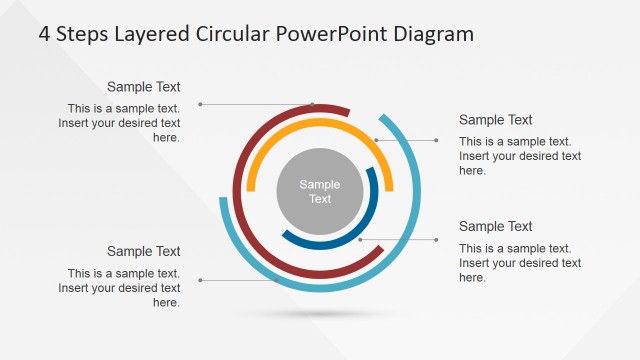
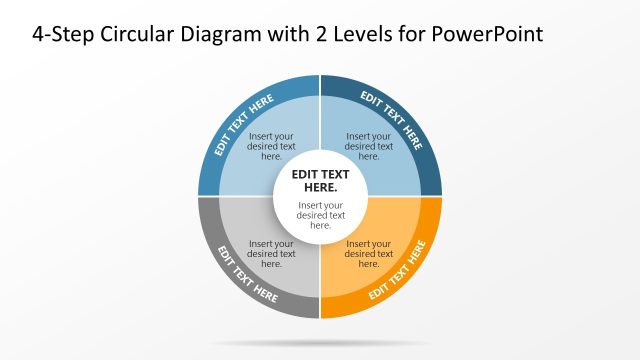
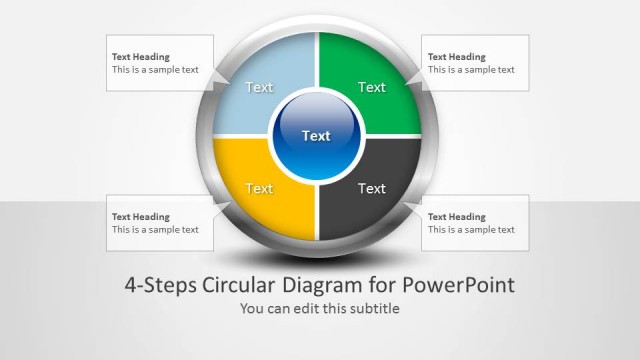
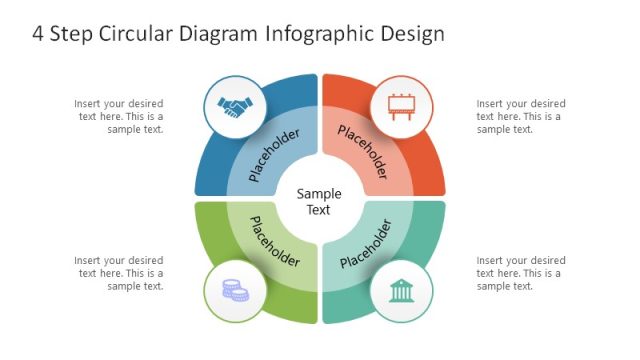
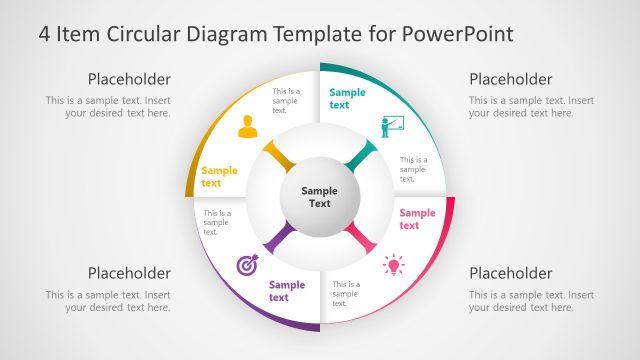
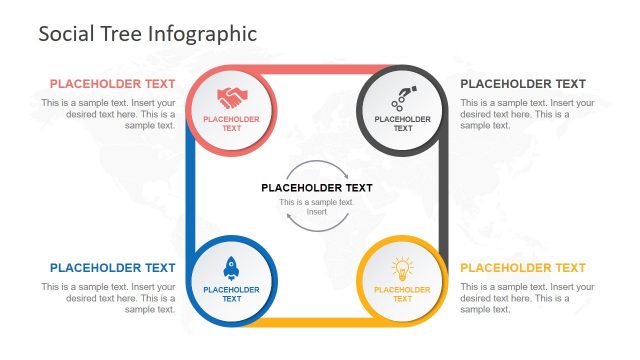
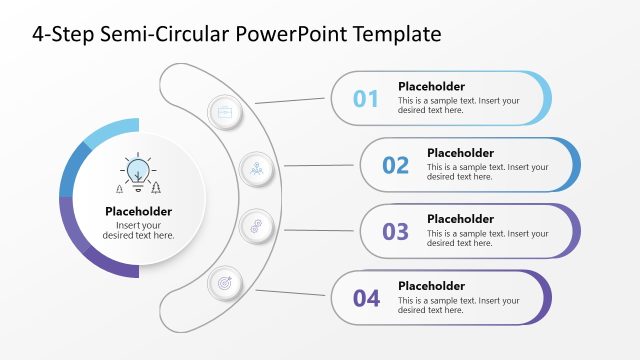
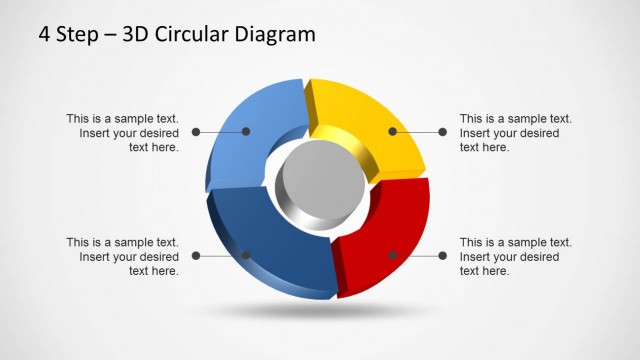
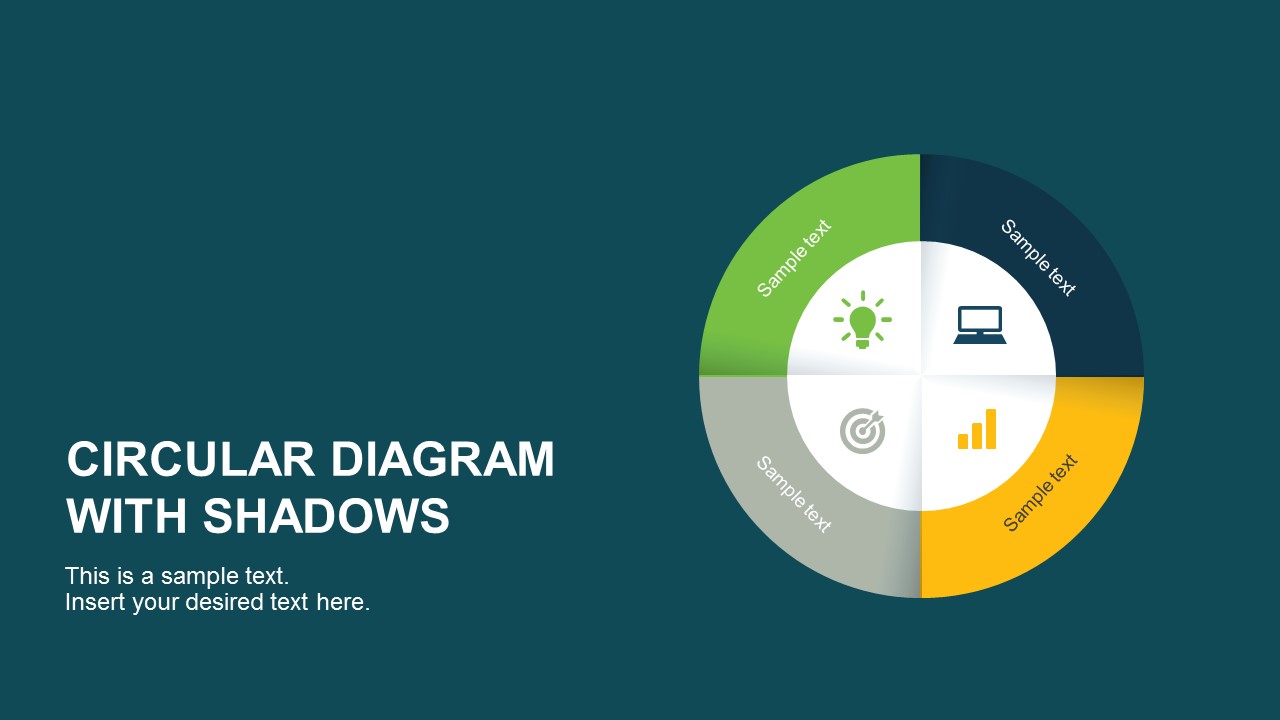
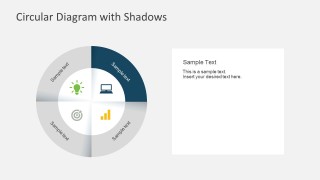
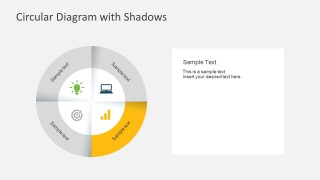
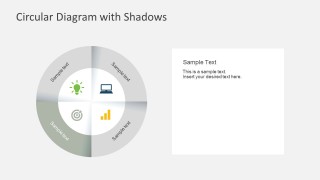
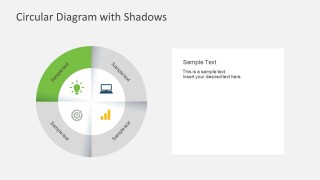
4 Steps Circular PowerPoint Diagram with Shadows give step-by-step cycle processes to the business presentations. These templates have 4 essential areas of business solution. This concentric circle graphic diagram is simple and easy to understand. You can deliver your business ideas in a concise manner. Using the editable PowerPoint icons, steps are directly segmented and layered for your needs.
This business diagram allows you to showcase the following 4 steps business process flow:
- Computer PowerPoint Icon – business approach and implementation
- Bar Graph and Charts – company statistics and performance analysis
- Concentric Goal Target Icon – briefly discuss business motivation and objectives
- Light bulb PowerPoint Icon – business ideas, SWOT analysis and evaluation of process cycle
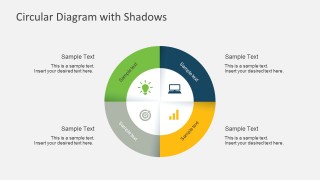
Each step is colored with a gradient palette and 4 titled text boxes are located at the right of the diagrams, in order to explain each step topic. Create outstanding professional presentations with this 4 Steps Circular PowerPoint Diagram with Shadows. In addition, each of the slides is created as individual PowerPoint Concentric Diagram, allowing the user to fully customize its appearance. From color to shadow effects, the user controls the visuals of the diagram, without the need of complex PowerPoint design skills.
Use this 4 Steps Circular PowerPoint Diagram with Shadows to enhance your business presentations. Save hours and waste no time in making PowerPoint slides. This is a user ready business Powerpoint template that will allow you deliver and perform well.
What’s inside this template
Example presentation scenarios
- A consultant can use the circular quadrant overview to explain a client transformation plan, then use the four highlight slides to walk through each phase in order.
- A project manager can present an implementation workflow by assigning each quadrant to a task area and using the right-side text box for ownership, timing, or risks.
- A marketing lead can summarize a campaign planning cycle with the light bulb, laptop, target, and bar chart icons representing ideation, execution, focus, and measurement.
- A trainer can teach a repeatable business process by showing the full four-step diagram first, then isolating one quadrant per discussion topic.
Features
- 100% editable presentation template
- Compatible with Microsoft PowerPoint and Google Slides
- 16:9 aspect ratio slides
- Scalable vector shapes, icons and illustrations
- AI-Ready for Microsoft Copilot and Claude
- Instant access and download
Frequently asked questions
Q: How should a presenter explain the four steps without making the circular diagram feel repetitive?
A: Start with the full overview slide to establish the whole cycle, then move to one highlighted quadrant at a time. Use the same sentence pattern on each step slide: define the step, explain its output, and show how it connects to the next quadrant. This keeps the repeated diagram structure purposeful.
Q: Who is this template best suited for in a business presentation?
A: This template fits presenters who need to explain a balanced four-part process rather than a long procedure. Consultants, project managers, operations leads, and trainers can use the circular overview for orientation and the individual quadrant slides for step-by-step discussion, especially when each phase deserves equal attention.
Q: Why does the circular design help communicate a process message?
A: The circle suggests continuity, while the four equal quadrants signal that each step is part of the same system. The shadows separate the segments enough to prevent visual blending, and the icons give each section a quick mental label. The highlight slides reduce attention to one active idea at a time.


4 Steps Circular PowerPoint Diagram with Shadows
6-slide presentation template for four-step circular process flow and shadowed quadrant diagrams
4 Steps Circular PowerPoint Diagram with Shadows is a 6-slide diagram template for explaining a four-part process. It includes a cover slide, a full circular quadrant overview, and four highlighted step slides with editable text boxes, icons, and shadow effects for business process, planning, and implementation presentations in PowerPoint and Google Slides.
- Category
- Diagrams
- Rating


 Loading...
- Aspect ratio
- 16:9, 4:3
- Item ID
- 7225-01
- Colors
 Microsoft PowerPoint
  Microsoft Copilot
  Claude for PowerPoint
 Other formats supported
Subscribe today and get immediate
access to download our PowerPoint templates.