Slide 4 of 5 from 4-Stage Circular Infographic PowerPoint Template
4-Stage Circular Infographic Template Slide
4-Stage Circular Infographic Presentation Slide
- Diagram
- Circular Cycle
- Process Slide
- 16:9
- 100% Editable
The 4-Stage Circular Infographic slide from the 4-Stage Circular Infographic PowerPoint Template provides a clear visual representation of cyclical processes using editable shapes and vector icons. This slide layout is suitable for business presentations and training sessions that require illustrating multi-stage workflows or project phases within a professional slide deck.
What’s on This Slide
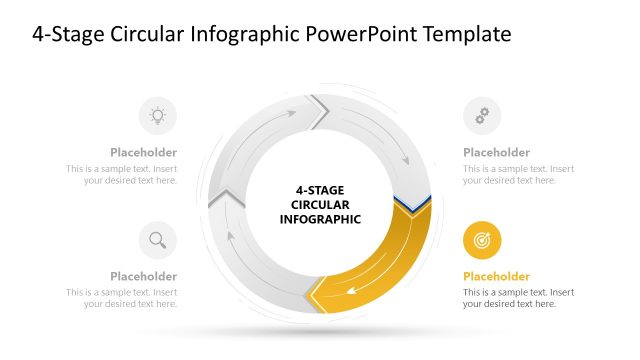
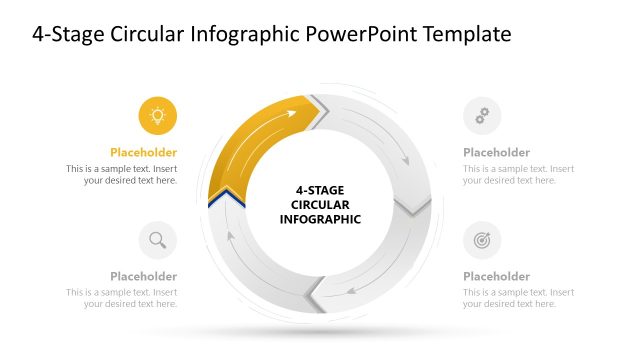
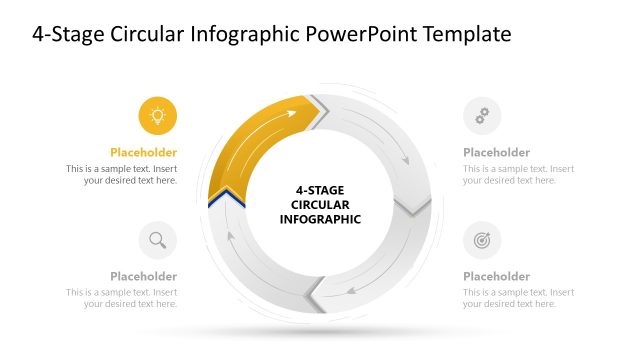
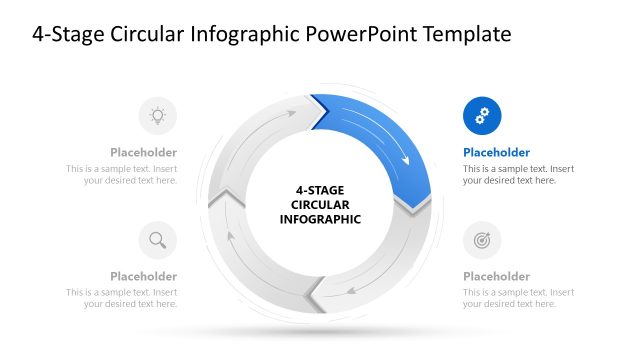
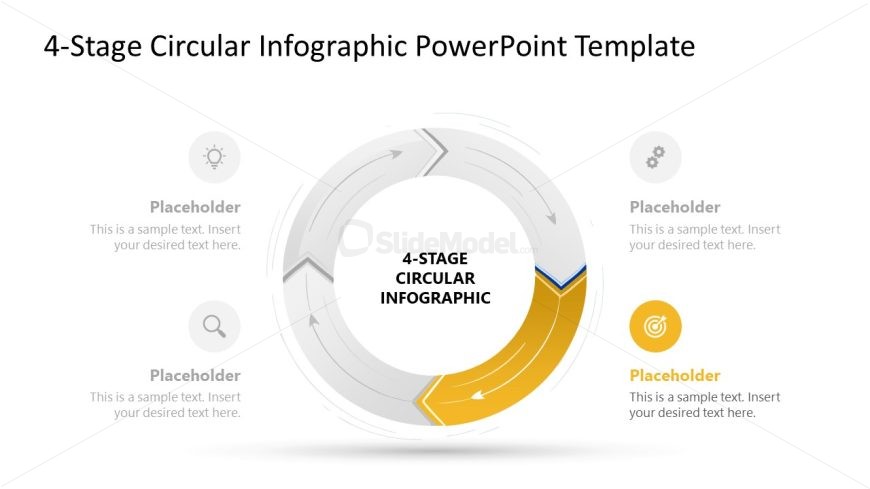
The layout features a circular diagram with four arrows indicating a process flow. Each arrow is positioned around the circle, with one highlighted in yellow. The center contains the title '4-STAGE CIRCULAR INFOGRAPHIC' in bold text. There are four text placeholders, one adjacent to each arrow, aligned vertically. The background is white, enhancing visibility. The arrows are gray and yellow, creating a contrast with the text. The overall composition emphasizes the circular flow and stages of a process, with a clear visual hierarchy.
How to Use It
This layout serves as a circular process diagram, ideal for illustrating multi-stage workflows or cyclical processes. It fits well in presentations discussing operational strategies, project phases, or continuous improvement methodologies. This slide is effective in training sessions or reports where visualizing stages is essential. It can be used individually to highlight specific processes or as part of a larger presentation to maintain a consistent visual theme.
Text Placeholders & Capacity
Keep your copy within these limits so it fits without resizing. Node body slots can hold about 10 words each.
| Placeholder | Count | Max characters (approx.) |
|---|---|---|
| Slide title | 1 | 30 |
| Item body | 4 | 50 |
Slide Keywords
Download unlimited PowerPoint templates, charts and graphics for your presentations with our annual plan.
DOWNLOAD